10
9
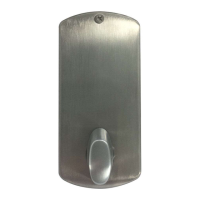
8-4.
8-3.
IMPORTANT: Tailpiece X must be inserted
in the horizontal slot in order to change
your combination.
5) Make sure that assemblies A and B are
correctly centered over the holes,
figure 8-4.Tighten the thru-bolts evenly.
Uneven tension could cause a
malfunction of the lock.
Checking the Lock’s
Operation
IMPORTANT: The following steps MUST
be performed while the door is open.
1) Turn the outside thumbturn to the
left (counterclockwise) until it stops,
then release it.
2) Press the preset factory combination
(2 and 4 pressed together, release, then 3,
and release). A distinctive click must be
felt to indicate that the buttons have been
correctly depressed.
3) Turn the outside thumbturn to the right
(clockwise) until it stops; the latch
should fully retract, figure 9-1. If the
latch does not retract, turn the thumbturn
to the left (counterclockwise) until it stops.
Release it and repeat Step 2.
4) Release the outside thumbturn; the latch
will return to its fully extended position.
5) Turn the inside thumbturn A in either
direction until it stops; the latch will
retract as in Step 3.
6) Release the inside thumbturn and the
latch will return to its initial fully
extended position.



 To Next Page
 Loading...