80
EN
• Due to different network situation, control process may return time-out sometimes. If this
situation occurs, the display between board and App may not be the same, please do not feel
confused.
NOTE: Company will not be liable for any issues and problems caused by Internet, Wi-Fi Router
and Smart Devices. Please contact the original provider to get further help.
3. DOWNLOAD AND INSTALL APP
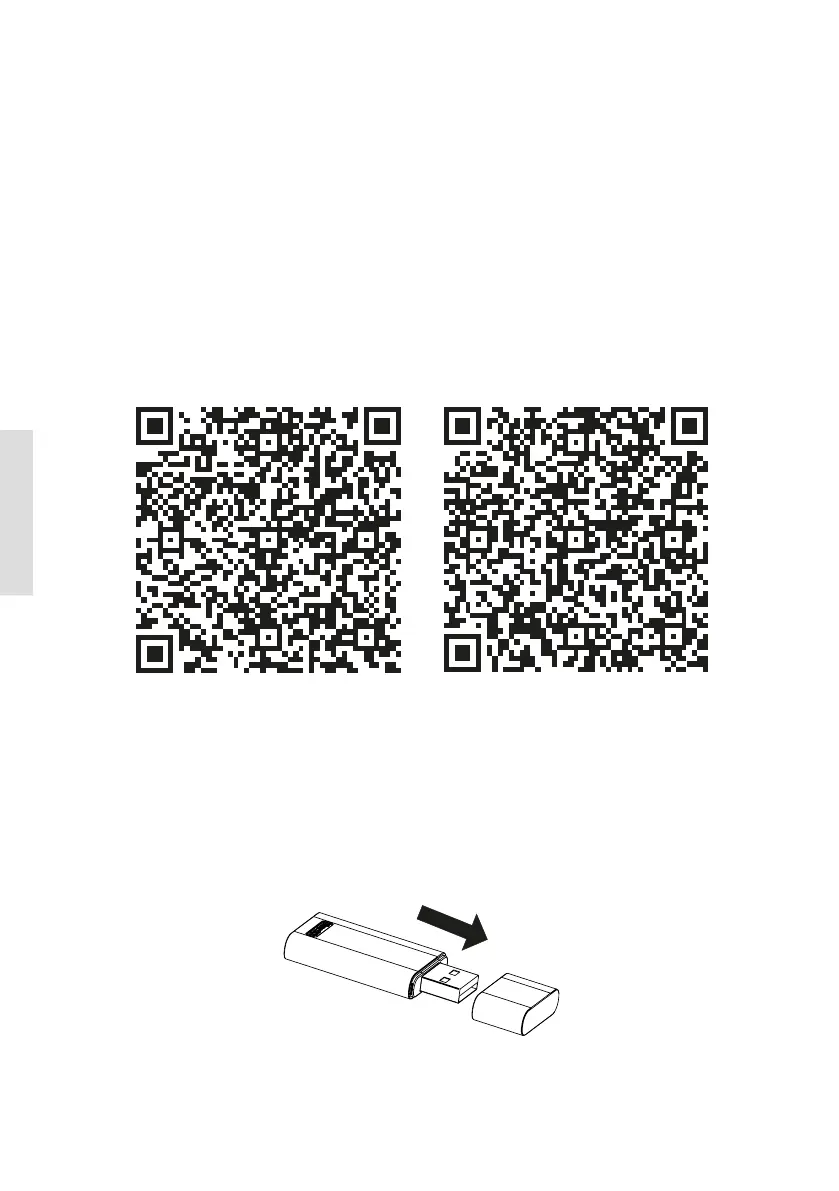
Caution: QR Code A and QR Code B is only available for downloading APP.
QR Code A QR Code B
• Android Phone users: scan QR Code A or go to google play, search ‚Nethome Plus’ app and
download it.
• Iphone Users: scan QR Code B or go to App Store, search ‚Nethome Plus’ app and download it.
4. INSTALL THE SMART KIT
1. Remove the protective cap of the smart kit.
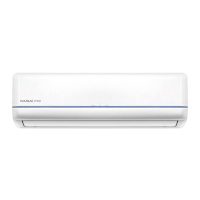
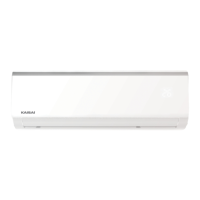
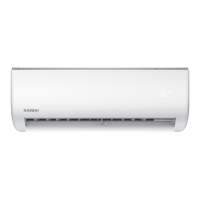
2. Open the front panel and insert the smart kit into the reserved interface.



 To Next Page