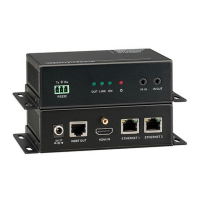
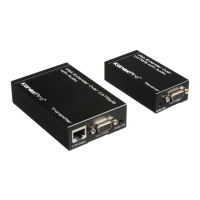
5. Operation Controls and Functions
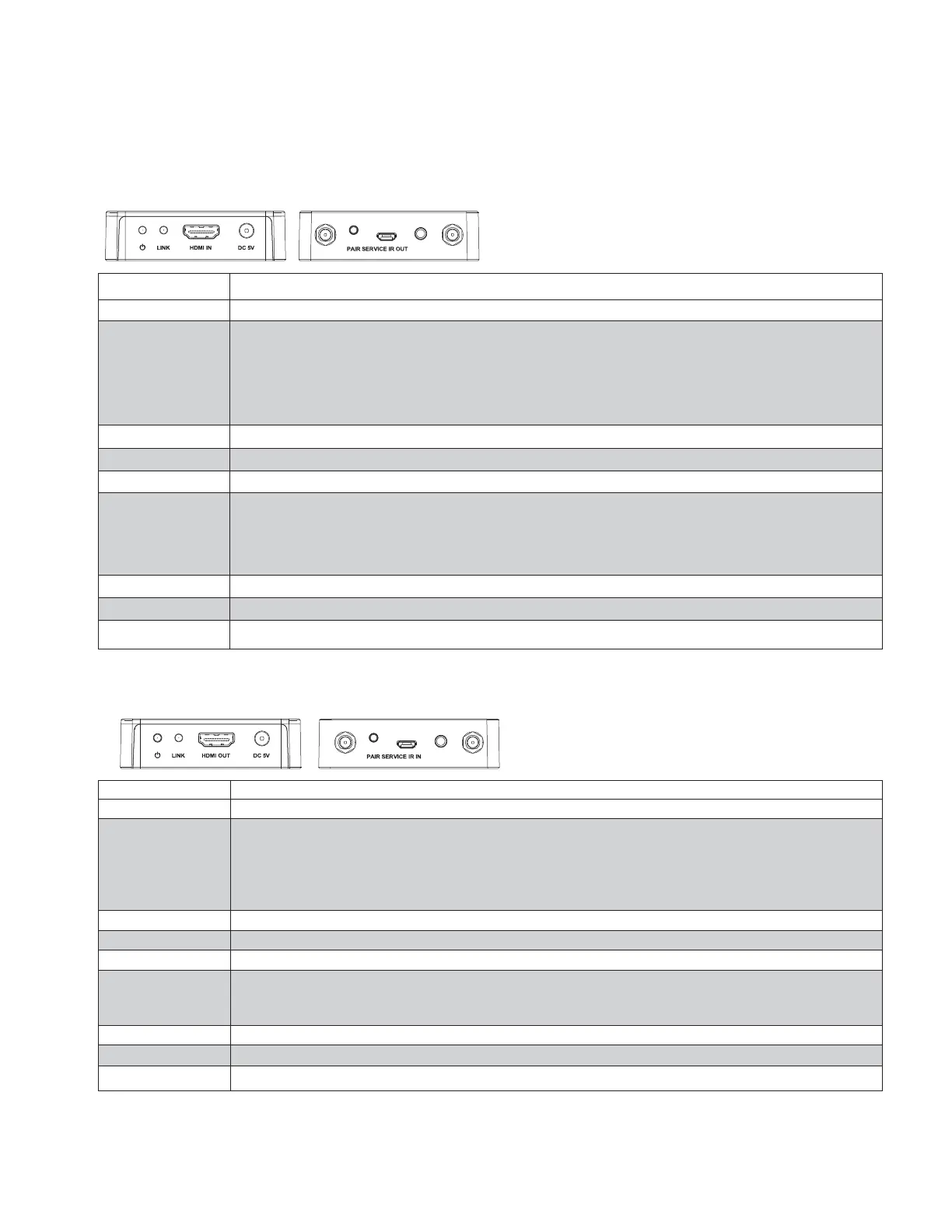
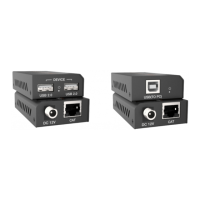
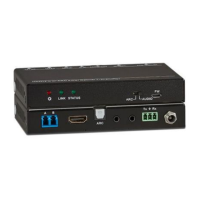
5.1 Transmitter Panel
Red LED indicates that the encoder is powered.
■ Illuminate: Pair success.
■ Flicker quickly: The encoder is pairing.
■ Flicker slowly: The encoder and decoder are transmitting
video signal.
■ Off: No pair or paired success but no signal transmission.
DC 5V for 5V 1A power adapter.
■ Press quickly the button will reset the encoder to factory
default status.
■ Press the button simultaneously both encoder and decoder
for 3 seconds will pair.
IR port output for control of the source device.
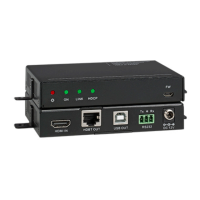
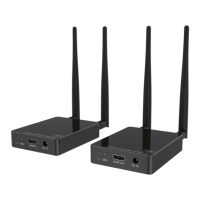
5.2 Receiver Panel
Red LED indicates that the decoder is powered.
■ Illuminute: Pair success.
■ Flicker quickly: The decoder is pairing.
■ Flicker slowly: The encoder and decoder are transmitting
video signal.
■ Off: No pair or paired success but no signal transmission.
DC 5V for 5V 1A power adapter.
■ Press quickly the button will copy the EDID of display device to source device.
■ Press the button simultaneously both encoder and decoder
for 3 seconds will pair.
IR port input to receiving the signal of IR remote.


 To Next Page