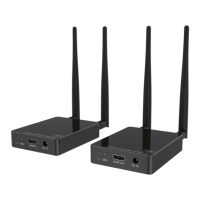
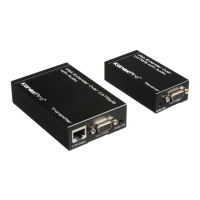
HDBASE100ME
2
2. Introduction of Product Appearance
2.1 Transmitter
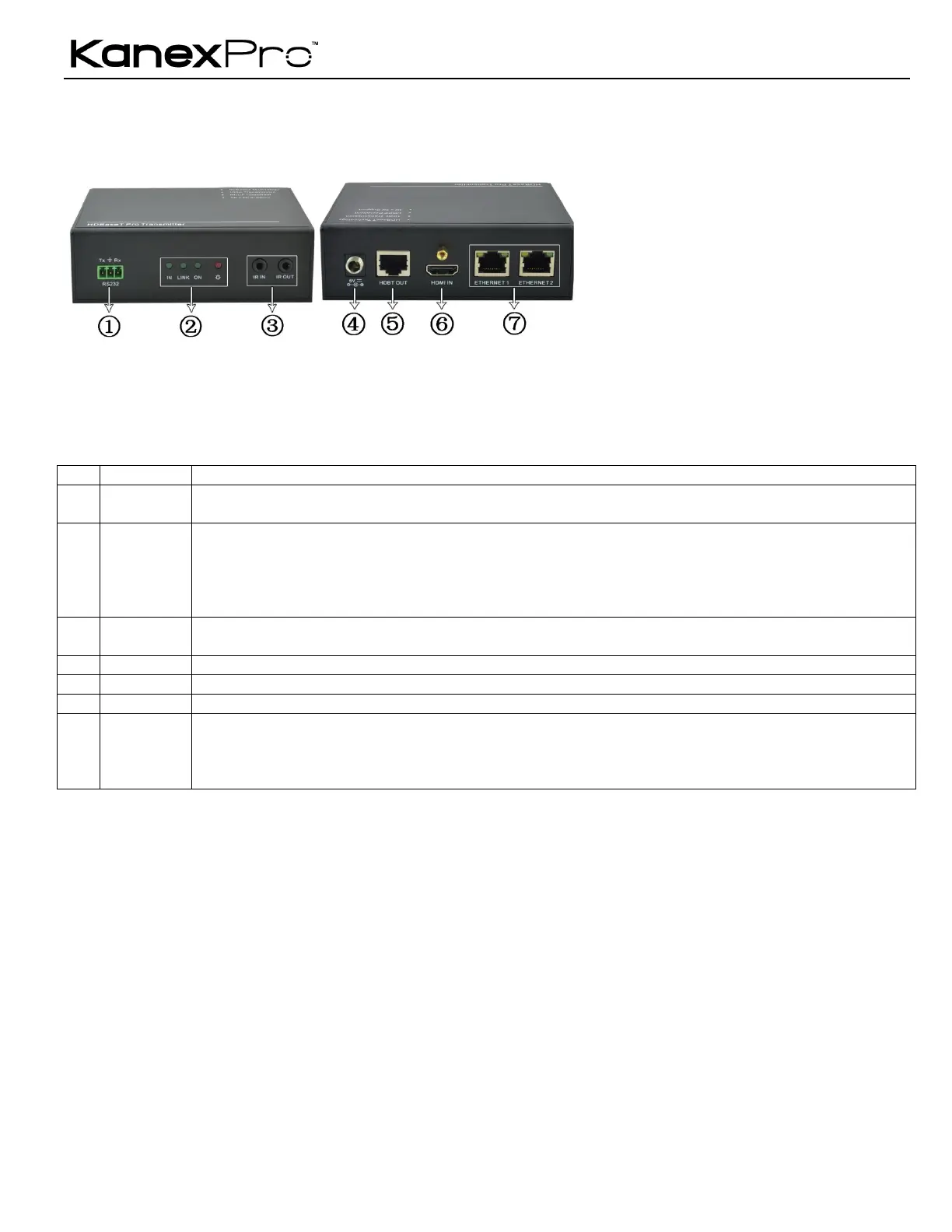
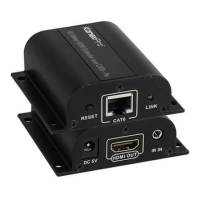
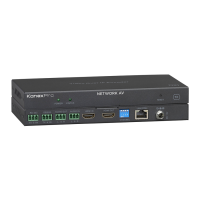
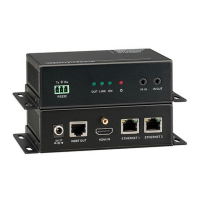
Figure 1 Appearance of the Transmitter
Serial port, 3p captive screw connector, connect with the control terminal to control the controlled terminal,
supports bi-directional RS232 control between the transmitter and the receiver.
" HDCP: When connected with device, which supports HDCP and works normally, this LED will keep on. If the
device does not support HDCP, the LED will blink.
" Link: Twisted Pair Link status indicator. It will keep on when connection is successful.
" Mode: Used to show the working status, blinks when in normal working state, turns off when stop working.
" Power: Turns red and keep on when power on.
" IN: Connect with IR receiver, the IR signal received from this port can only send out in the receiver.
" OUT: Connect with IR Emitter, and the sending IR signal is received from the receiver.
Connect with a DC 5V power adapter.
To connect with the HDBASE100ME port of the receiver by using a single CAT5e cable (100m length in max).
HDMI input port, connect with an HDMI source device.
Ethenet ports, when need to work in a local area network, one of these 4 ports (both the Ethernet ports of the
transmitter and the receiver) should be used for internet access, and the others can be connected with computers.
If they are well connected, the yellow LED indicators on the corresponding ports will keep blink and the green ones
will keep on when working.


 To Next Page