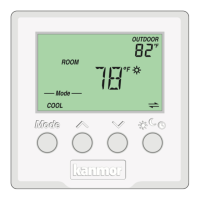
10 of 24© 2011 D 538e - 02/11
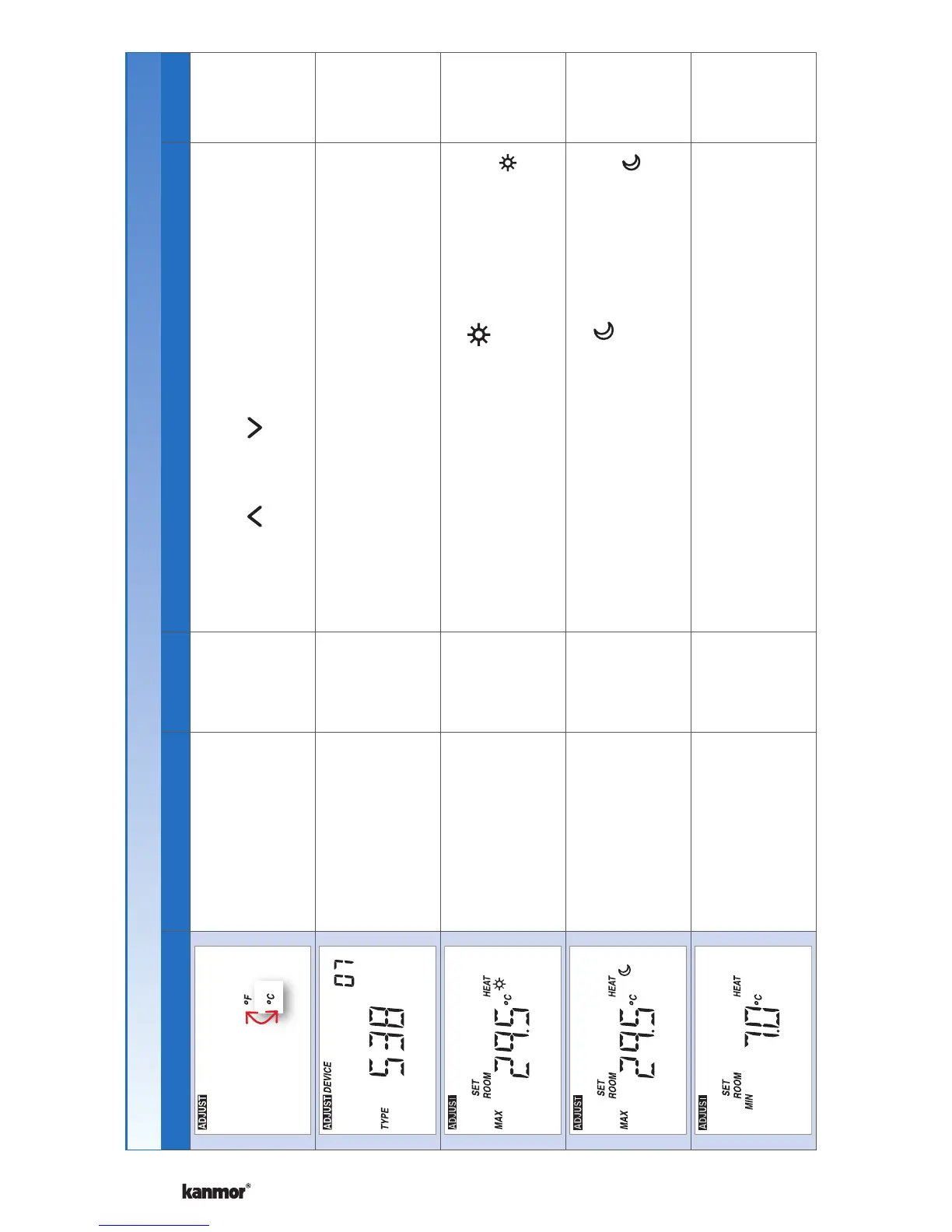
Display Range Access Description Set to
°F or °C
Default = °F
Installer
User
TEMPERATURE UNITS
Press the or the button to change from °F to
°C and vice versa.
Device Type with
Software Version,
Address
Installer
User
DEVICE TYPE
Display alternates between the Device Type (large
number) with Software Version (upper right corner)
and the thermostat address.
40 to 95°F
(4.5 to 35.0°C)
Default = 85°F
(29.5°C)
Installer
MAXIMUM SET ROOM HEAT
Set the maximum room heating limit while in the
event.
40 to 95°F
(4.5 to 35.0°C)
Default = 85°F
(29.5°C)
Installer
MAXIMUM SET ROOM HEAT
Set the maximum room heating limit while in the
event.
40 to 95°F
(4.5 to 35.0°C)
Default = 45°F
(7.0°C)
Installer
MINIMUM SET ROOM HEAT
Set the minimum room heating limit.
Settings (3 of 7)
Continued on next page.


 To Next Page
 Loading...