9 of 24 © 2011 D 538e - 02/11
Settings (2 of 7)
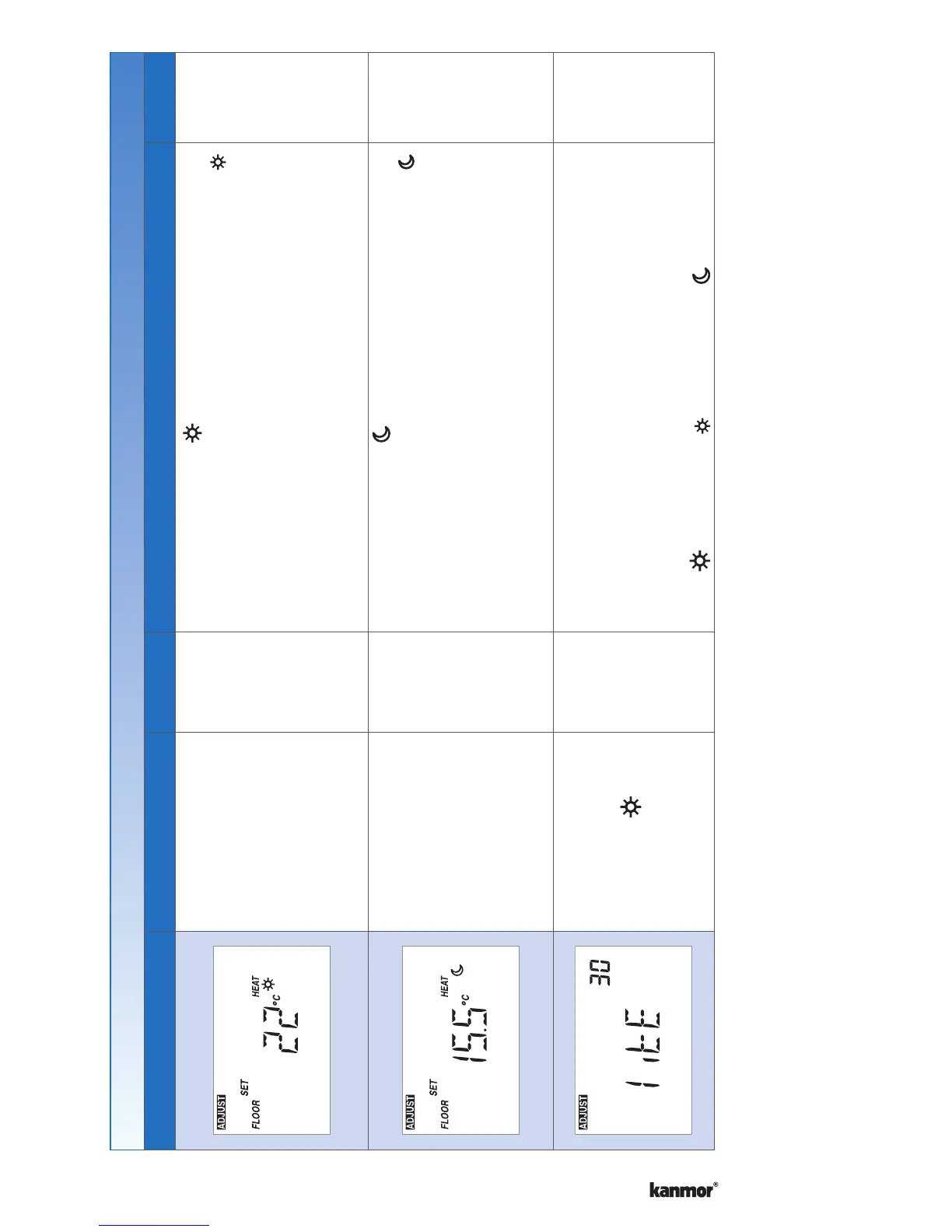
Display Range Access Description Set to
40 to 122°F
(4.5 to 50.0°C)
Default = 72°F
(22.0°C)
Installer
User
SET FLOOR HEAT
Set the floor heating temperature while in the
event.
Available when:
A slab sensor is installed on the auxiliary sensor
input AND Sensor setting in the Adjust menu is set
to Floor AND Room Sensor setting in the Adjust
menu is set to Off.
•
40 to 122°F
(4.5 to 50.0°C)
Default = 65°F
(18.5°C)
Installer
User
SET FLOOR HEAT
Set the floor heating temperature while in the
event.
Available when:
A slab sensor is installed on the auxiliary sensor
input AND Sensor setting in the Adjust menu is set
to Floor AND Room Sensor setting in the Adjust
menu is set to Off.
•
Off, 30 sec, On,
On +
Default = 30 sec
Installer
User
BACKLIGHT
Select the backlight operation.
Off = Permanently Off
30 = Temporary on for 30 seconds
On = Permanently On
On + = On during and off during
Continued on next page.


 To Next Page