12 of 24© 2011 D 538e - 02/11
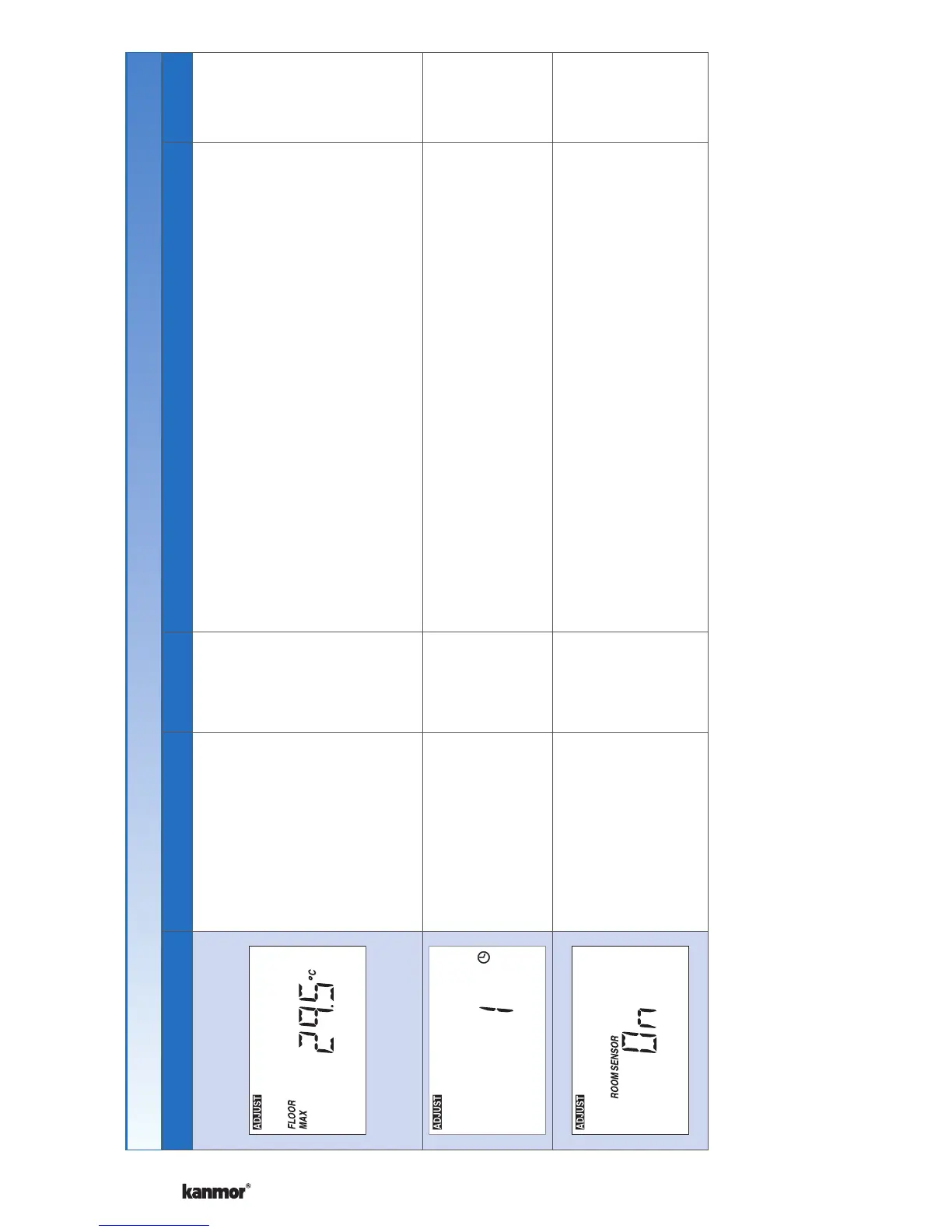
Display Range Access Description Set to
40 to 122°F, Off
(4.5 to 50.0°C,
Off)
Default = 85°F
(29.5°C)
Installer
FLOOR MAXIMUM
Set the floor maximum temperature in order to protect
the floor covering.
Available when:
Room Sensor setting in the Adjust menu is set to
On AND
A slab sensor is installed on the auxiliary sensor
input AND
Sensor setting in the Adjust menu is set to Floor.
•
•
•
1, 2, 3, 4
Default = 1
Installer
SCHEDULE
Thermostat can follow schedule master 1, 2, 3, or 4.
Available when:
Switch setting 1 is set to Setback (On Position).•
On or Off
Default = On
Installer
ROOM SENSOR
Select whether the built-in air temperature sensor is
on or off.
Available when:
A floor sensor or room sensor is installed on the
auxiliary sensor input.
Settings (5 of 7)
Continued on next page.


 To Next Page