14 of 24© 2011 D 538e - 02/11
Display Range Access Description Set to
01 to 24
(no reset control),
b:01 to b:24
(reset control - boiler),
1:01 to 1:24
(reset control - mixing)
Installer
tekmarNet
®
ADDRESS
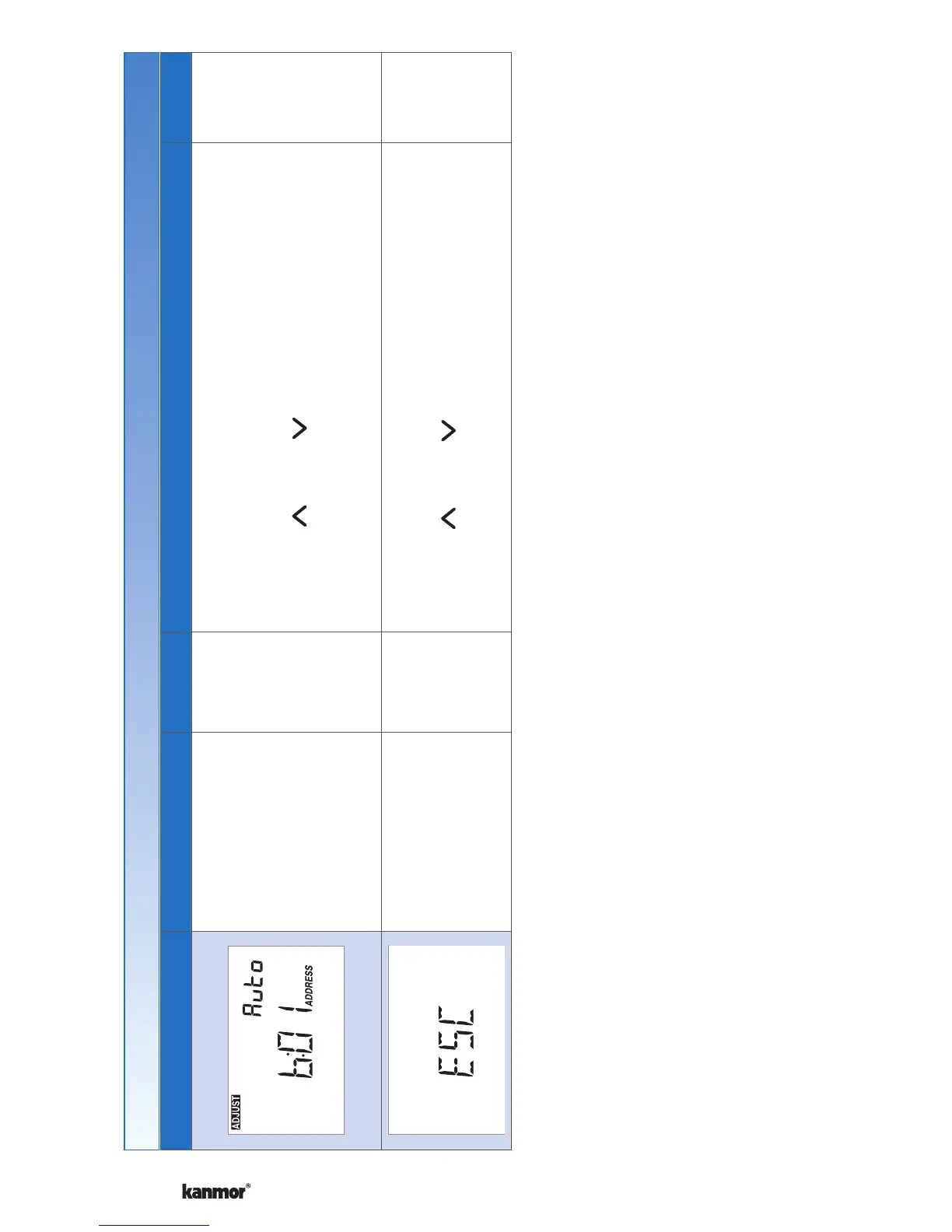
The address is shown in the large number field. “Auto” is
shown in the upper number field when using automatic
addressing.
Press the
or the button to manually select
an address.
The address can be returned to automatic “Auto”
addressing when address set above 24.
None
Installer
User
ESCAPE
Press the or the button to return to normal
operation.
Settings (7 of 7)


 To Next Page