4
Front & Rear Panels
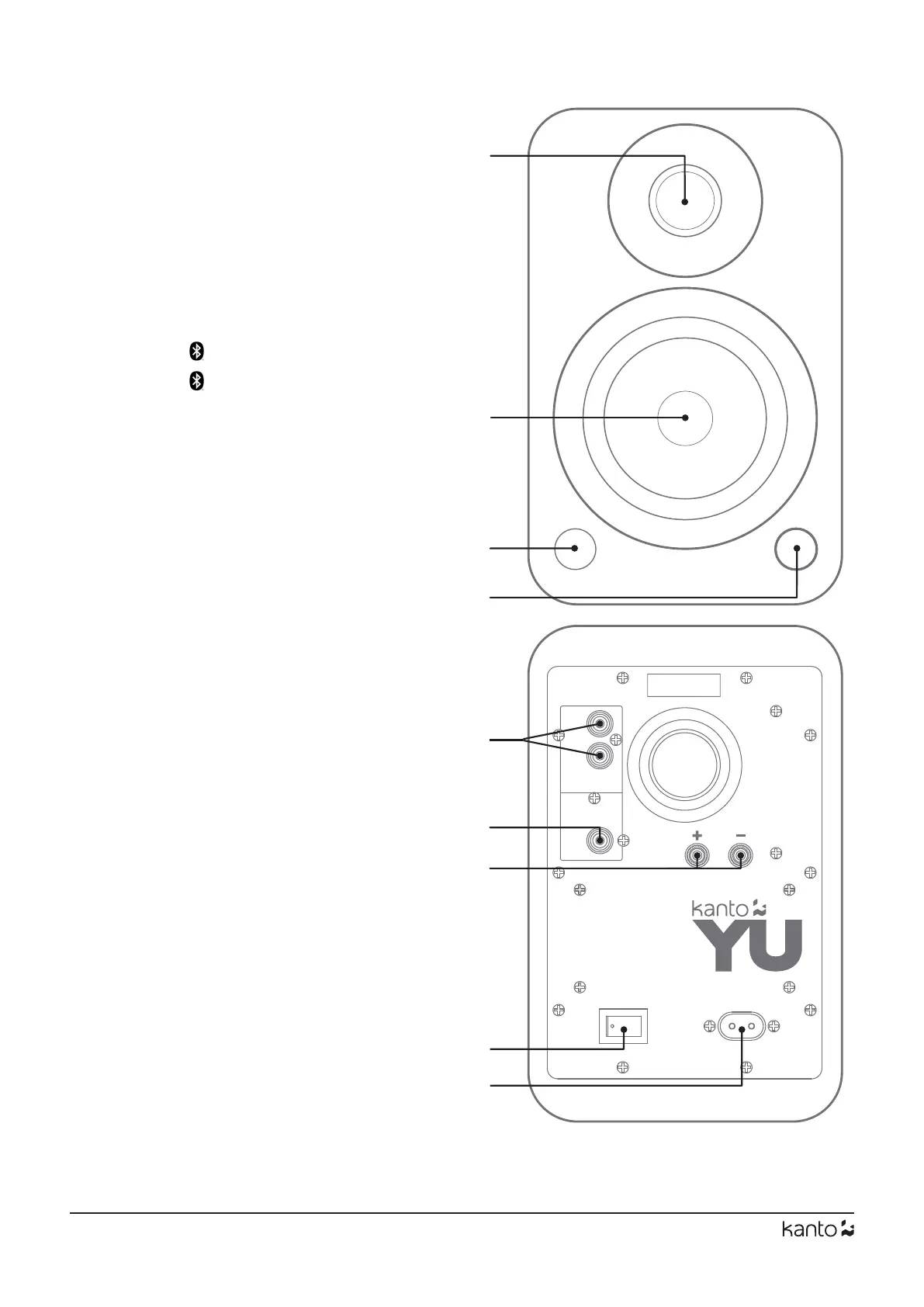
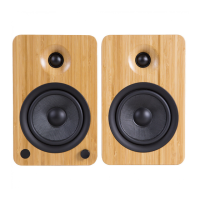
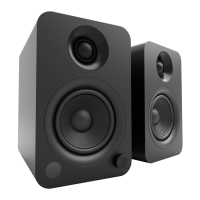
FRONT PANEL
1 1” Silk Dome Tweeter
2 4” Kevlar
®
Woofer
3 LED
White - Power on / Playback Mode
Yellow - Standby (solid)
- Mute (ashing)
Blue - Discover Mode (ashing)
- Paired (solid)
4 Volume / Input Select / Standby / Wake-up
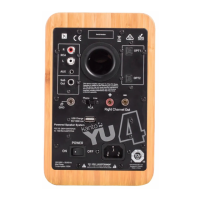
REAR PANEL
5 RCA L/R Input
6 Subwoofer Output
7 Right Channel Output Terminals (+ and −)
for Passive Speaker Connection
8 ON / OFF Switch
9 AC Input Connection (100 V - 240 V)
YU’s volume knob functions as an input
select knob as well.
Push the knob to toggle the input source
between RCA and Bluetooth
®
, depending
on what input was most recently used.
Push and hold the knob to enter standby
or wake up from standby.
Volume / Input Select Knob
Serial Number
ON OFF
POWER
Right Channel Out
Sub
Out
L
R
RCA
2
3
4
6
5
7
8
9
1


 To Next Page