CONNECT COMPUTER
8
If you have a C-64, C-128, VIC-20, PCjr, Radio Shack Color Computer, TRS Model 100 or an Atari
850, some limited information follows. For a description of the functions of the TNC pins refer to
the previous information.
Commodore C-64, C-128 or VIC-20
If you are using an RS-232 adapter follow the previous instructions for Cable Wiring. If you are not
using an RS-232 adapter, remember to change the TNCs RS-232/TTL Internal Jumper from
RS-232 to TTL (see beginning of this chapter). Many programs will only require TXD, RXD and SG.
If using hardware flow control, RTS and CTS will also be required.
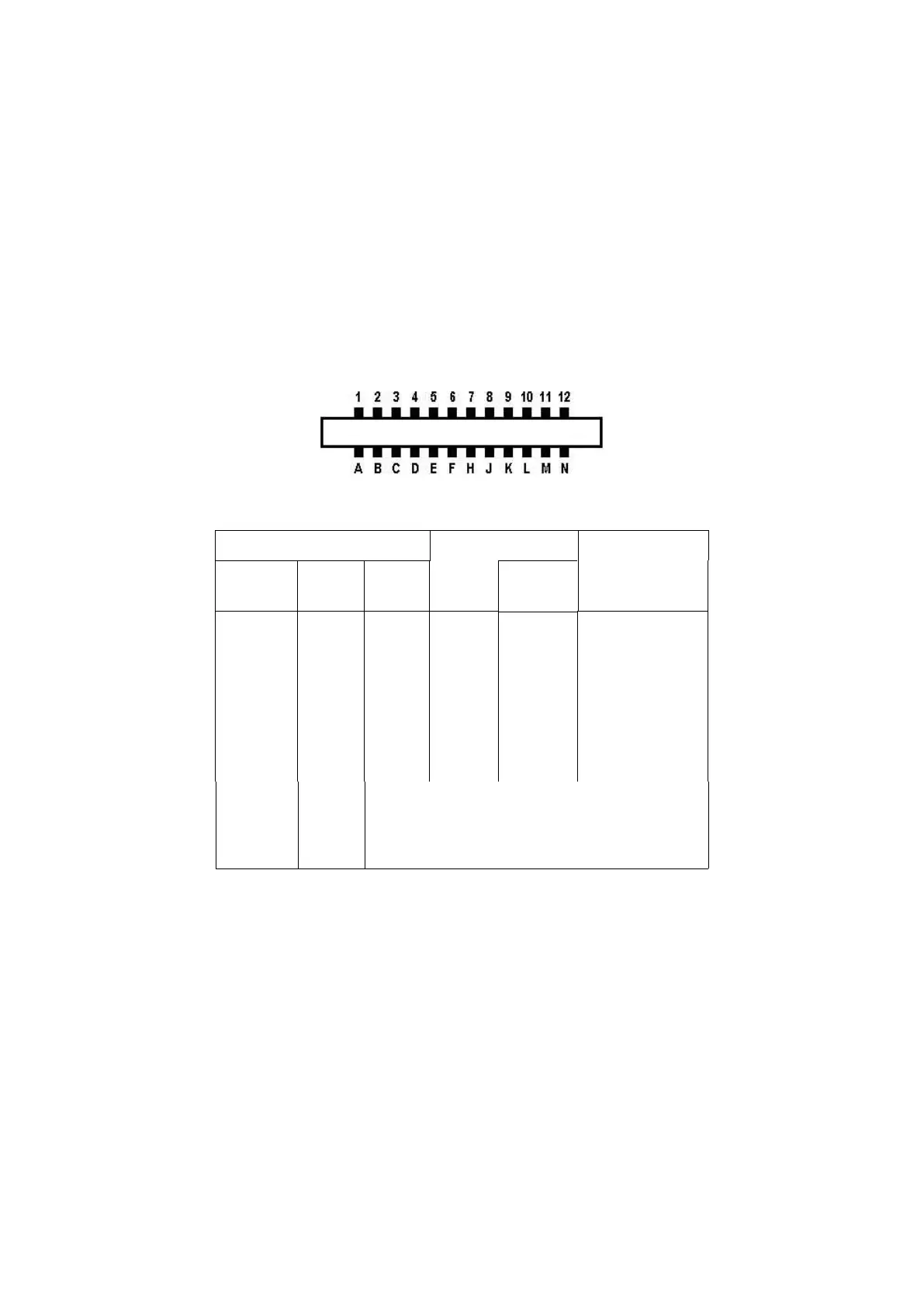
Commodore User Port
24 pin Double-Sided Card Edge Connector
Looking at Back of computer or Back (wiring side) of connector
white
red
orange
green
brown
yellow
blue
purple
(KAM) To external scope, if desired
(KAM) To external scope, if desired
(KPC-2) DO NOT CONNECT TO COMPUTER
DO NOT CONNECT TO COMPUTER
PCjr
The IBM PCjr has a built-in terminal program in the basic cartridge. The terminal mode is started
by typing TERM. Consult the PCjr Technical Reference Manual for pin-out requirements for the PCjr
serial port. You will have to buy a special connector from your computer dealer for the PCjr.



 To Next Page