CONNECT COMPUTER
9
Radio Shack Color Computers
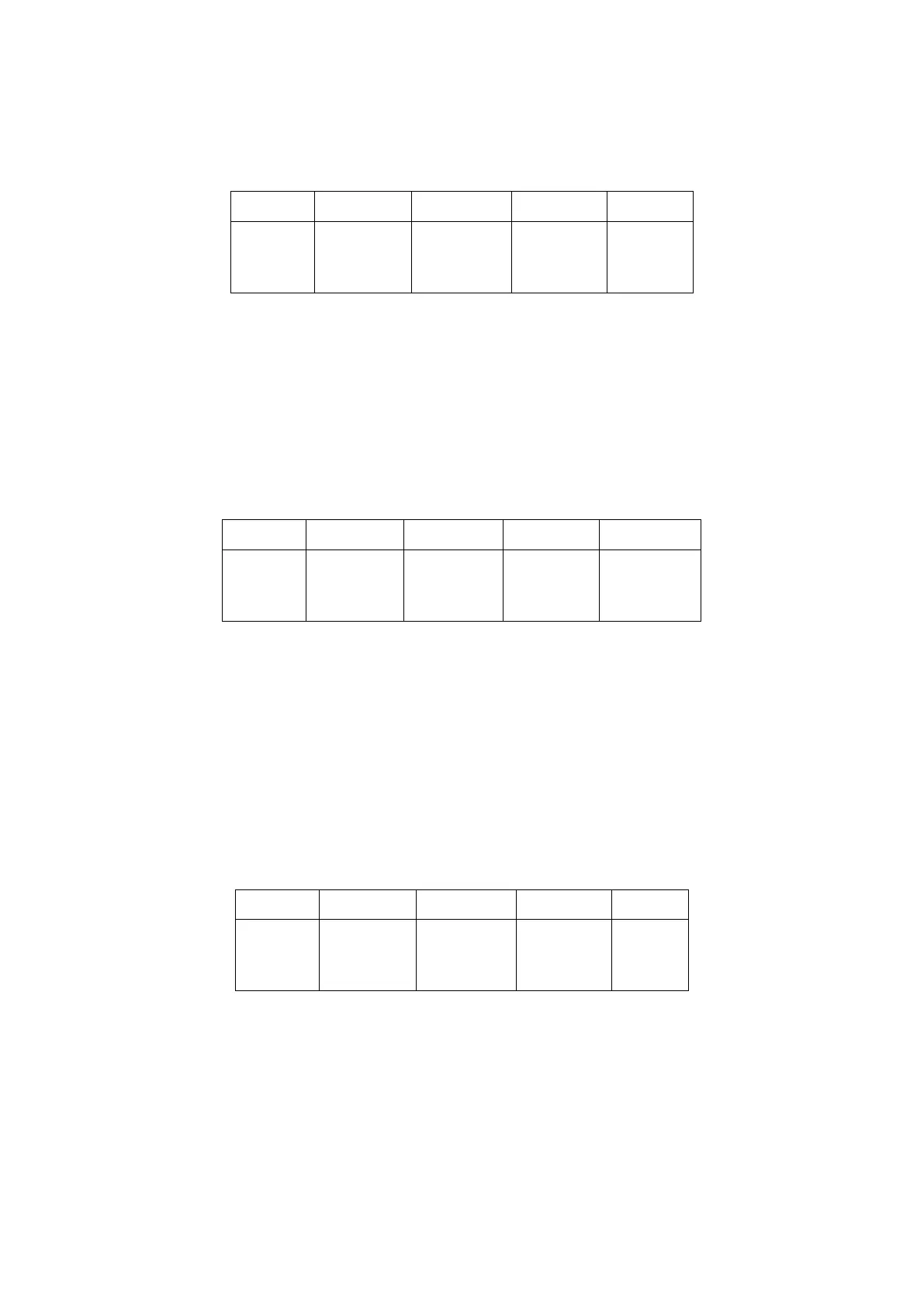
The serial port of the color computer uses a 4-pin DIN plug. Pin connections at the port are shown
in the pin table below:
This is known as a three-wire interface and therefore requires the use of software flow control.
This cabling supports the TRS VIDTEX program. If you have a micro-color computer, such as the
MC-10, cabling is different; consult your computer reference manual.
You may also use the Radio Shack Deluxe RS-232 Program Pak. This is a plug-in module for the
TRS-80 Color Computer line which is available from Radio Shack Stores.
The Deluxe RS-232 Pak has a standard DB-25 serial port connector to which you connect the TNC
using the following configurations:
You must also install a jumper between pin 8 and pin 20 on the DB-25 connector of the Deluxe
RS-232 Pak. It is not necessary to connect RTS/CTS lines. Since these lines are not connected, you
must use software flow control. Configure the Deluxe RS-232 Pak as outlined in its operation man-
ual, select the Terminal Mode and you will be ready for Packet operation.
TRS Model-100
This computer has a standard RS-232 serial port using a DB-25 connetor wired as DTE. The inter-
nal modem program DOES NOT support CTS/RTS hardware flow control. Be sure to have the TNC
command XFLOW ON so that software flow control (XON/XOFF) will be used. You should make a
three-wire cable as follows:



 To Next Page