22
3.3 Playing Videos and Viewing Pictures
3.3.1 Playing Videos and Emergency Recordings
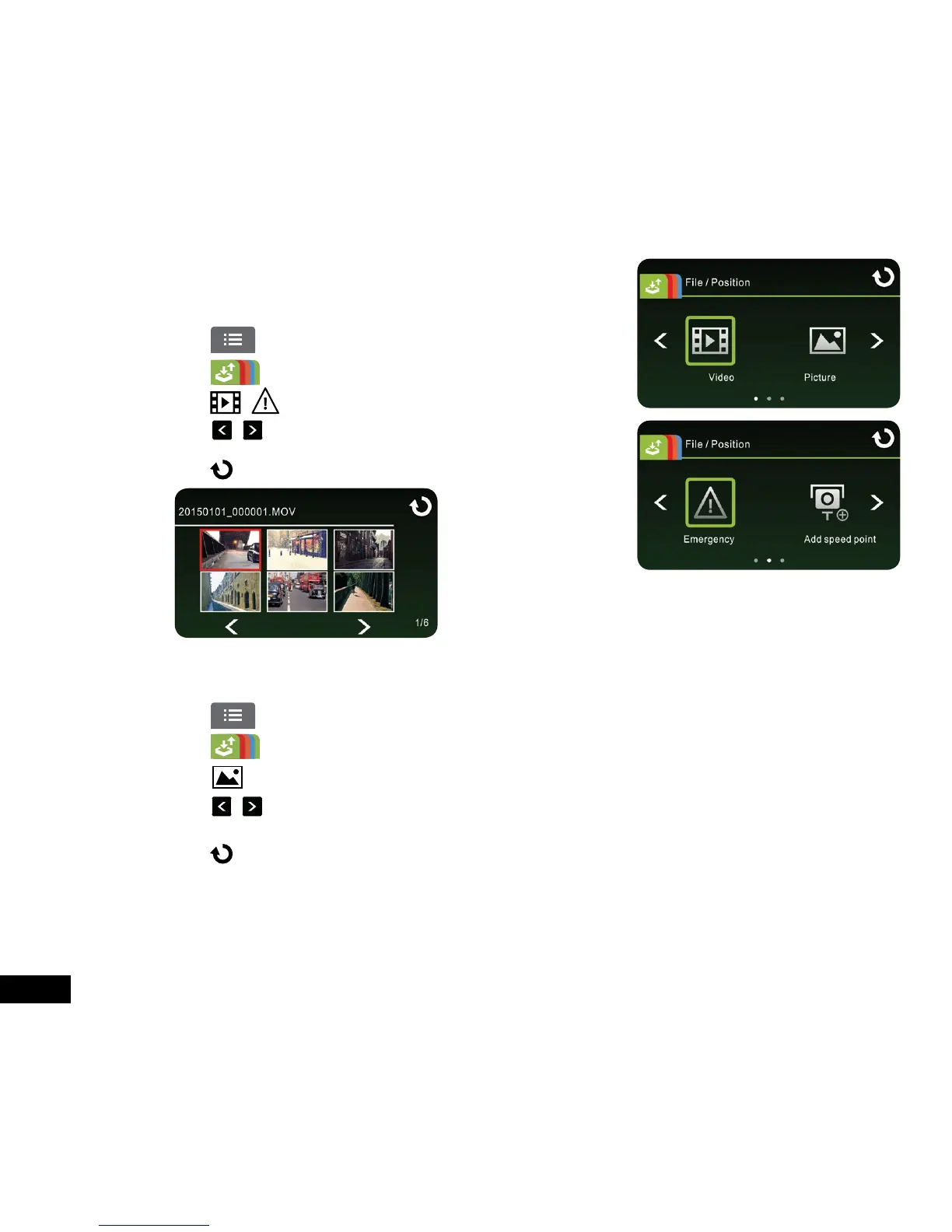
Playback video files as follows:
1. Touch to enter Main Menu
2. Touch to switch over to File / Position menu.
3. Touch / to enter the Video/ Emergency function menu.
4. Touch / to browse for required video file, touch selected preview of
video to enter Playback Mode
5. Touch repetitively to return to Record Screen.
3.3.2 Viewing Pictures
View pictures as follows:
1. Touch to enter Main Menu
2. Touch to switch over to File / Position menu.
3. Touch to enter the Picture function menu.
4. Touch / to browse for required picture files, touch selected preview of picture to enter the Picture Playback
Mode.
5. Touch repetitively to return to Record Screen.



 To Next Page