MACRO REMOTE
SYSTEM
TROUBLESHOOTING
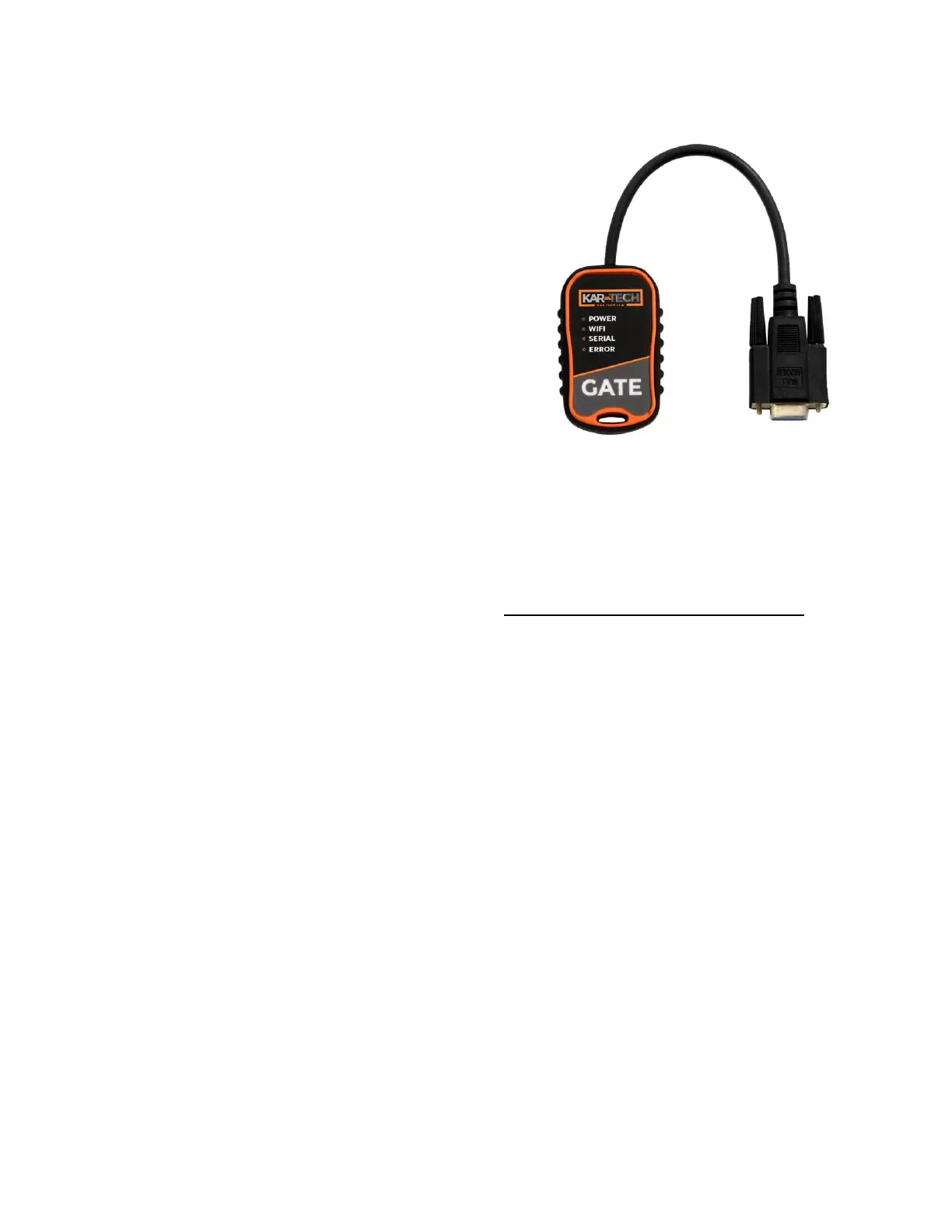
USING OPTIONAL GATE:
The Kar-Tech GATE connects to
the receiver/controller thru the
RS232 diagnostic port.
Note: To prevent electrical
shorts and damage turn
Receiver power off. Plug gate
to the receiver then turn
power on to the receiver.
The GATE creates a Wi-Fi access
point which allows you to
connect to any device with Wi-Fi
and web browser such as smart
phones, pads or personal
computers. It supports Google
Chrome, Internet Explorer,
Firefox and IOS Safari and
allows user to configure,
diagnose and troubleshoot the
system.
Gate Diagnostic Tool
Accessing the control panel
1. Turn off power to the
receiver.
2. Plug in the GATE to the
receiver.
3. Turn on the power to the
receiver. The power LED
on the GATE will turn on at
this point
4. Use your device and look
for the available WiFi
networks. A network under
the name of



 To Next Page