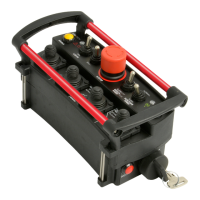
MACRO REMOTE
“TRINITY3A381” should be
available at this point.
Connect to the network, no
password is required.
5. Once the connection is
established, open a web
browser on your device.
Kar-Tech recommends
using the Firefox browser.
6. Enter the address
http://192.168.1.1 in the
address bar
Address Bar
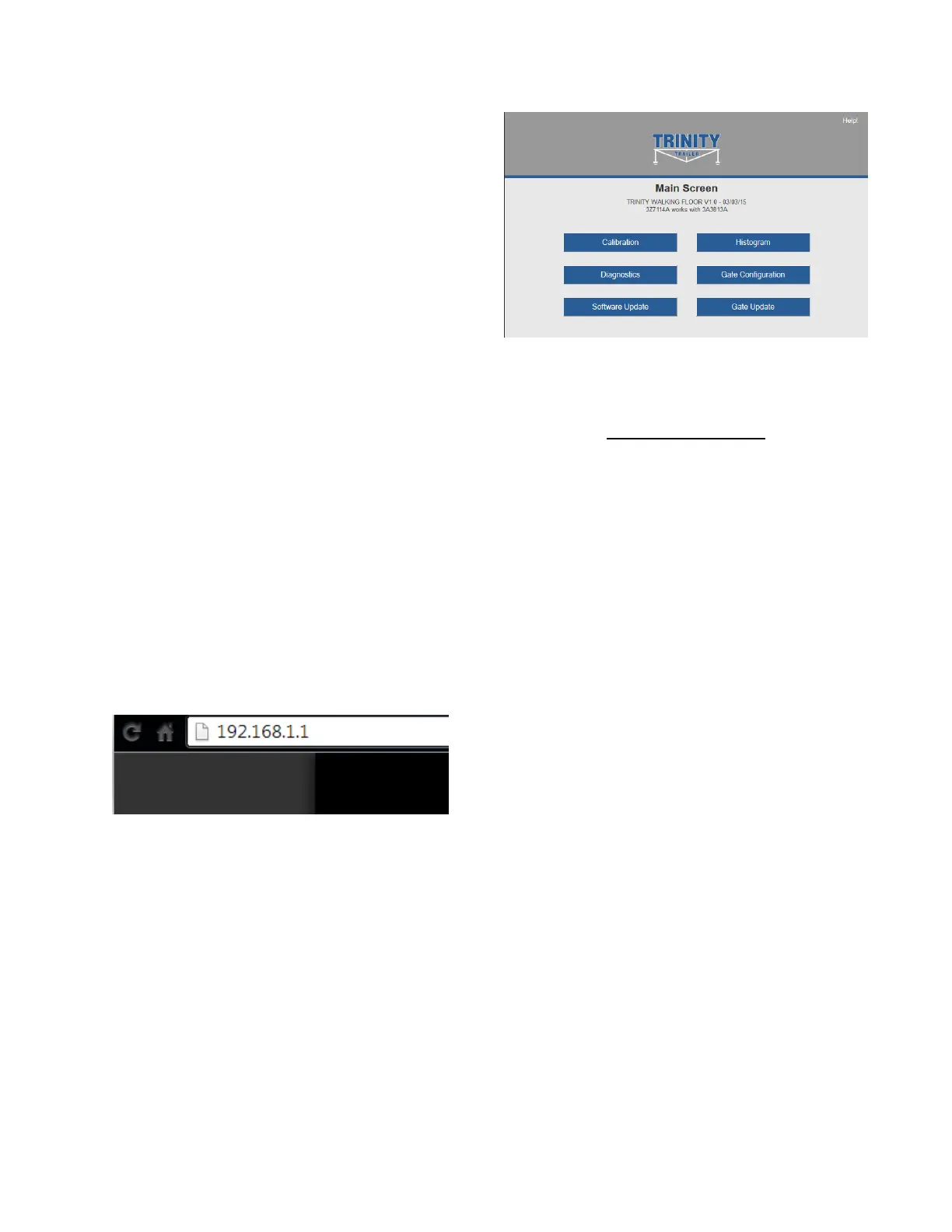
7. The following options are
available from the main
screen.
Main Screen
DIAGNOSTICS
Tap the Diagnostic button to
see the diagnostic screens,
which shows the present state of
remote communications, and
system I/O.
When the round circle next to a
label is dark, the corresponding
ON/OFF input or output is
sensed to be active or ON.



 To Next Page