MACRO REMOTE
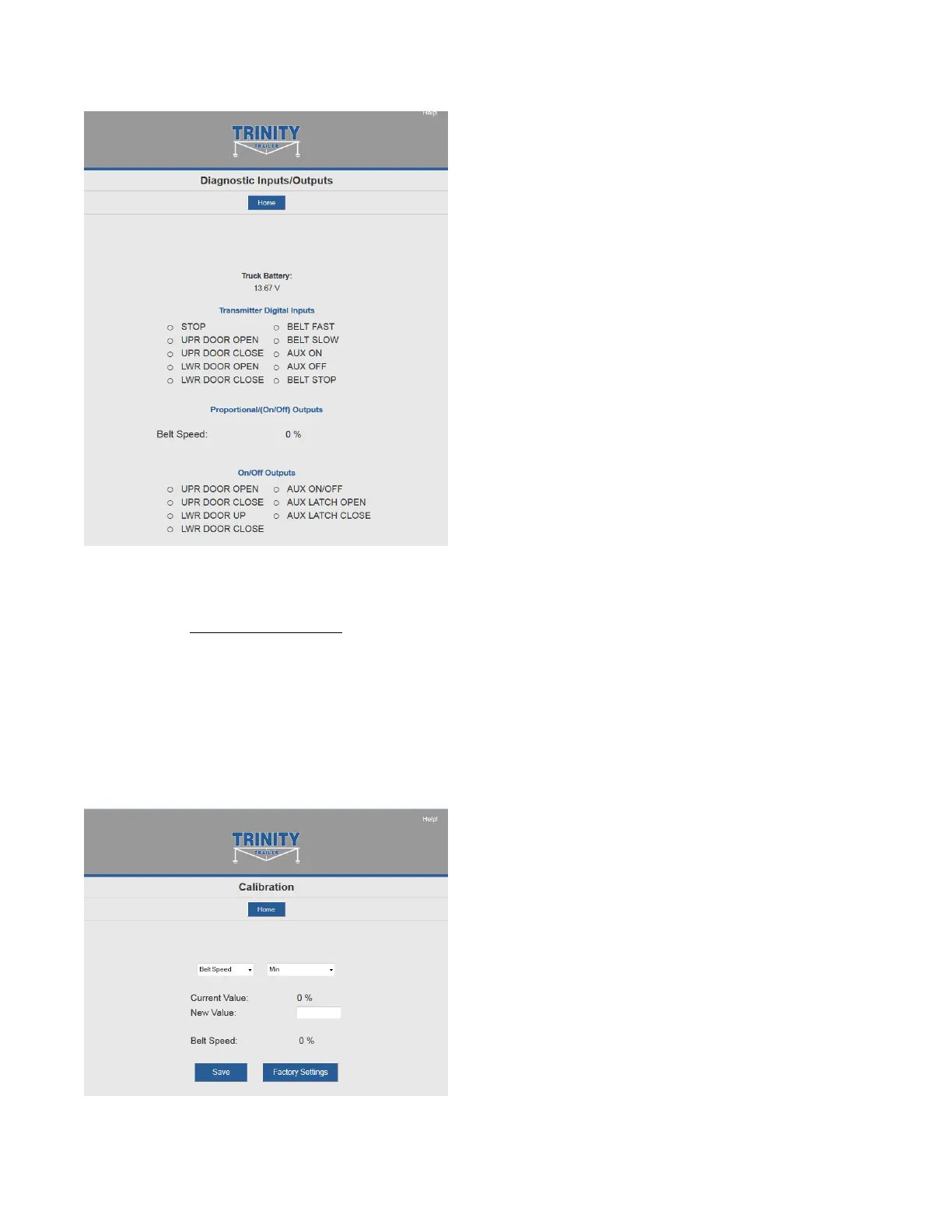
Diagnostics
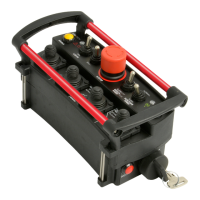
CALIBRATION
To change the configuration of
the unit, tap the Calibration
icon.
Calibration
The password to gain access to
the calibration screens is 1262.
To adjust a proportional output’s
configuration, use the following
procedure:
1. Select the output to change
from the first drop-down
menu
2. Select the parameter of the
output to change from the
second drop-down menu
a. Min – Minimum
amount of output
valve
b. Max – Maximum
amount of valve in
percentage of PWM
c. Ramp Up – Time in
seconds for the Belt
output to come on
d. Ramp Down – Time in
seconds for the Belt



 To Next Page