WLAN VDSL Gateway User Manual
12
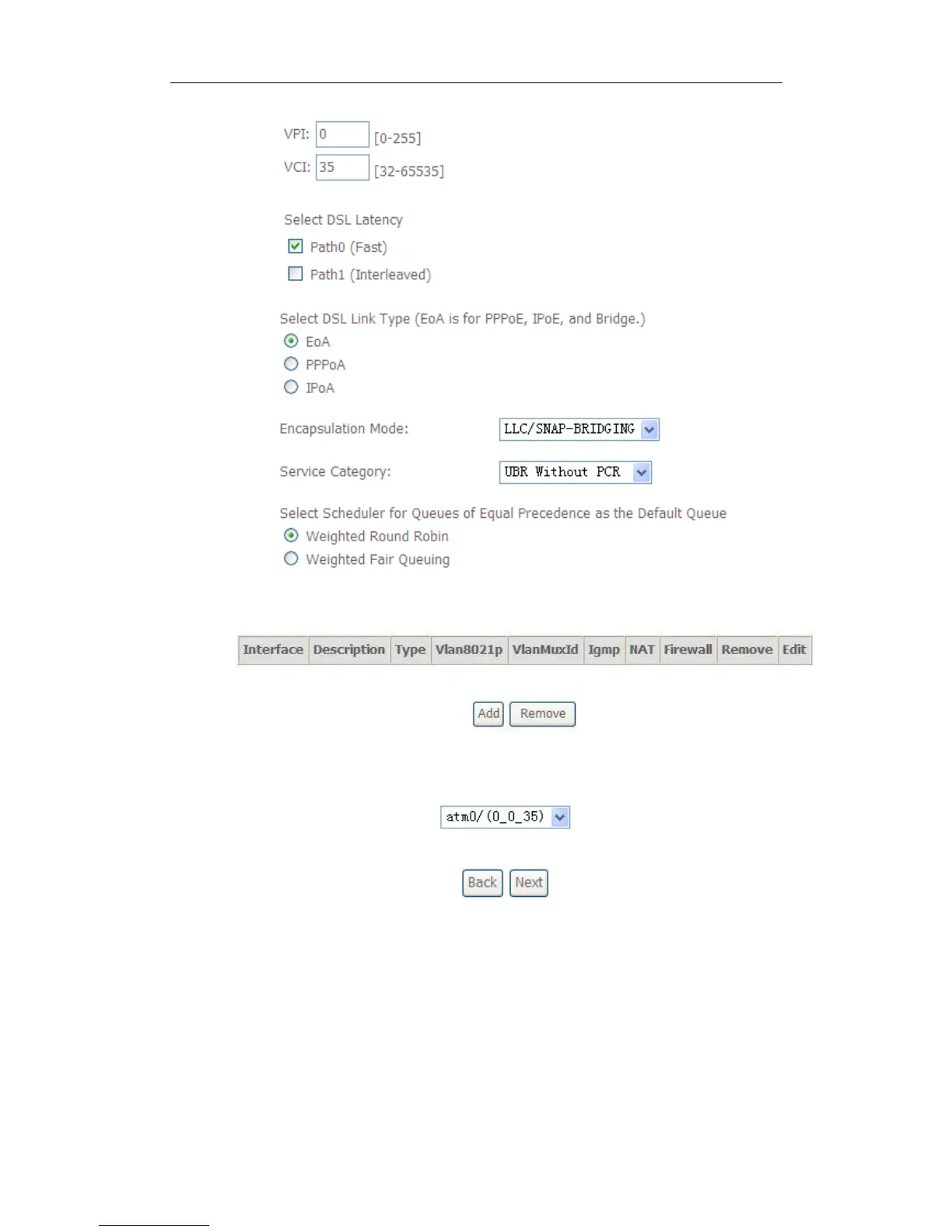
3. Click WAN Service from the left menu.
4. Click Add to select a layer 2 interface for this service and then click Next.
5. Choose WAN service type, just choose PPPoE for example here. You can
enter your own service description here if you want and then click Next.



 To Next Page