WLAN VDSL Gateway User Manual
38
5.4.3Printer Server Installations
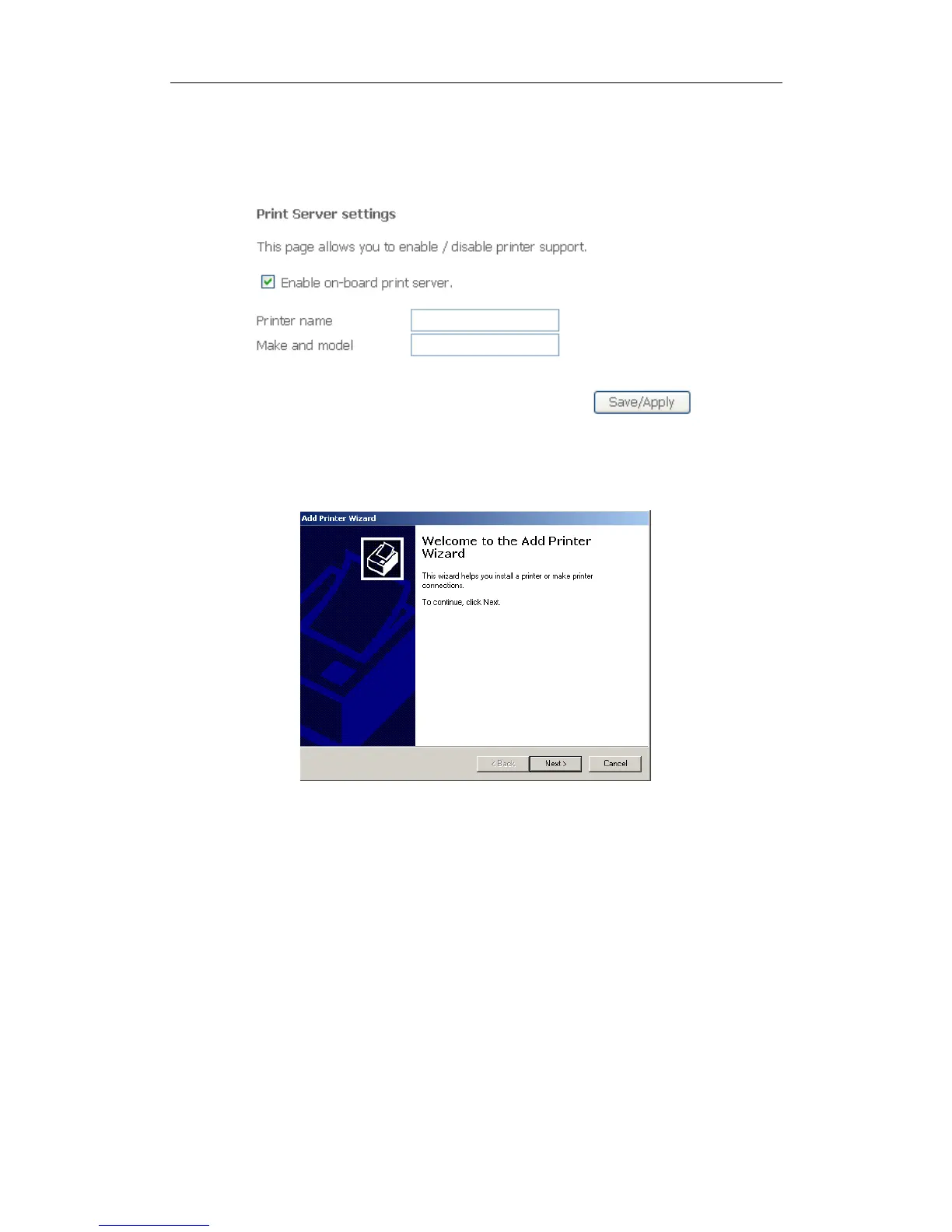
1. Click “Advanced setupPrint Server” and then Check “Enable on-board printer
server” and key in “Printer name”, “Make and model”
2. Click on Add a printer from Control Panel of the Windows computer and click
“Next”.
3. Select “Network Printer” and click “Next”.



 To Next Page