WLAN VDSL Gateway User Manual
35
the weaknesses in WEP. Any client capable of WPA encryption should use
it instead of WEP.
WPA (PSK) — This is WPA encryption combined with a pre-shared key
(PSK), which is a text string known only to the gateway and authorized
wireless clients. The gateway rejects the login if the client's PSK does not
match.
WPA2 — WPA2 is a more advanced encryption method than WPA. Because
it is a more recent standard, some of user’s wireless devices might not be
able to use it.
WPA2 (PSK) — This option uses WPA2 with a pre-shared key.
WPA2 and WPA — This option supports WPA2/WPA encryption for devices
capable of one or the other standard. The gateway automatically detects
whether a particular device can use WPA2 or WPA.
WPA2 AND WPA (PSK) — This has WPA2 or WPA encryption based on
client abilities, as well as a pre-shared key.
After making changes, click Apply to save.
5.4 Management
5.4.1 Remote Access
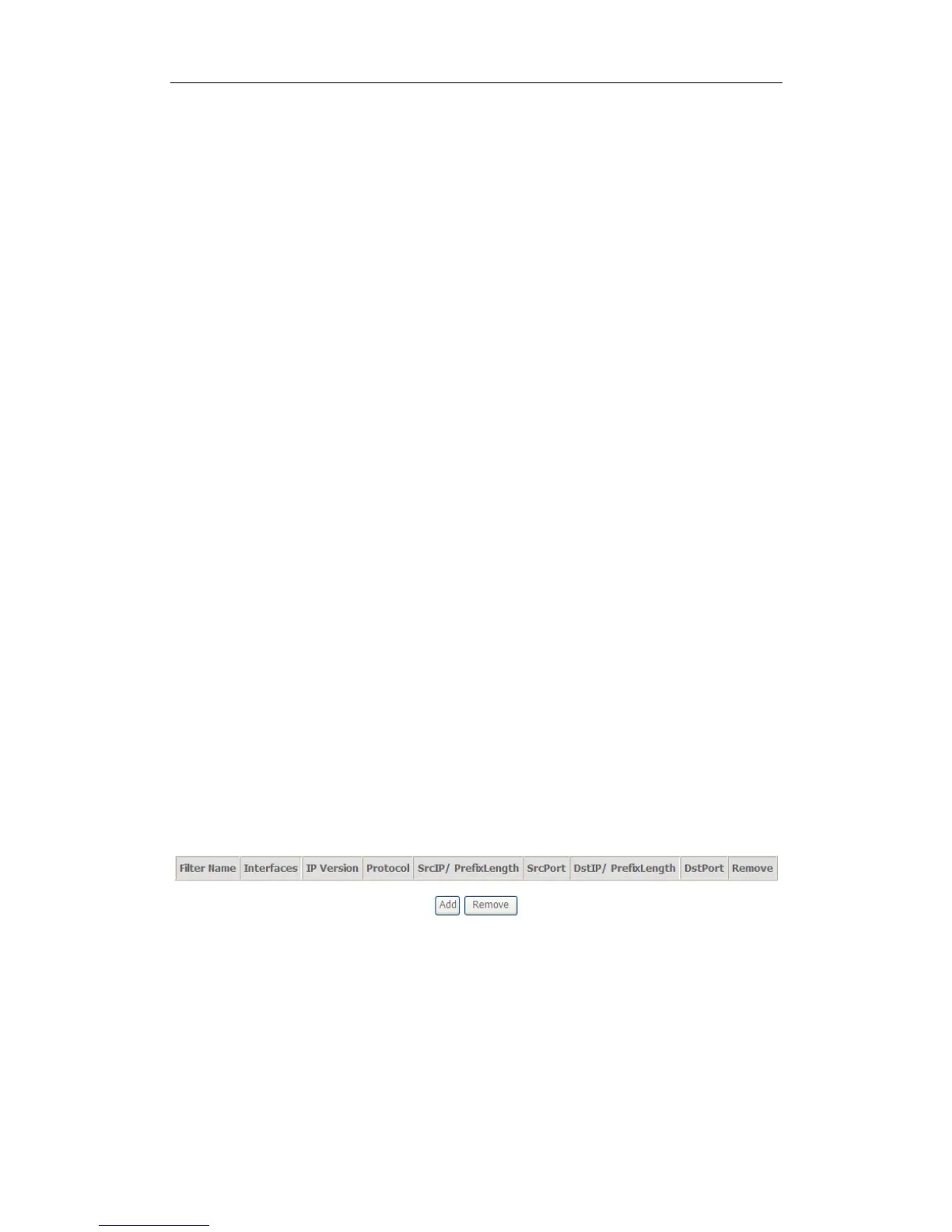
When the firewall is enabled on a WAN or LAN interface, all incoming IP traffic is
BLOCKED. However, some IP traffic can be ACCEPTED by setting up filters.
1. Select Advanced Setup=>Security=>IP Filtering=>Incoming and Choose Add
or Remove to configure incoming IP filters.
2.Click Add to add rules. If you want to do remote ping test, please select protocol
as ICMP; If you want to do Http or Telnet test, please select protocol as TCP/UDP.
If you want only Http remote access, you can set destination port as 80; If you
want only Telnet remote access, you can set destination port as 23; If you want
both, you can set destination port as blank.


 To Next Page