WLAN VDSL Gateway User Manual
19
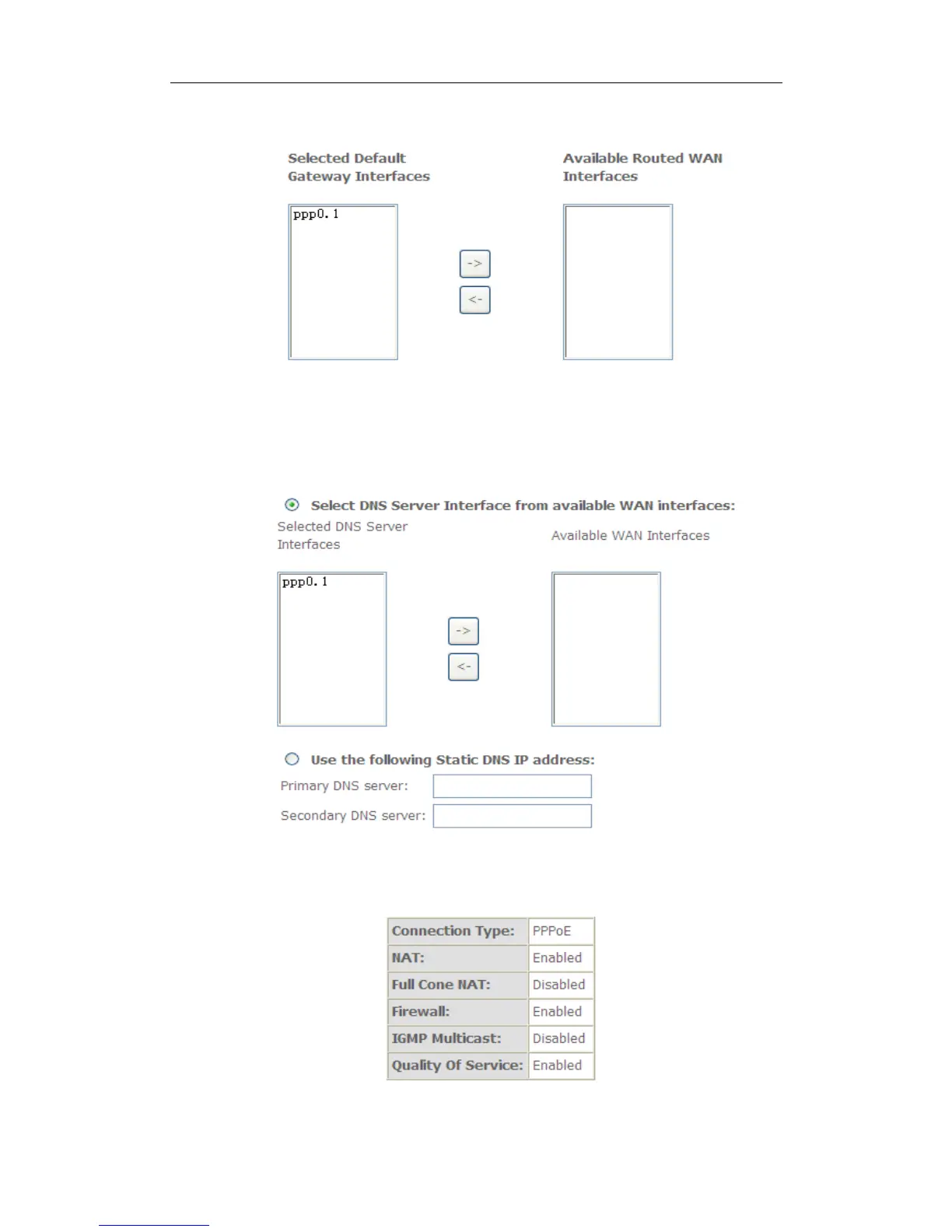
7. Select a preferred wan interface as the system default gateway.
8. Get DNS server information from the selected WAN interface or enter
static DNS server IP addresses. If only a single PVC with IPoA or static
MER protocol is configured, you must enter static DNS server IP
addresses.
9.Make sure that the settings below match the settings provided by your ISP.
Click on the Apply/Save button to save your configurations.



 To Next Page