VDSL Router User Manual
8
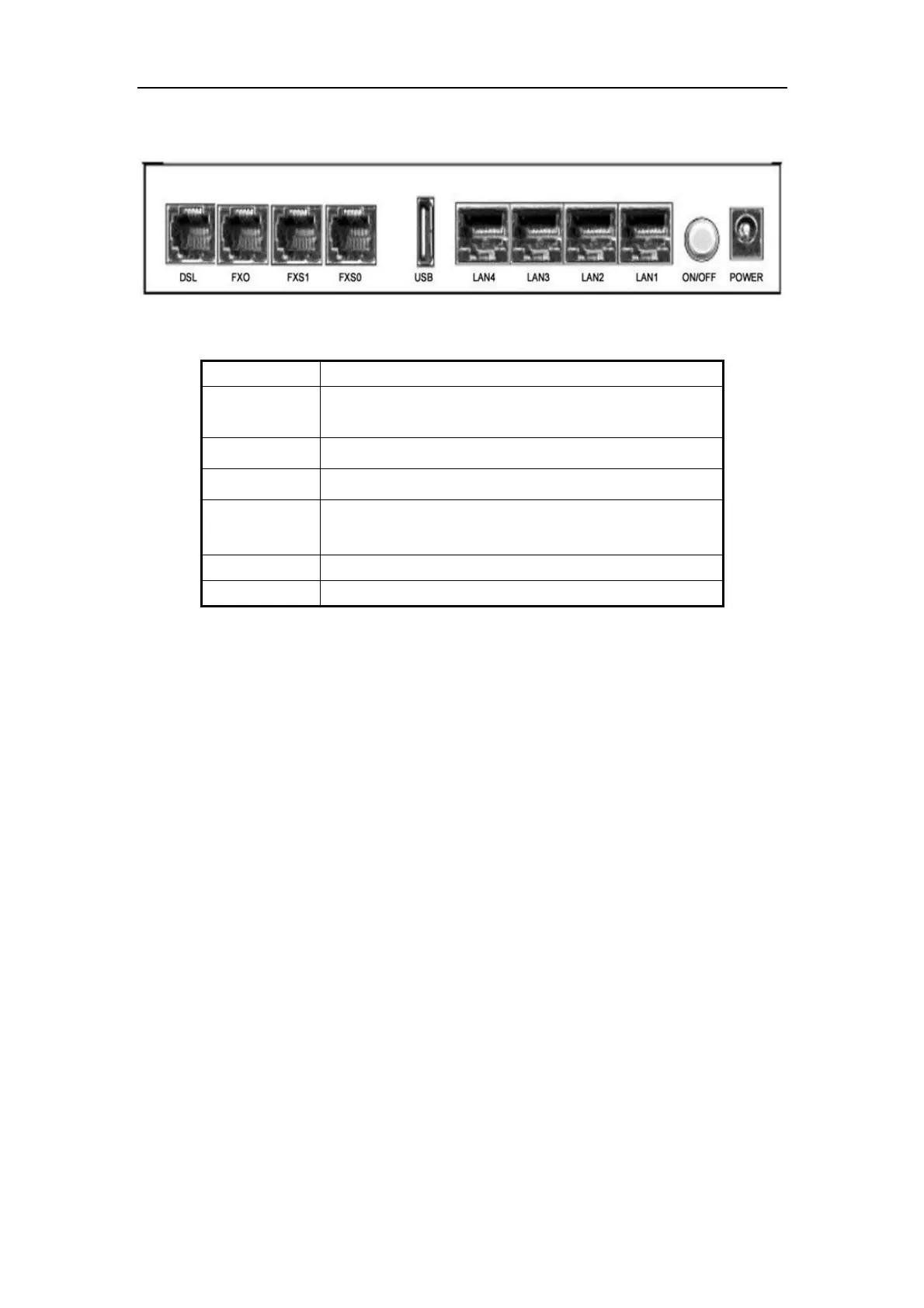
Rear panel
Side Panel
WIFI: The switch of wireless function
RESET: System reset or reset to factory defaults
WPS: A convenient way to set wireless security
Connect the device to an ADSL telephone jack or splitter
using a RJ-11 telephone cable
Connect the device to your normal phone
Connect the device to your printer
Connect the device to your PC's Ethernet port, or to the
uplink port on your hub/switch, using a RJ-45 cable
Connect to the supplied power adapter



 To Next Page