VDSL Router User Manual
11
5 Web-based Management Guide
In order to use the web-based management software it will be necessary to use
a computer that occupies the same subnet as the Router. The simplest way to
do this for many users will be to use DHCP server that is enabled by default on
the Router.
5.1 LAN setting page
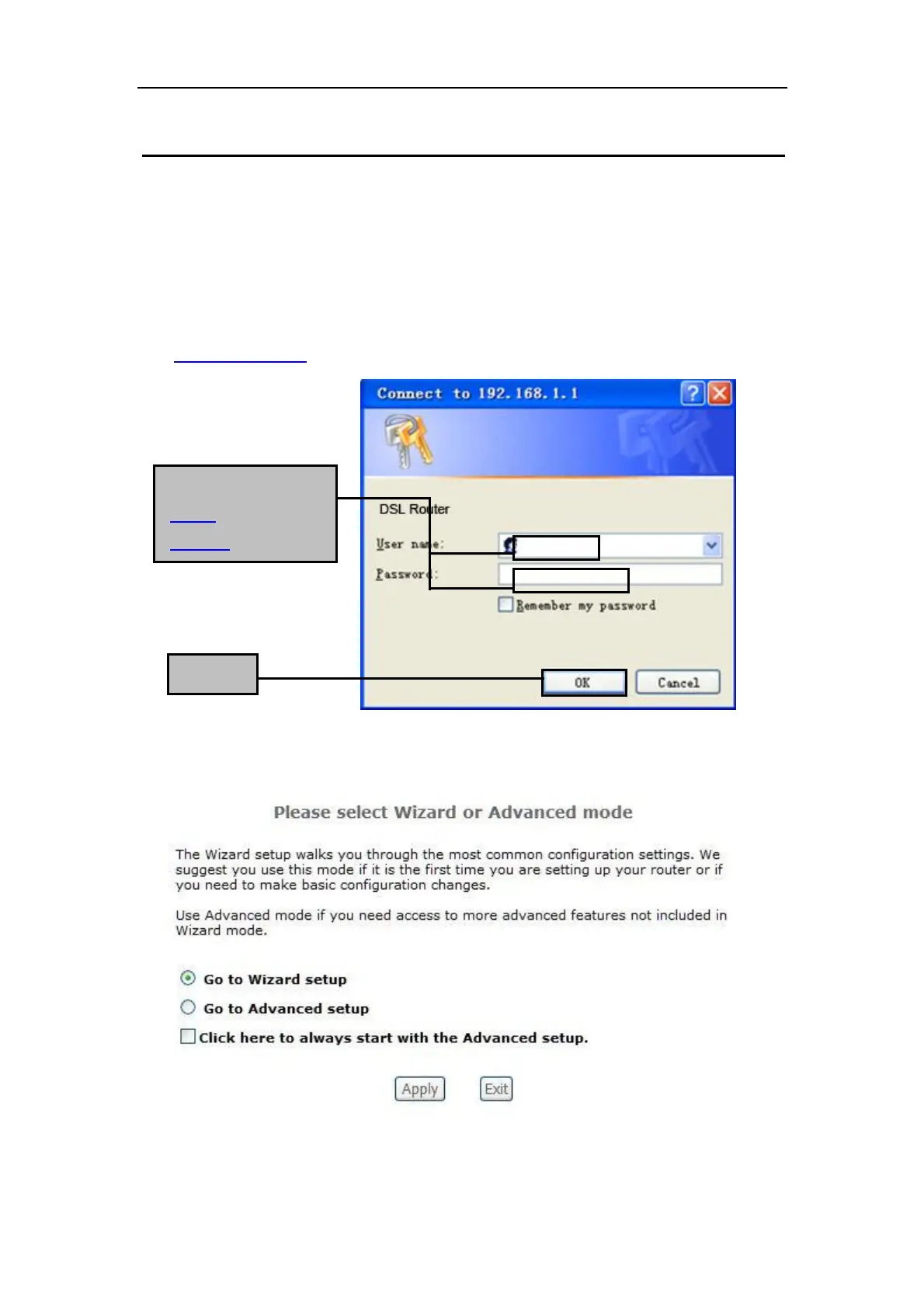
Launch a web browser, such as Internet Explorer, and then use
http://192.168.1.1 to log on to setting page.
After log on ,you will see the following screen :
Enter username
‘admin’ and password
‘adslroot’



 To Next Page