VDSL Router User Manual
33
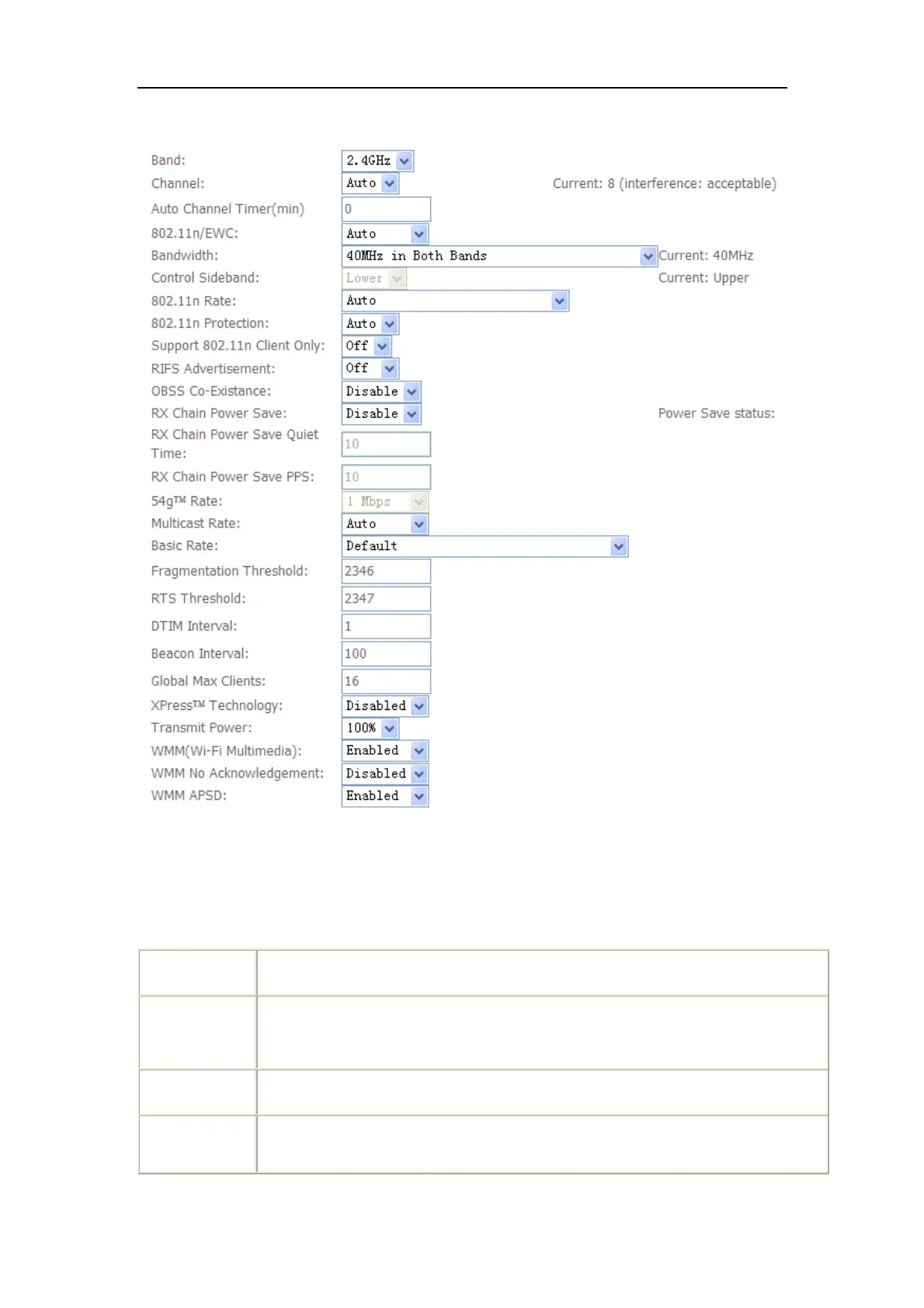
5.3.2 Advanced
Note: After making any changes, click Apply to save.
Warning: The settings shown above are default settings. Changes made to these
items can cause wireless communication problems.
This is the range of frequencies the gateway will use to communicate with
user’s wireless devices.
Drop-down menu that allows selection of specific channel.
This drop-down list lets user specify the wireless communication rate, which
can be Auto (uses the highest rate when possible, or else a lower rate) or a



 To Next Page