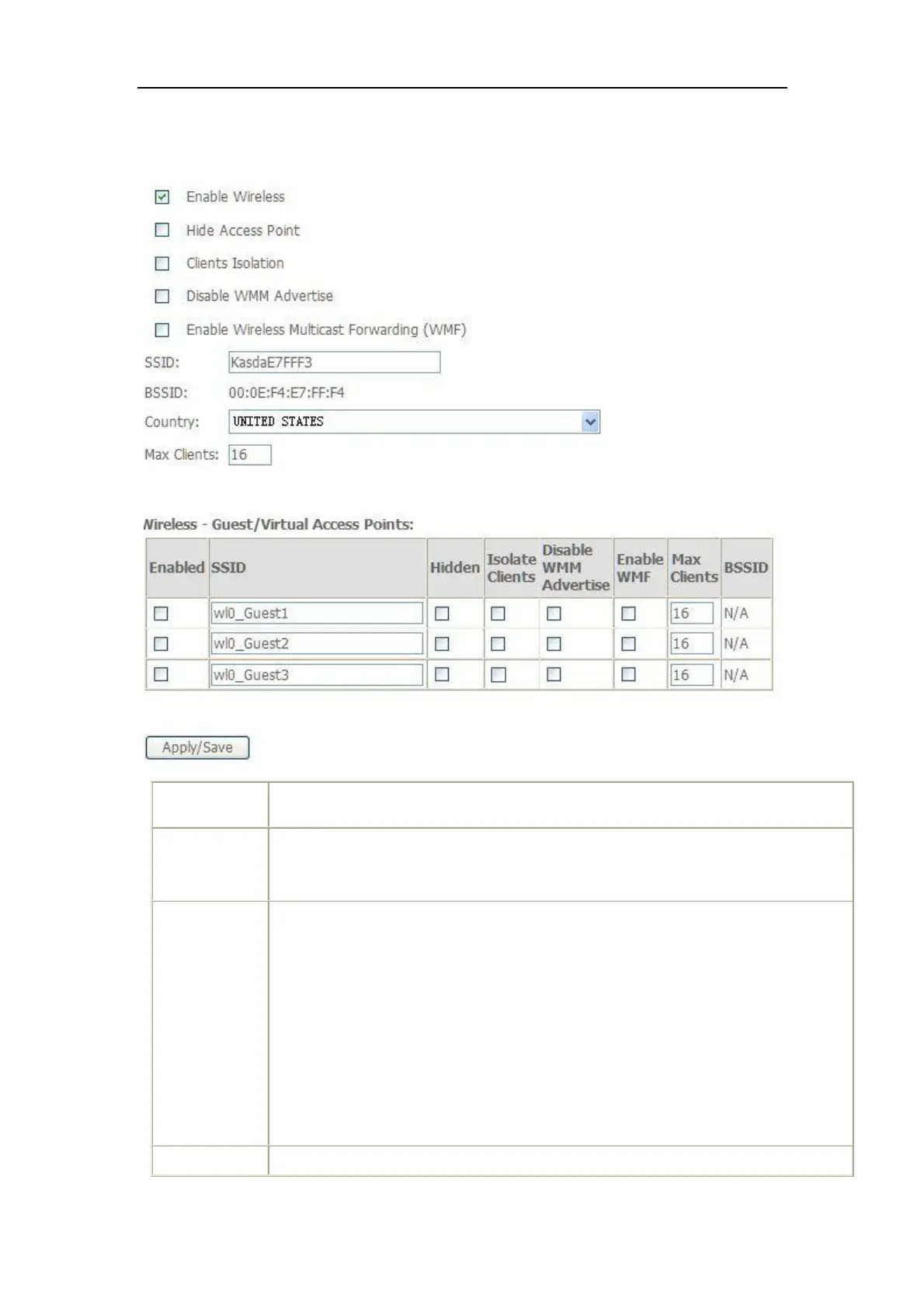
A checkbox that enables or disables the wireless LAN interfaces. The default
is to enable wireless communications.
Select Hide Access Point to protect the ADSL route access point from
detection by wireless active scans. If you do not want the access point to be
automatically detected by a wireless station, this checkbox should be
deselected.
The station will not discover this access point. To connect a station to the
access point, the station must manually add this access point name in it's
wireless configuration.
In Windows XP, go to the Network>Properties function to view all of the
available access points. You can also use other software programs such as
NetStumbler to view available access points.



 To Next Page