VDSL Router User Manual
22
5.2.3 Router Mode Setup
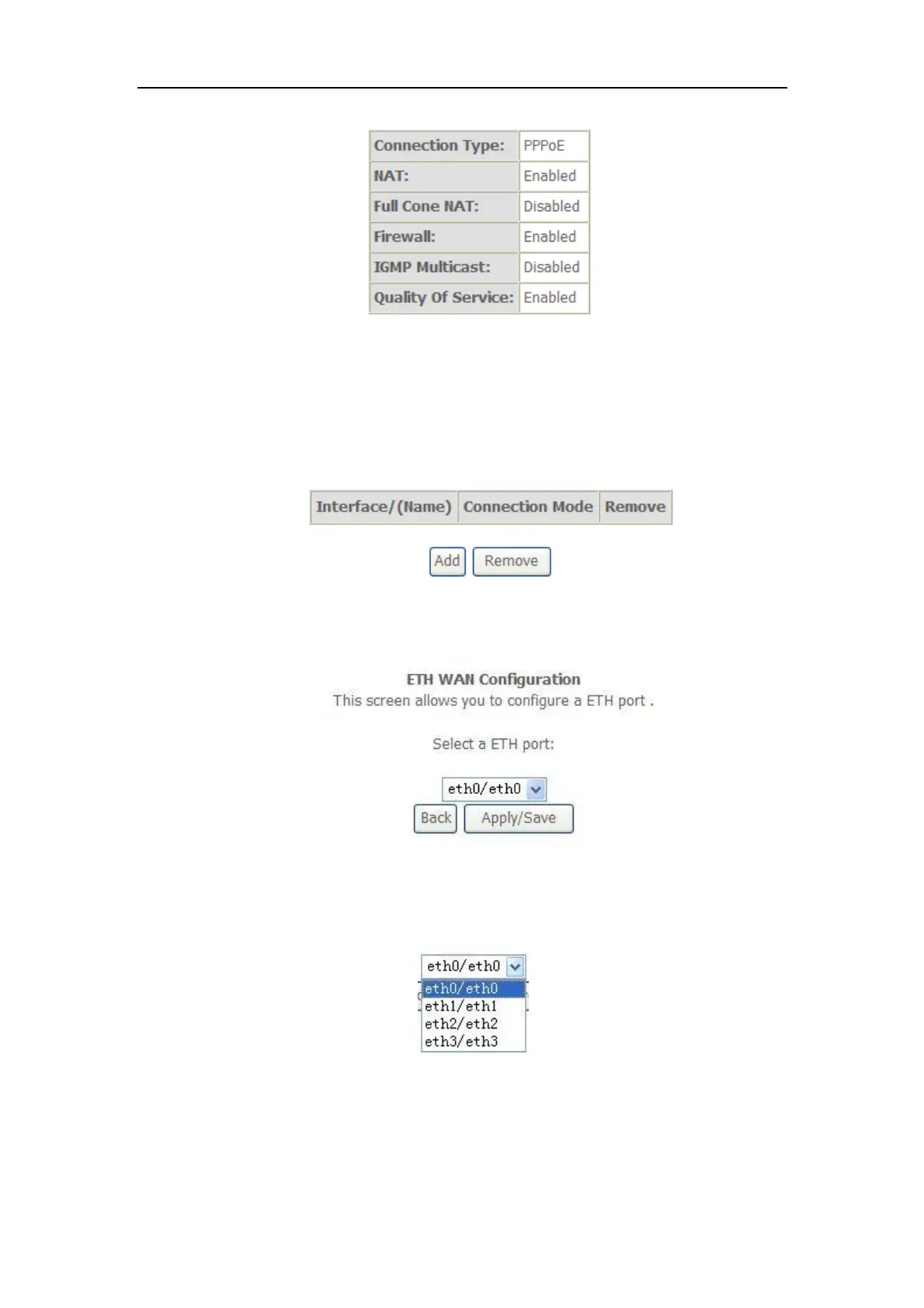
1. From Advanced Setup, click Layer2 Interface and select ETH Interface.
Before you configure ETH WAN interface, you’d better remove all PVC
settings from ATM interface.
2. Click Add and you’ll see the following screen.
3. Select a ETH port as you will. You can select ENET1, ENET2, ENET3 or
ENET4 port as the WAN interface and Default mode as connection mode.
4. Click Apply/Save and you’ll see the following screen.



 To Next Page