EasyManua.ls Logo

Kawai FS690 - Page 2

Kawai FS690
68 pages
Print Icon
To Next Page IconTo Next Page
To Previous Page IconTo Previous Page
Loading...
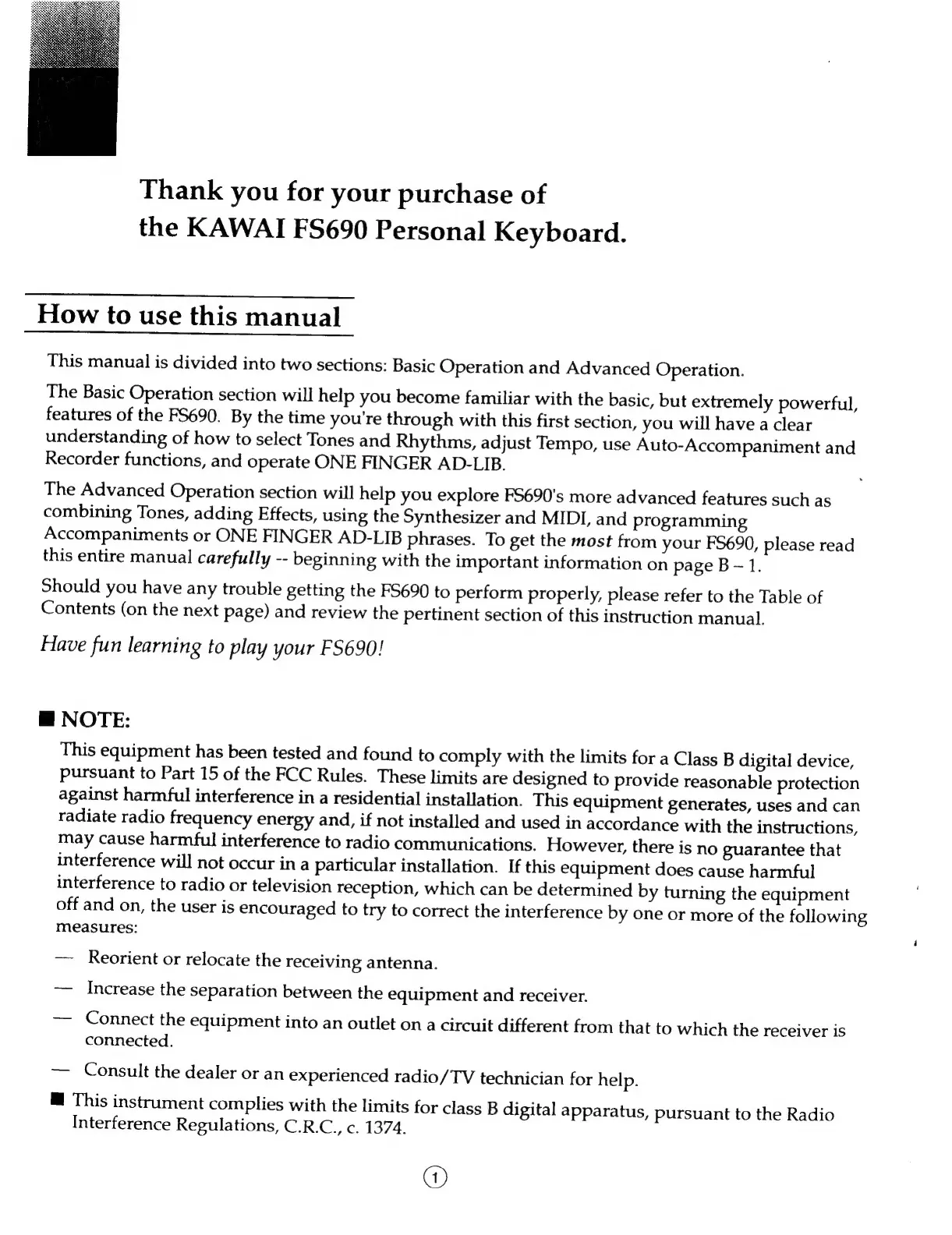
Thank
you
for
your
purchase
of
the
KAWAI
FS690
Personal
Keyboard.
How
to
use
this
manual
This
manual
is
divided
into
two
sections:
Basic
Operation
and
Advanced
Operation.
The
Basic
Operation
section
will
help
you
become
familiar
with
the
basic,
but
extremely
powerful,
features
of
the
F5690.
By
the
time
you're
through
with
this
first
section,
you
will
have
a
clear
understanding
of
how
to
select
Tones
and
Rhythms,
adjust
Tempo,
use
Auto-Accompaniment
and
Recorder
functions,
and
operate
ONE
FINGER
AD-LIB.
The
Advanced
Operation
section
will
help
you
explore
FS690's
more
advanced
features
such
as
combining
Tones,
adding
Effects,
using
the
Synthesizer
and
MIDI,
and
programming
Accompaniments
or
ONE
FINGER
AD-LIB
phrases.
To
get
the
most
from
your
FS690,
please
read
this
entire
manual
carefully
--
beginning
with
the
important
information
on
page
B
1.
Should
you
have
any
trouble
getting
the
F5690
to
perform
properly,
please
refer
to
the
Table
of
Contents
(on
the
next
page)
and
review
the
pertinent
section
of
this
instruction
manual.
Have
fun
learning
to
play
your
FS690!
@
NOTE:
This
equipment
has
been
tested
and
found
to
comply
with
the
limits
for
a
Class
B
digital
device,
pursuant
to
Part
15
of
the
FCC
Rules.
These
limits
are
designed
to
provide
reasonable
protection
against
harmful
interference
in
a
residential
installation.
This
equipment
generates,
uses
and
can
radiate
radio
frequency
energy
and,
if
not
installed
and
used
in
accordance
with
the
instructions,
may
cause
harmful
interference
to
radio
communications.
However,
there
is
no
guarantee
that
interference
will
not
occur
in
a
particular
installation.
If
this
equipment
does
cause
harmful
interference
to
radio
or
television
reception,
which
can
be
determined
by
turning
the
equipment
off
and
on,
the
user
is
encouraged
to
try
to
correct
the
interference
by
one
or
more
of
the
following
measures:
Reorient
or
relocate
the
receiving
antenna.
Increase
the
separation
between
the
equipment
and
receiver.
Connect
the
equipment
into
an
outlet
on
a
circuit
different
from
that
to
which
the
receiver
is
connected.
Consult
the
dealer
or
an
experienced
radio/TV
technician
for
help.
@
This
instrument
complies
with
the
limits
for
class
B
digital
apparatus,
pursuant
to
the
Radio
Interference
Regulations,
C.R.C.,
c.
1374.
@

Related product manuals