EasyManua.ls Logo

Kawai FS690 - Explanation of AUTO2

Kawai FS690
68 pages
Print Icon
To Next Page IconTo Next Page
To Previous Page IconTo Previous Page
Loading...
Explanation
of
AUTO2
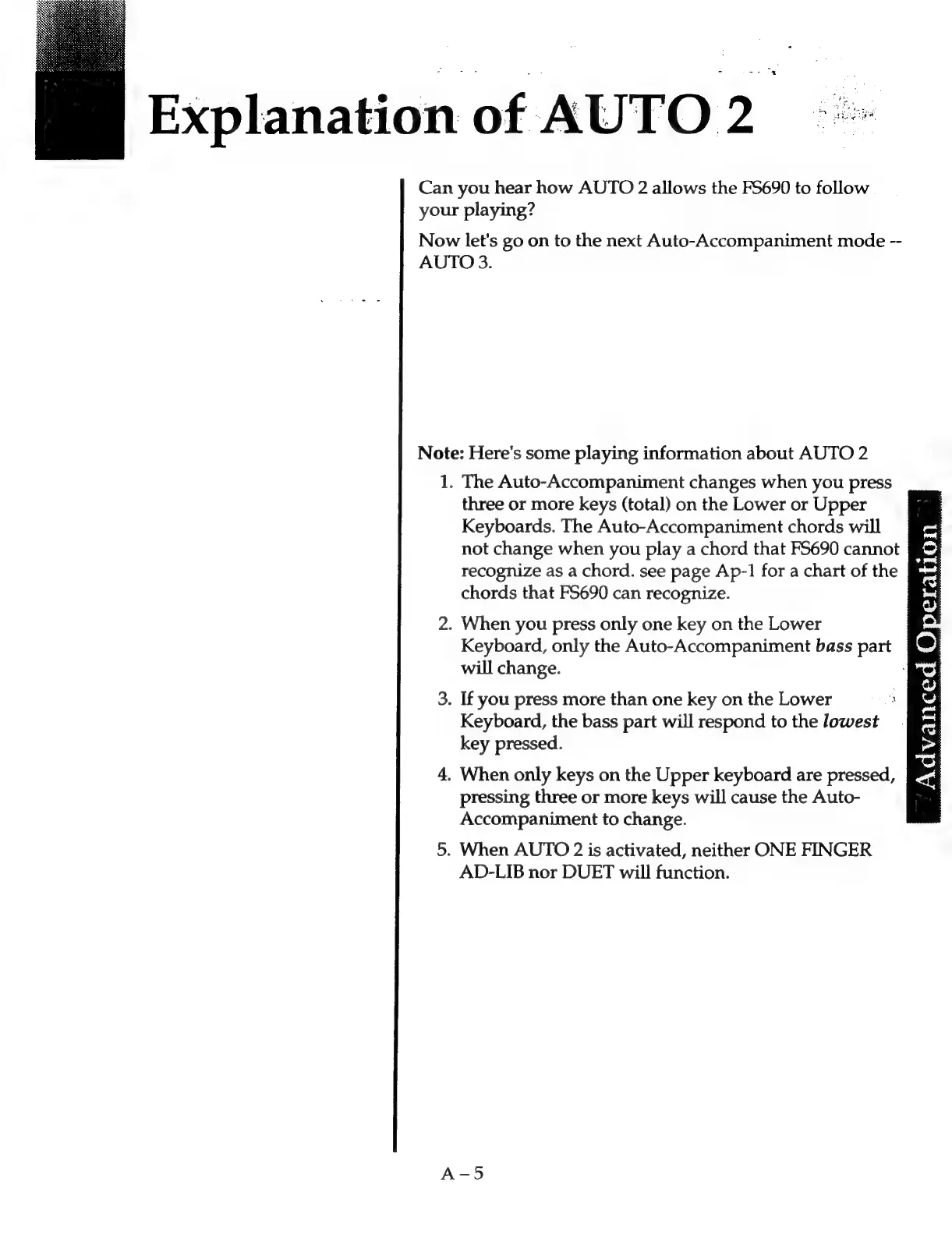
Can
you
hear
how
AUTO
2
allows
the
FS690
to
follow
your
playing?
Now
let's
go
on
to
the
next
Auto-Accompaniment
mode
--
AUTO
3.
Note:
Here's
some
playing
information
about
AUTO
2
1.
The
Auto-Accompaniment
changes
when
you
press
three
or
more
keys
(total)
on
the
Lower
or
Upper
Keyboards.
The
Auto-Accompaniment
chords
will
not
change
when
you
play
a
chord
that
FS5690
cannot
recognize
as
a
chord.
see
page
Ap-1
for
a
chart
of
the
chords
that
FS690
can
recognize.
*
om
o
ws
|
‘when
3
id
tan
18
:
2.
When
you
press
only
one
key
on
the
Lower
Keyboard,
only
the
Auto-Accompaniment
bass
part
will
change.
3.
If
you
press
more
than
one
key
on
the
Lower
Keyboard,
the
bass
part
will
respond
to
the
lowest
key
pressed.
Advanced
8)
4.
When
only keys
on
the
Upper
keyboard
are
pressed,
pressing
three
or
more
keys
will
cause
the
Auto-
Accompaniment
to
change.
5.
When
AUTO
2
is
activated,
neither
ONE
FINGER
AD-LIB
nor
DUET
will
function.

Related product manuals