25
Enter Various Characters
Touch the Symbols key to switch to the numbers and
symbols keyboard.
Touch on the symbols keyboard to view additional
symbols.
Edit Text
You can edit the text you enter in text fields and use menu commands to
cut, copy, and paste text, within or across applications. Some
applications do not support editing some or all of the text they display.
Others may offer their own way to select text you want to work with.
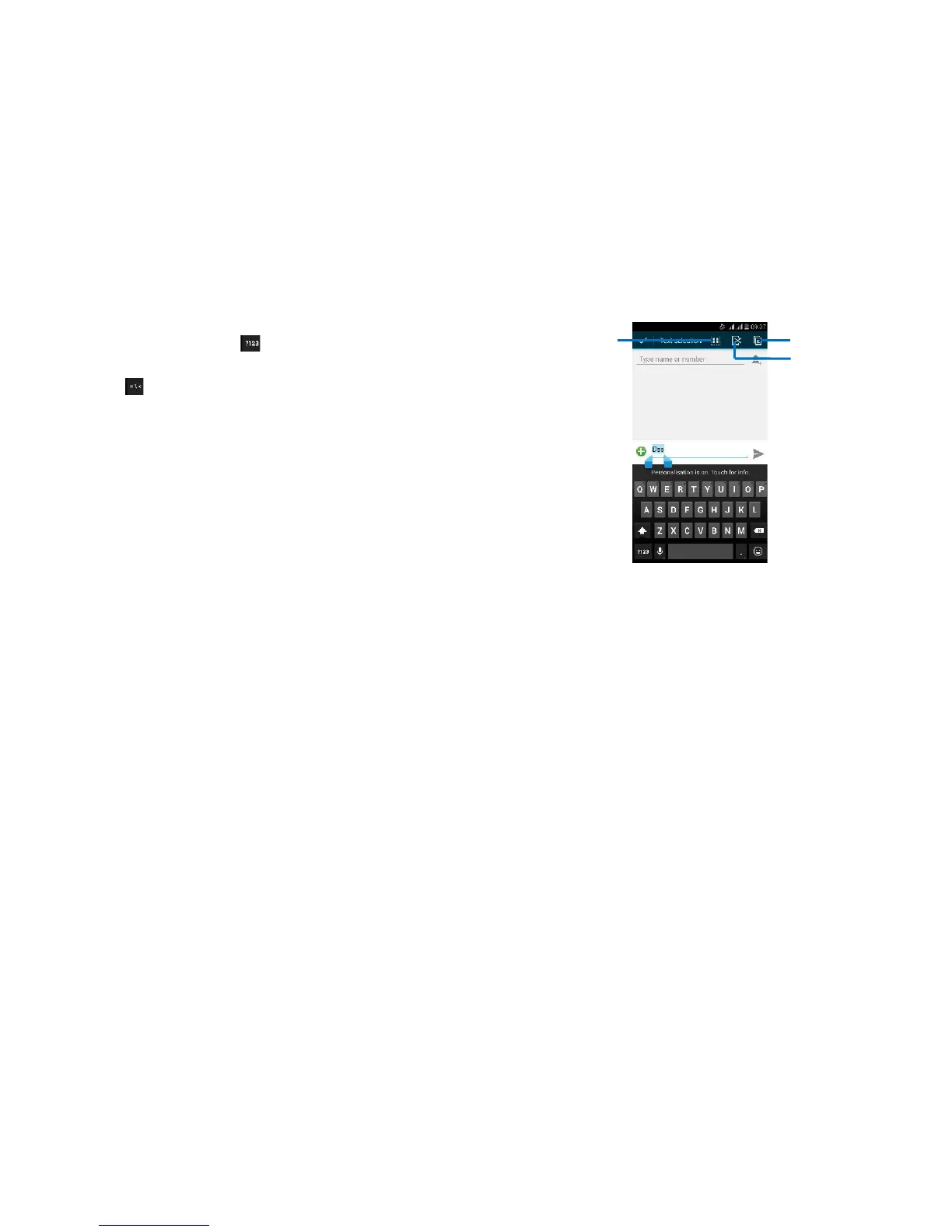
Touch and hold the text field that contains the text to select the
word.
Cut or copy the text.
Select Text
You can select text for cutting or copying. The selected text is
highlighted in blue.
Touch and hold the portion that contains text. Some options
open with icons.
Move the cursor to select the text.
26
Cut /Copy/Paste Text
1. Touch Cut icon or Copy icon in the menu that opens.
2. Touch and hold the text field where you want to paste the text.
3. Touch PASTE in the menu that opens. The text is inserted at the
cursor.
You can paste the text that you copied from one application into a text
field in any application.



 To Next Page