35
5. Touch to send the email.
• View all folders
1. From your Home screen, touch Launcher icon, then find it:
Application menu > Email.
2. Touch inbox.
36
Multimedia
listen it, watch it, capture it, enjoy it!
Camera
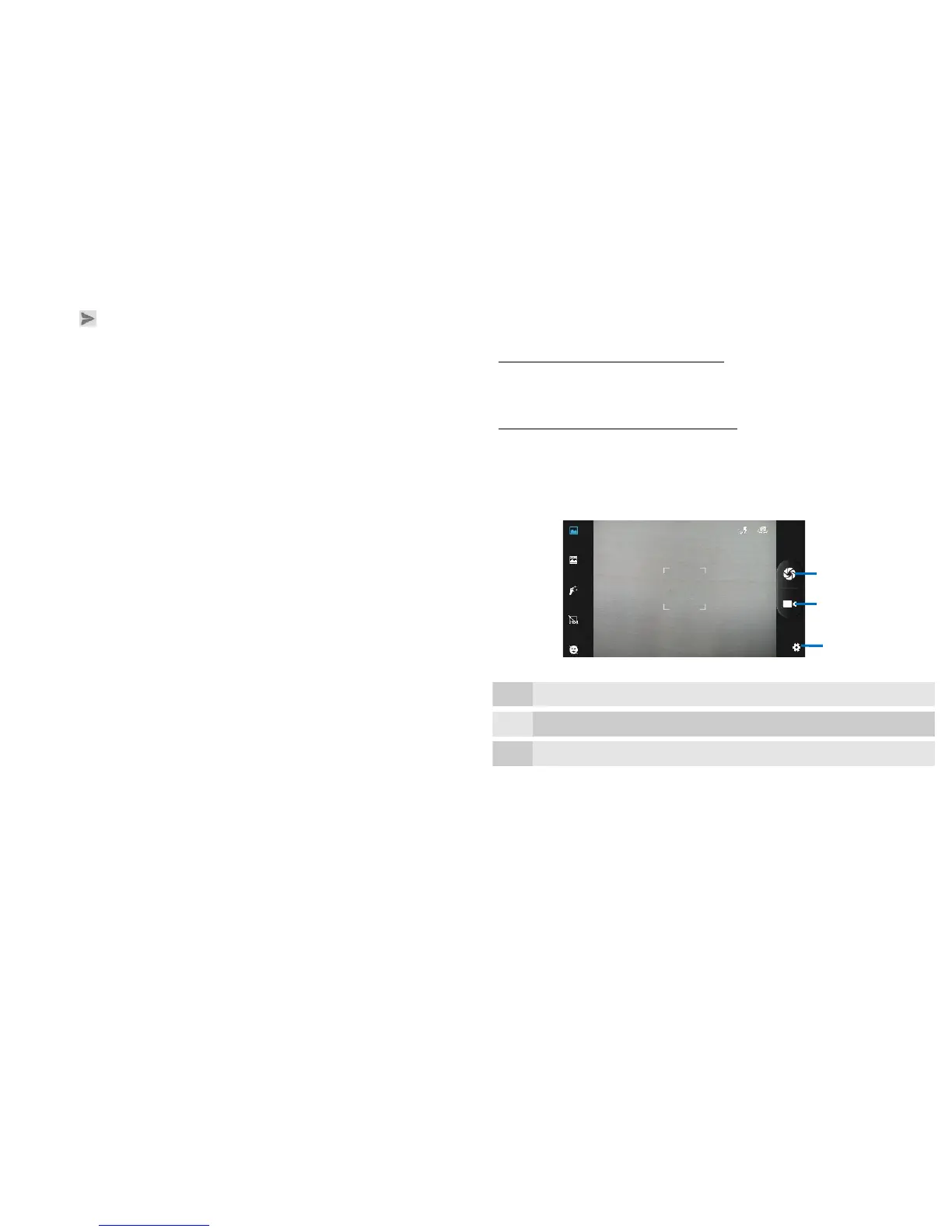
Find it: Application menu > Camera
Take a photo or record a video with the camera in your phone. You can
hold the camera horizontally or vertically. Share a photo or a video with
your friends, or upload your photos and videos to a web service.
• Camera control overview


 To Next Page