39
2. Touch a picture or a video in an album to view it.
When viewing a picture, touch Menu key, some additional options will
be available to you, such as delete, slideshow, edit, rotate left, rotate
right, crop, set picture as, and details.
• Share an Album
1. From your Home screen, touch Launcher icon, then find it:
Application menu > Gallery.
2. Touch Menu key, touch Select album in the menu that opens.
3. Select the albums you want to share.
4. Touch .
5. In the menu that opens, touch the application to use to share the
selected albums. You can share via Email, Bluetooth, Messaging and so
on.
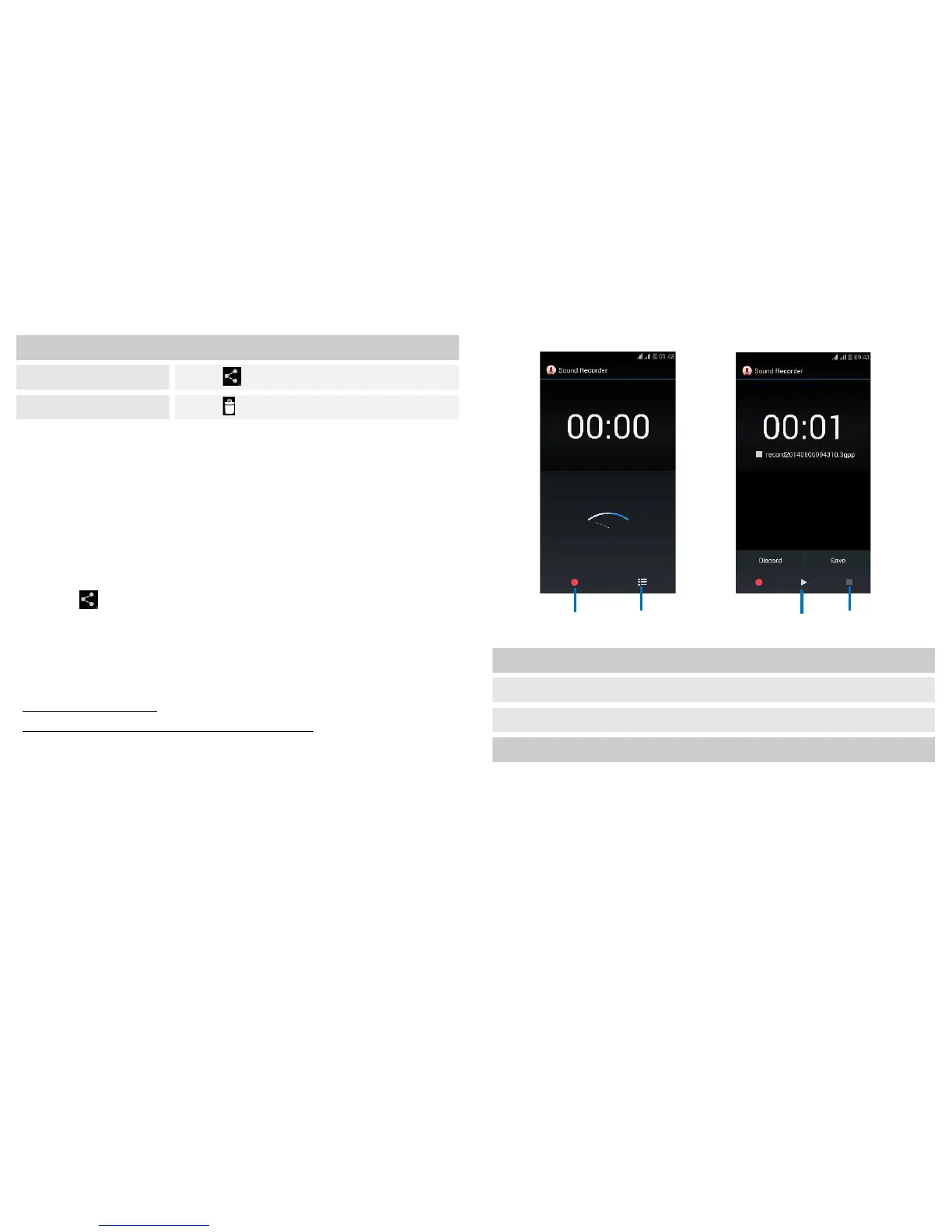
Sound Recorder
Find it: Application menu > Sound recorder


 To Next Page