© 2019 KCodes Corporation. All rights reserved. 6 Series User’s Manual V1.0
The Server supports Windows codepages. If users want to communicate files using FTP client tool or SMB
on Windows 98/Me/2000 with the Server, they have to set their Server codepage to be same as the
codepage that their Windows PC is using.
1. FTP
2. SMB on Windows 98/Me/2000
- Configuring the Server’s Codepages
Users can use the following methods to set the Server’s codepage.
1. Start Control Center and Auto-searching Server window will appear.
2. If the tool finds the Servers in your local area network, select the Server from the Server List and
click “Configure Server” button.
3. The Web manager will show, click the “Config” button and enter the Server’s administrator
(default: admin) and password (default: admin).
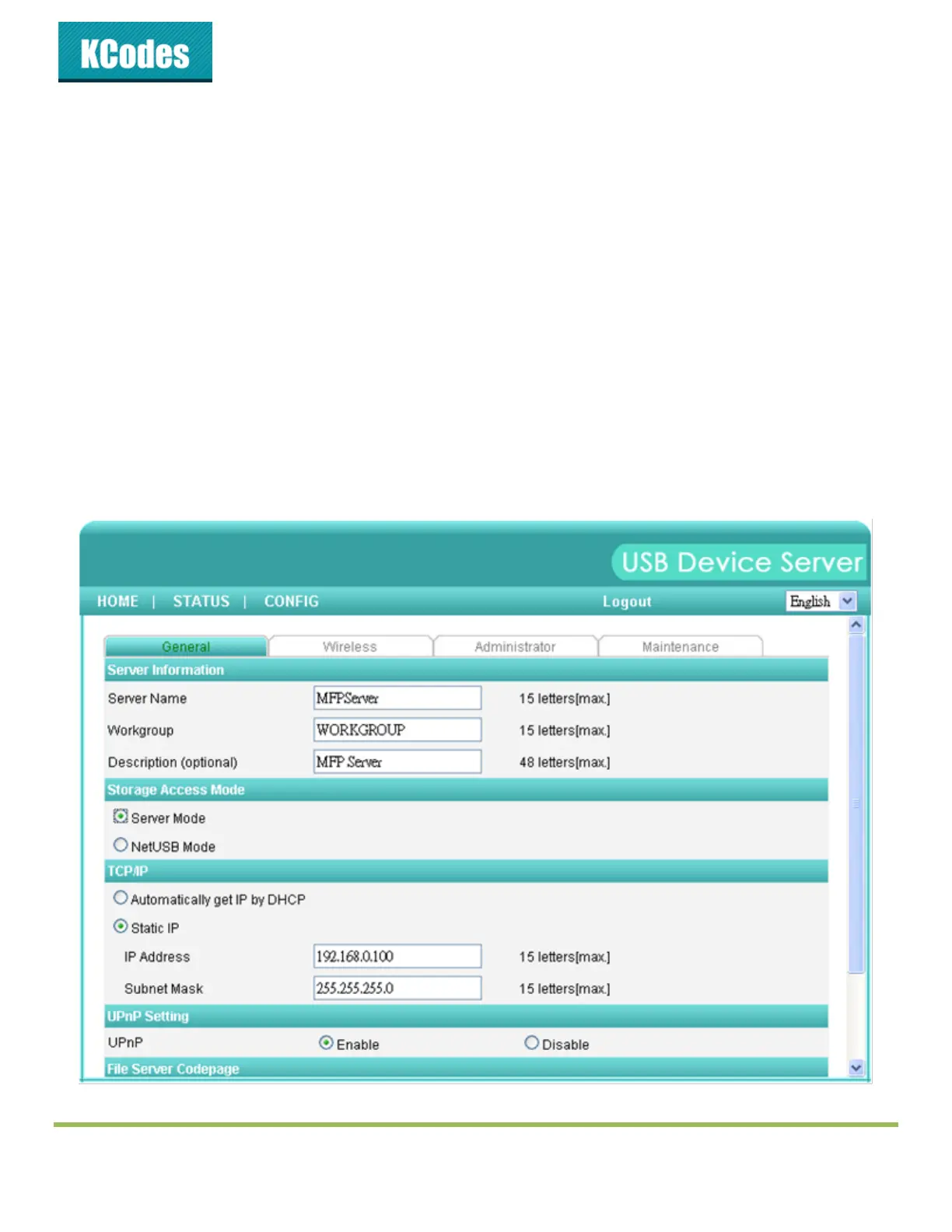
4. After you have logged in successfully, setting General configuration dialog appears.
5. Select your codepage form File Server Codepage box and click Apply.



 To Next Page