© 2019 KCodes Corporation. All rights reserved. 6 Series User’s Manual V1.0
Chapter 9 Upgrade Firmware
This chapter describes how to upgrade firmware. Please follow the following Procedures:
9.1 Using the Control Center
1. Open Control Center. It will automatically search the existing Servers and display their statuses.
2. Select the Server that you want to upgrade the firmware. Double click the selected Server to get the
serve’s main web page.
3. Click CONFIG icon.
4. Login the Server with Administrator (default: admin) and Password (default: admin).
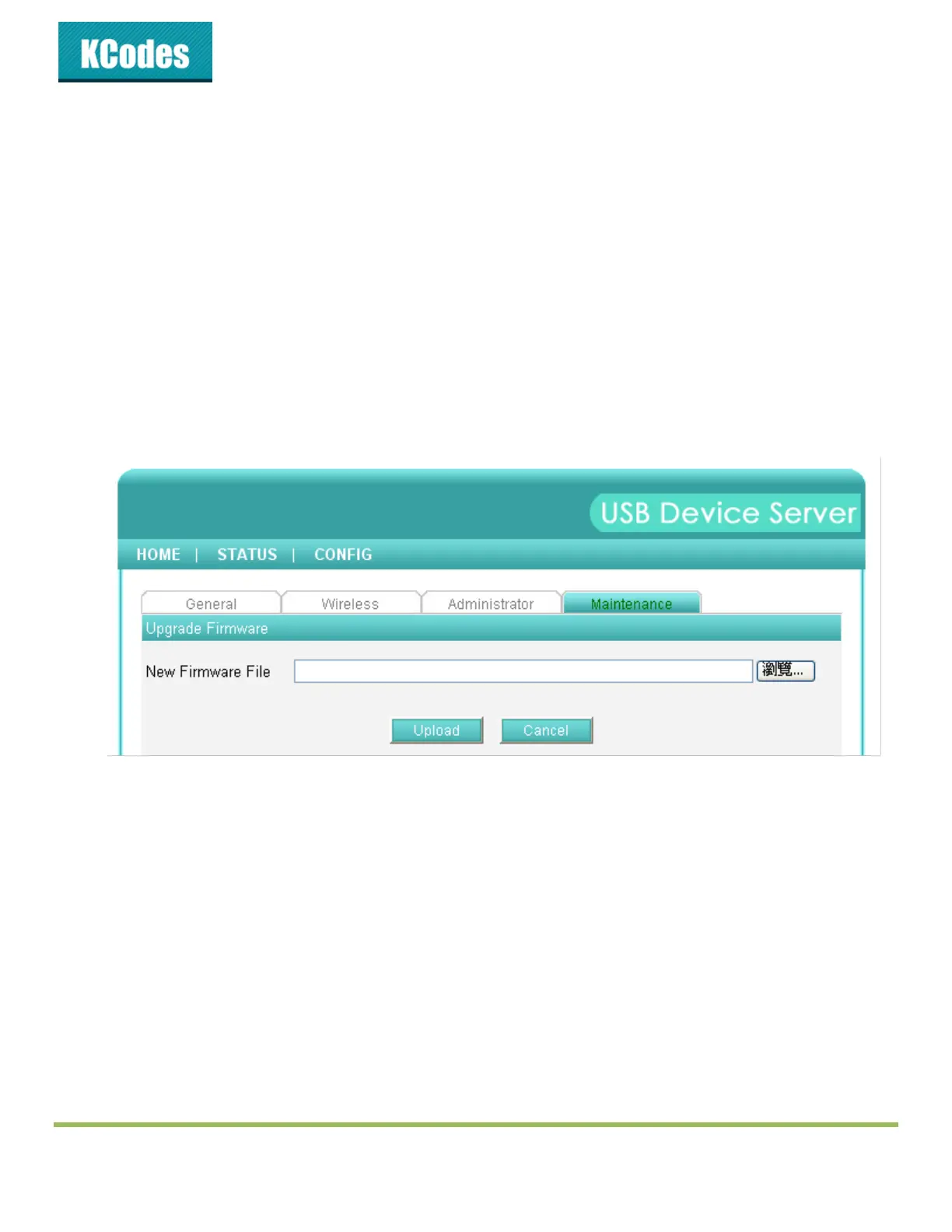
5. Click Maintenance.
6. Click Upgrade Firmware.
7. Click Browse button to choose the file of new firmware.
8. Click Upload button to start firmware upgrade.
9. Wait for 20 seconds for system reboot.



 To Next Page