© 2019 KCodes Corporation. All rights reserved. 6 Series User’s Manual V1.0
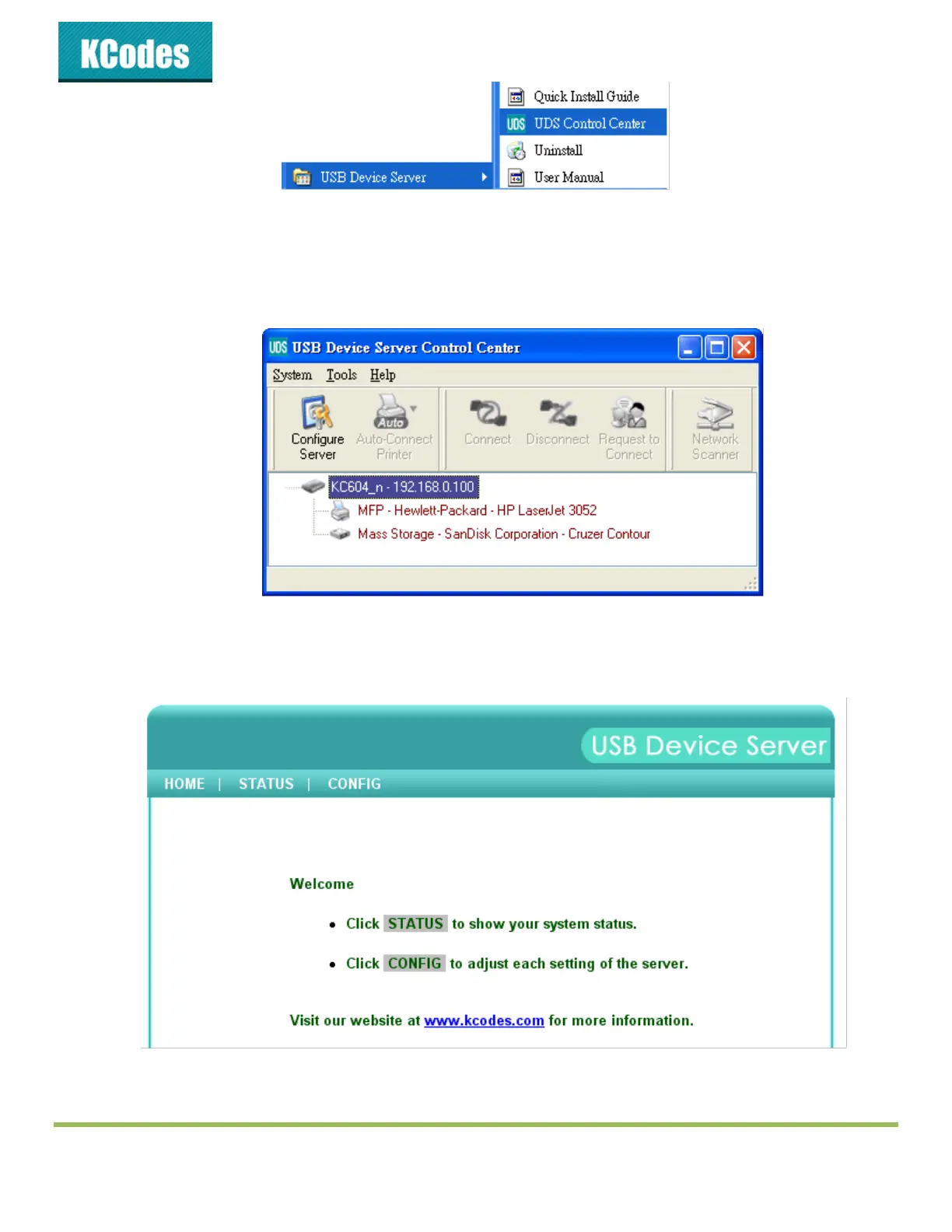
If the wireless parameters are not correct or not set yet, you have to use LAN to
access USB Device Server Control Center.
3. If the tool finds USB device servers in your local area network, then you have to select a server
from the server list.
4. Double click the highlighted server (or click the “Configure Server” button) to get the server’s web
pages. Click CONFIG icon.
5. Login with administrator ID (default: admin) and its password (default: admin).



 To Next Page