3
Charging1-3
You can charge your Kurio by either using the supplied power adapter or USB cable. Your Kurio will charge
more quickly by using the power adapter.
Automatic lock1-4
After a time of inactivity, Kurio will lock automatically. This time can be modified in Display settings of the Parental
Area. (See section ″Tablet Setup″ – Page 35)
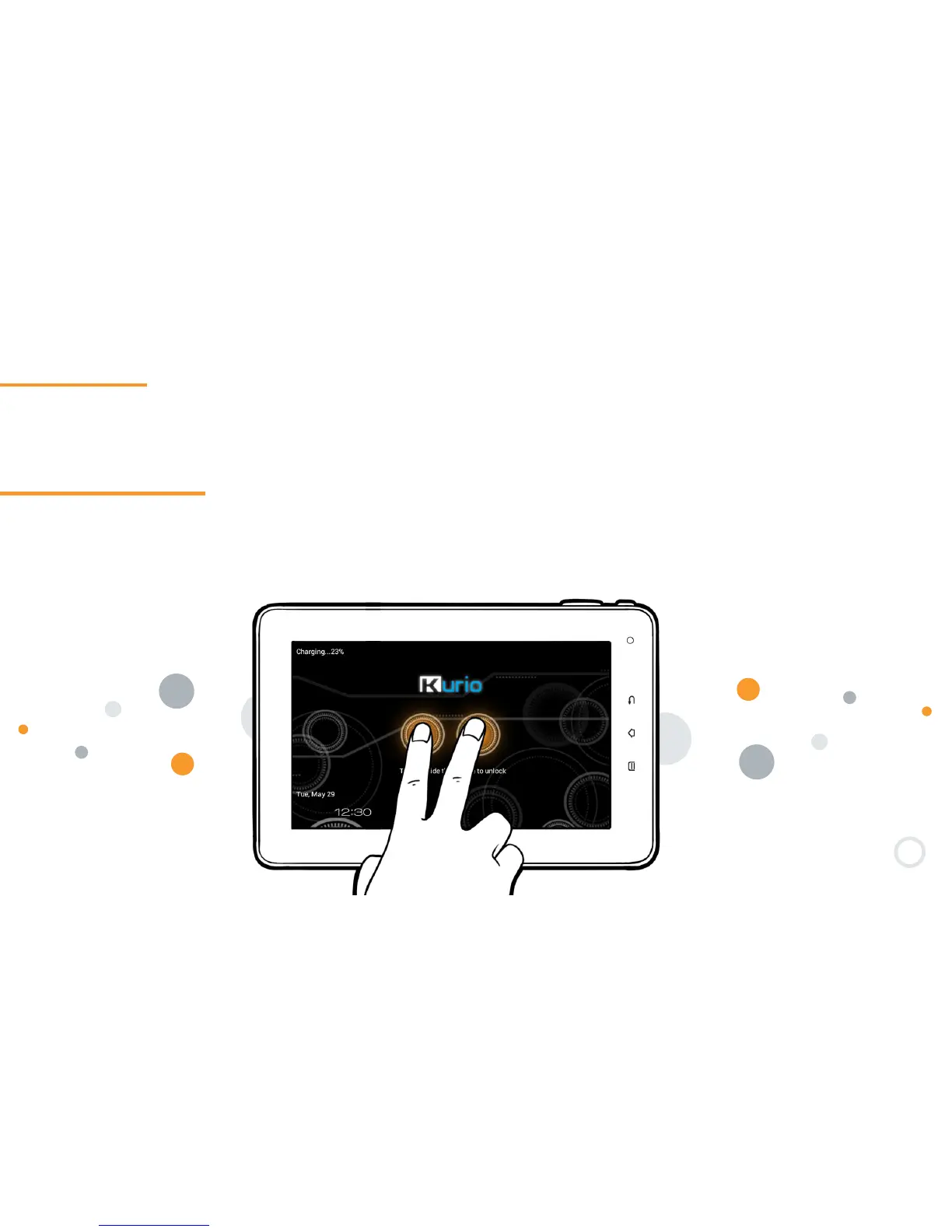
Press simultaneously the 2 circles for 2 seconds to unlock.


 To Next Page