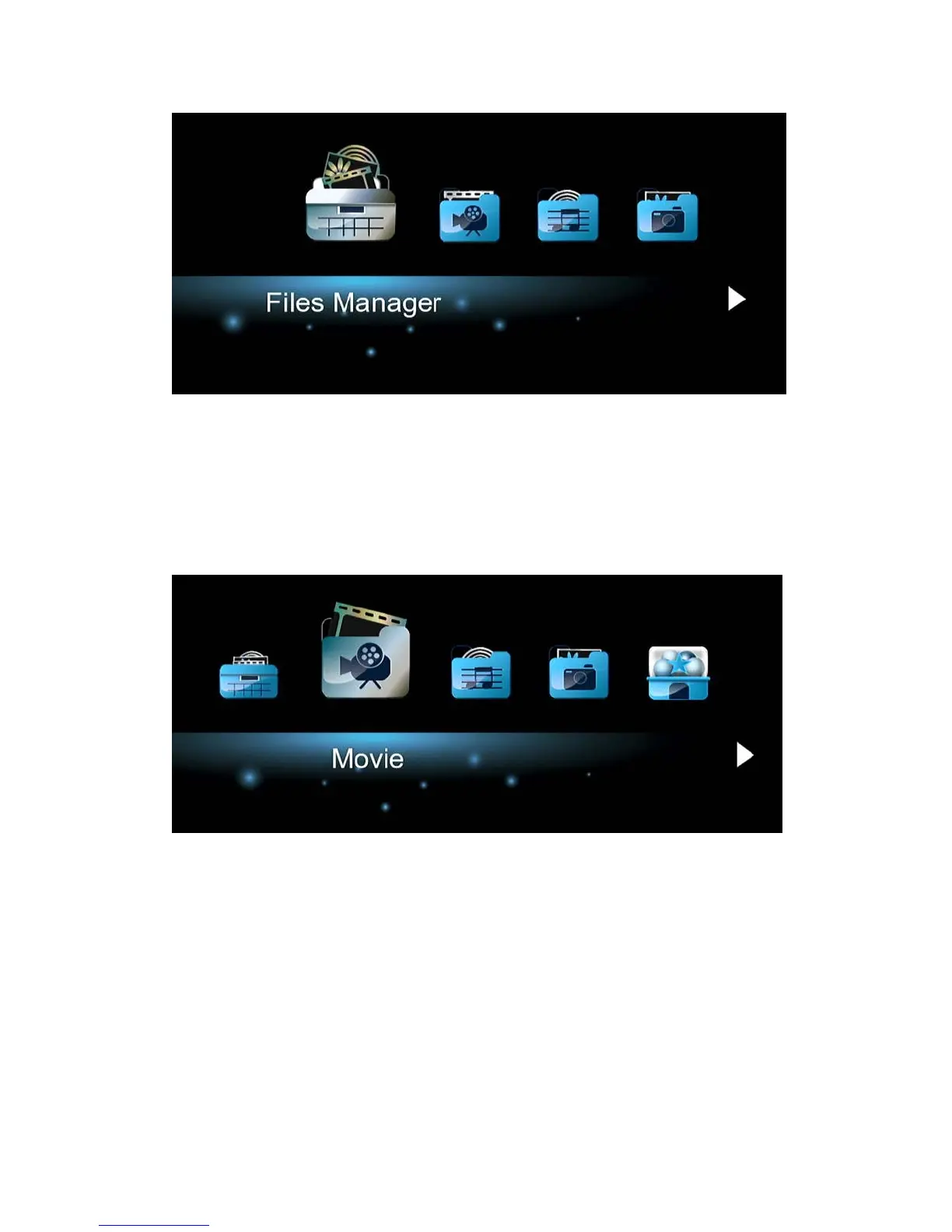
In File Manager, press Menu button, you can choose different review mode, Thumbnails,
List or Preview.
3.2.2 Browse via Media Library
Enter into Movie/Photo/Music interface, only supported files will be displayed. Please refer to
Appendixes in chapter ‘4.1 Specifications’ for more details about the supported files.
In media library, press MENU button to display the option menu, you can get following
functions through the option menu.


 To Next Page