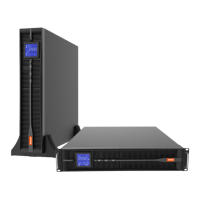
KR-RM Series(1~3kVA) UPS
User Manual
All rights reserved ©Xiamen Kehua Hengsheng Co., Ltd.
Check the grounding wire: whether the grounding wire of UPS connects with the
grounding terminal bar of the machine room reliably.
Check whether the voltage between the neutral wire and the grounding wire is less than
5Vac.
If the user configuration is the long delay model, check whether the battery wire between
UPS and the battery cabinet connects correctly and reliably.
If UPS installs the remote monitoring device, check whether the related RS232 port
connects correctly.
Check whether the wiring is neat and the wire binding is in accordance with the process
specification.
Check whether the installation and wiring are good for system reformation, expansion and
maintenance in future.



 To Next Page