13PROFILER QUICKSTART
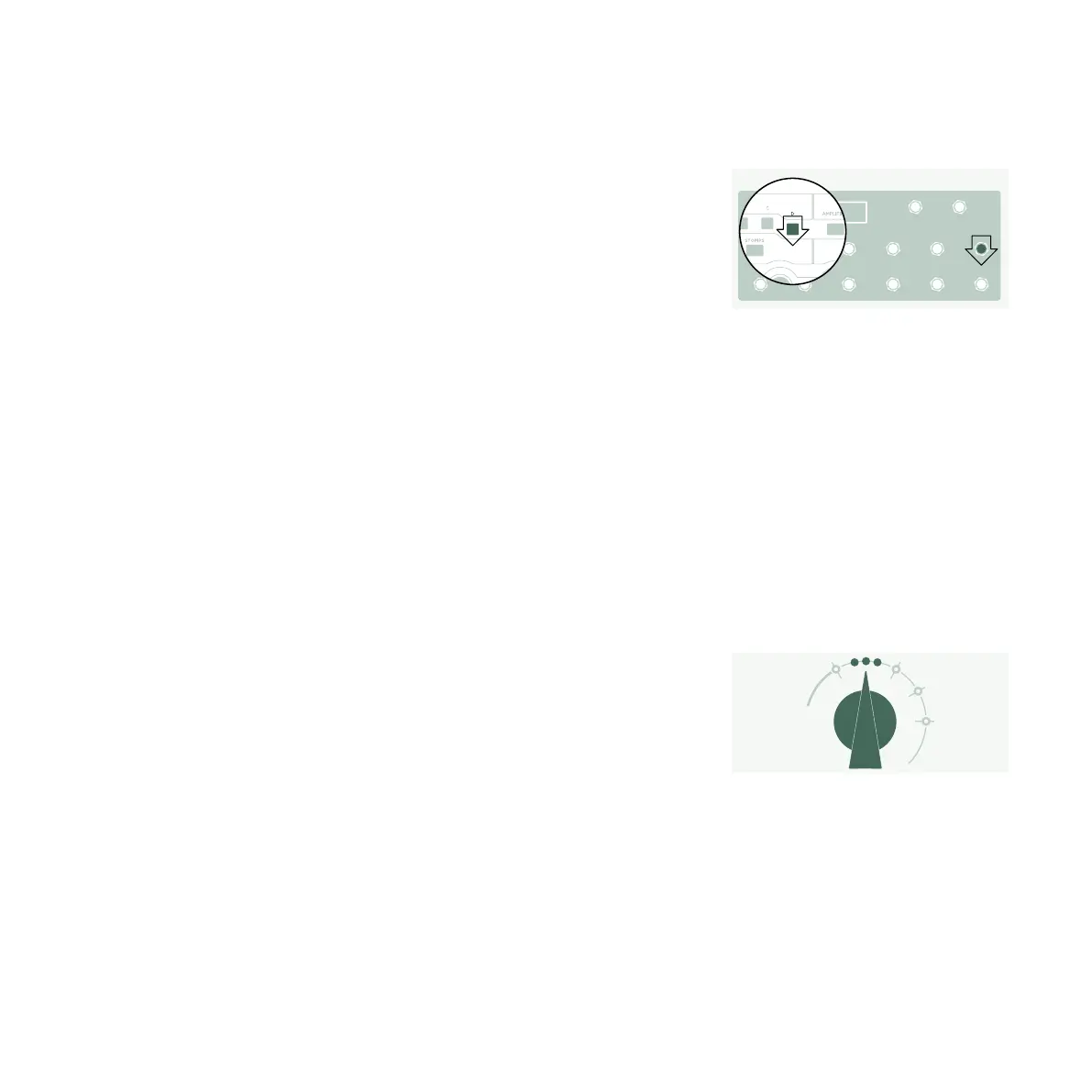
To assign (or unassign) one of the eect modules to an Eect
button:
» Press and hold the button of the relevant eect module on
your PROFILER.
» Press the Eect button on your Remote.
» Release both buttons.
These Eect Button assignments are specific to each Rig, so you
must store the Rig to keep the changes you’ve made.
TUNER
You can check the tuning at any time by watching the three TUNER
LEDs, either on the PROFILER or the Remote.
Switch the chicken-head to the TUNER position or press the
TUNER button on your Remote to activate Tuner Mode.
Enable “Mute Signal” via corresponding soft button, if you prefer
the guitar input to be muted whenever Tuner Mode is activated.



 To Next Page