62 PROFILER QUICK START
EDITAR Y ALMACENAR RIGS
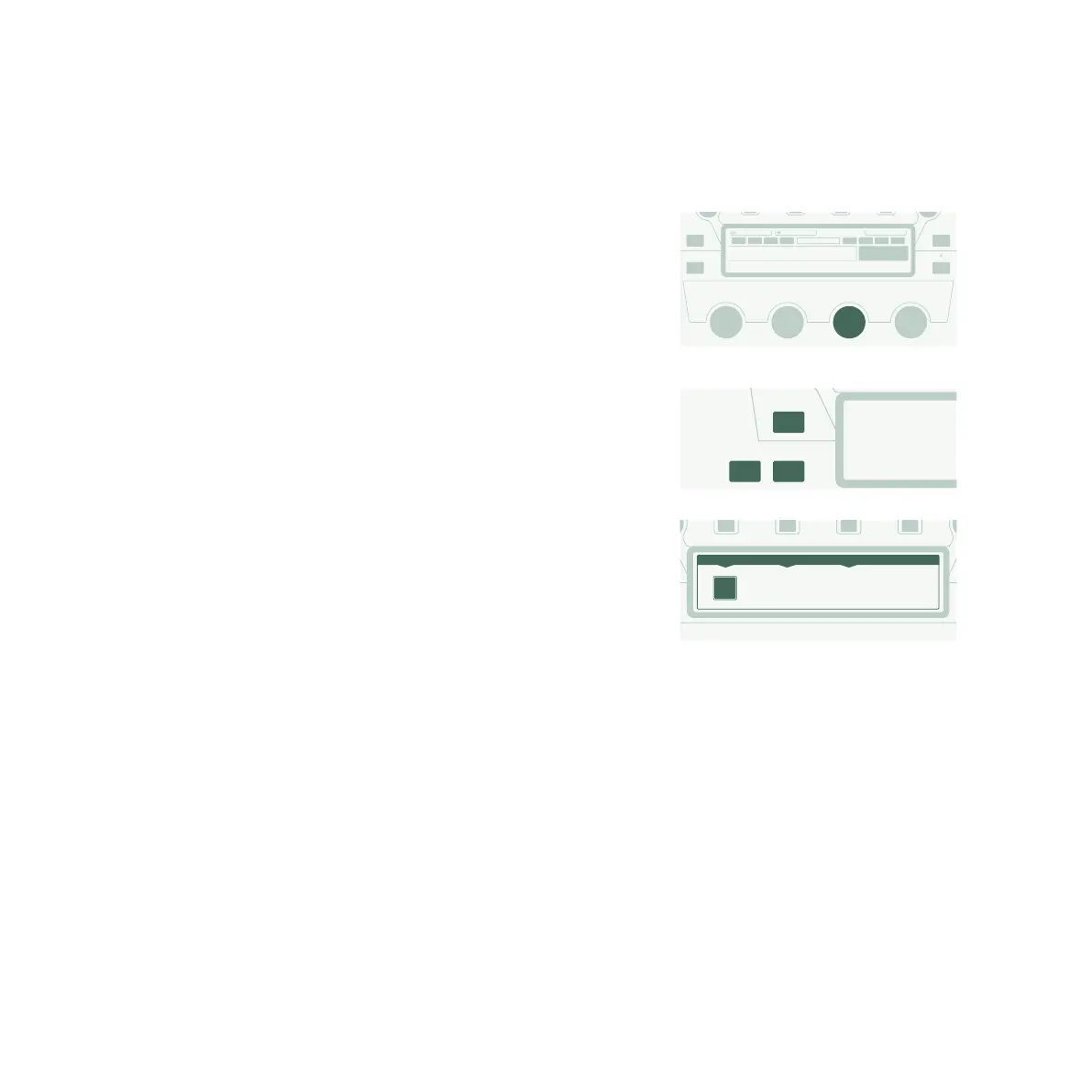
Puedes modificar el Rig actual y almacenar los cambios que
deseas conservar. Por ejemplo, si deseas aumentar los Agudos,
gira el correspondiente mando programable en la pantalla de
inicio.
Pulsa el botón UNDO para descartar el último cambio realizado. El
botón REDO lo vuelve a aplicar.
Si deseas almacenar el Rig editado, pulsa STORE. Se abrirá un
cuadro de diálogo con las siguientes opciones:
» “Replace” actualiza el Rig original sin cambiar su nombre.
» “Store As” guarda un nuevo Rig con un nombre diferente (el
Rig original permanece intacto).
» “Rename” actualiza y renombra el Rig actual.
STORE
EXIT
REDO PA
All Rigs
Store Snapshot
Sorted by Name
Bass Middle Treble Presence
EQNitro 2015 A DLYLOOP REV
Nitro 2015 B
FastRedPonyCar
Guitar Rig
STORE
UNDO REDO
ReplaceStore As Rename
Please select an option:
"Replace“ to overwrite Rig currently loaded
"Store As“ to create a new Rig
"Rename“ to overwrite Rig currently loaded and modify its name
?



 To Next Page