17PROFILER QUICKSTART
LOCK FUNCTION
Certain aspects of a Rig can be locked to prevent them changing
when you load another Rig. Find a Rig which features a wah eect,
then select the wah while holding the LOCK button. Now, load a
completely dierent Rig. As you can see, the wah stays at the
exact position. To unlock a module, hold LOCK and select it.
To display which modules are currently in a locked state, hold the
LOCK button. Any locked modules will remain lit.
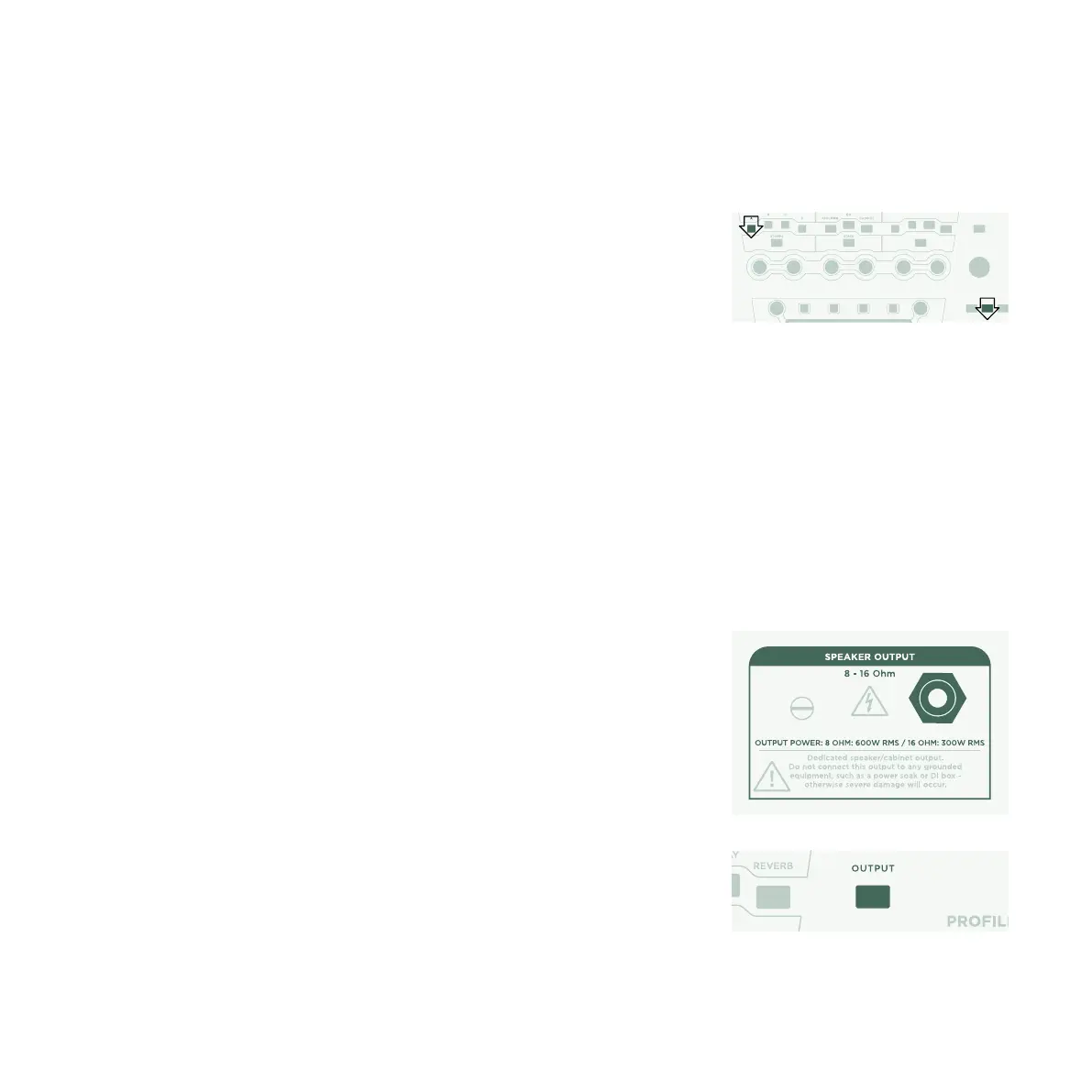
POWERED PROFILER WITH GUITAR CABINET
This paragraph is for those who want to use a powered PROFILER
(PowerHead™ or PowerRack™) to drive a guitar cabinet directly.
Please be aware that, generally speaking, the sound of a guitar
cabinet is dierent compared to that of a full-range cabinet, PA, or
headphones.
Plug your speaker cable into the red SPEAKER OUTPUT on the
rear side.
You are using a physical guitar cabinet as your personal monitor.
This means you need to disable the cabinet simulation for the
signal feeding the internal power amp and your physical guitar
cabinet. You do this by pressing OUTPUT.
MOD DELAY REVERB
X
REVERB
M
A
S
T
E
R
V
O
L
U
M
E
EFFECTS
OUTPUT
ON/OFF LOCK CO
TYPE
BROWSE



 To Next Page