18 PROFILER QUICKSTART
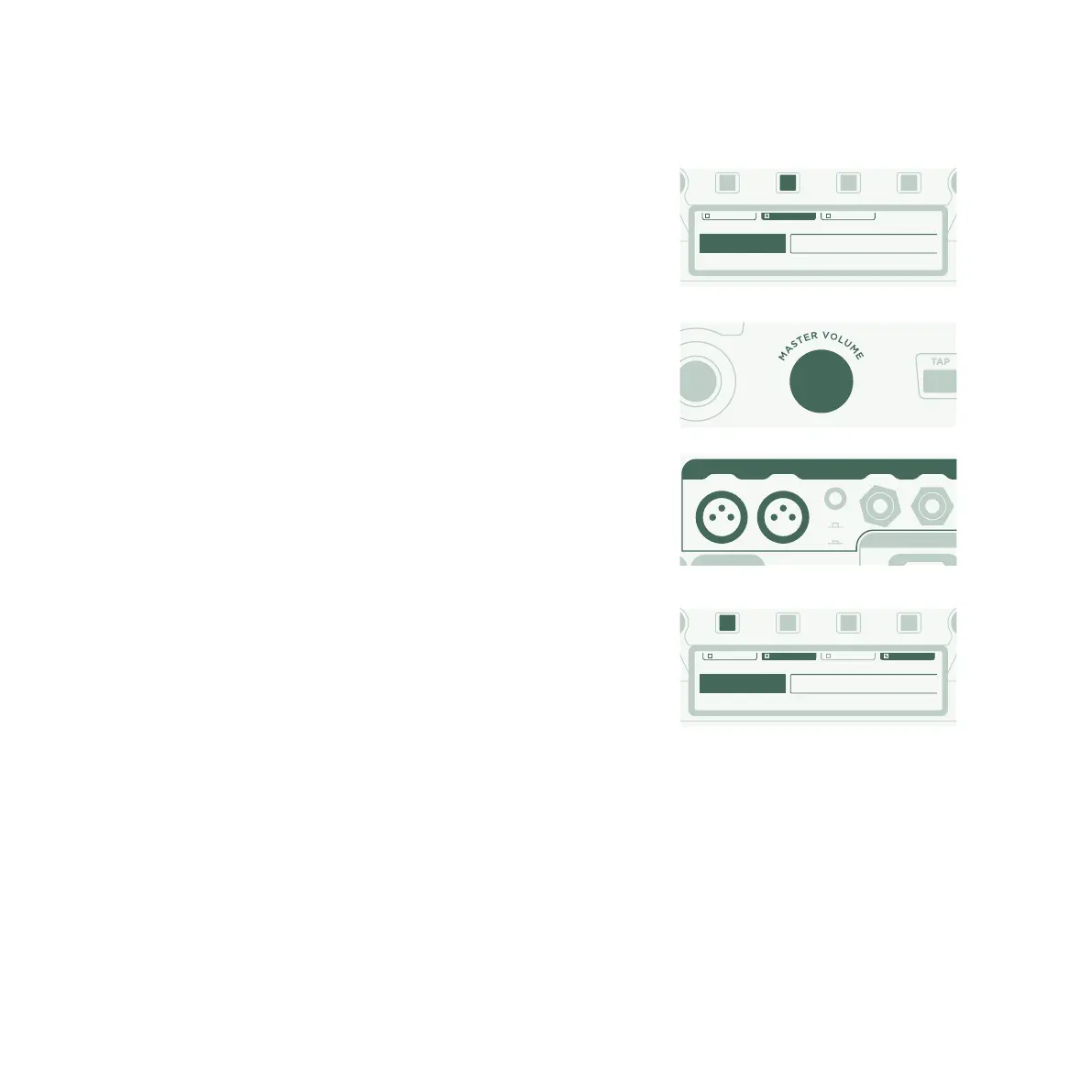
Use the <PAGE> buttons to navigate to the “Output Sources” page
and then activate “Monitor Cab O” with the corresponding soft
button above the display.
Use the MASTER VOLUME knob on the front panel to control your
volume.
If you’re on stage, or in a studio, you won’t require a microphone to
pick up your sound, so you should connect the mixing desk to the
MAIN OUTPUTS XLR outs.
In such a scenario, you should unlink the Main Output Volume from
Master Volume, so that you are able to control your Monitor
Volume independently from the level sent to the mixing desk.
At this point, we should mention that the internal power amp is
fed by the same signal that is sent to the MONITOR OUTPUT on
the rear side. Any settings that aect the MONITOR OUTPUT, e.g.
Monitor Output Volume, aect the guitar cabinet as well.
STORE
TYPE
BROWSE
EXIT
V
ON
UNDO REDO PAGE
Main Out -12 dB Monitor Cab O Monitor Stereo
Master Stereo
Main Output
Master Mono
Monitor Output
Git+Processing
Direct Output
Master Stereo
SPDIF Output
OUTPUT Section [Page 1/6]
Output Source
MAIN OUTPUT
LEFT RIGHT LEFT RIGHT
GROUND
LIFT
POWER
STORE
TYPE
BROWSE
EXIT
V
ON
UNDO REDO PAGE
Headphone LinkMonitor Out Link Direct Out LinkMain Out Link
-12.0dB
Main Volume
-12.0dB
Monitor Volume
-12.0db
Direct Volume
-12.0db
Headphone Vol.
OUTPUT Section [Page 2/6]
Output Volumes



 To Next Page