19PROFILER QUICKSTART
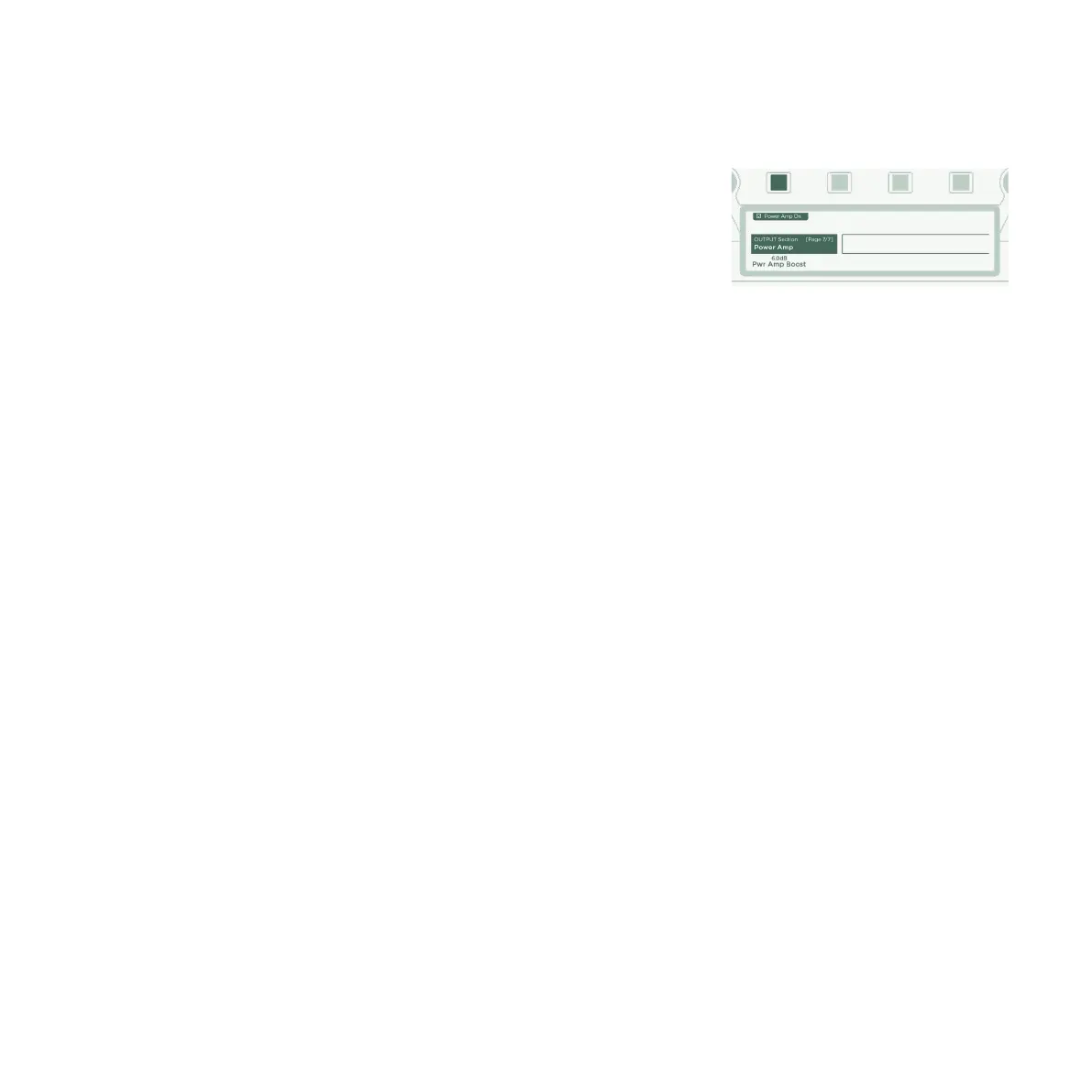
If you feel that the internal power amp isn’t providing enough
volume, please navigate to the last page in the Output Section and
crank up Power Amp Boost to your liking.
For more information, please refer to the chapter entitled “The
built-in power amplifier” in the Main Manual.
WARNING!
Never connect an active, grounded device to the SPEAKER OUTPUT! Any active devices (such as power soaks) that
have a grounded circuit will destroy the power amp by creating a short circuit.
Only passive speaker systems should be connected to the SPEAKER OUTPUT.
Please refrain from connecting devices with impedances lower than 4 ohms, as the power amp could be damaged.
Always ensure adequate ventilation, especially if mounting your PROFILER into a rack. Failure to do so may cause the
power amp to shut down to prevent overheating.
The power amplifier provides sucient headroom to avoid clipping, even with dynamic clean sounds. You should,
however, use these 600 watts of power with caution. If you are running at high volumes and notice any indications of
speaker distress, turn down Monitor Output Volume or Power Amp Boost.



 To Next Page