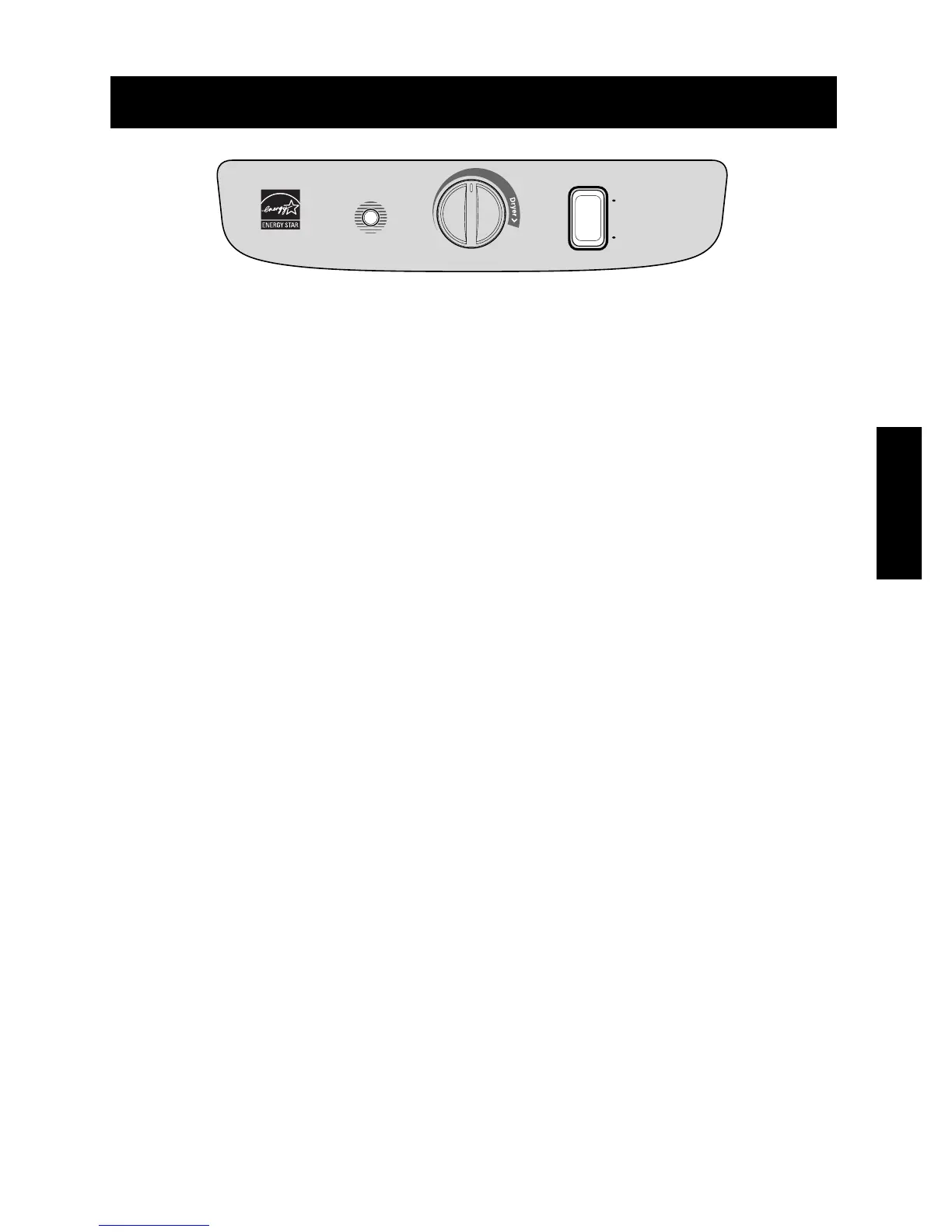
CONTROL PANEL
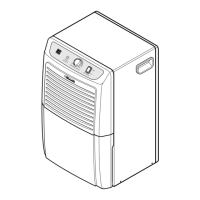
The control panel contains an Auto Shut-Off indicator, a Fan Speed and a Humidity Control.
Auto Shut Off--- This light glows when the bucket fills or is missing.
Fan Speed --- This switch controls the speed of the airflow.
Humidity Control--- This knob controls the moisture in the room.
TO OPERATE THE DEHUMIDIFIER:
1. Turn the Humidity Control to Off. Plug the power supply cord into an electrical outlet.
2. The Humidity Control can be set anywhere between Off and Max for normal operation.
If you need more dehumidification, turn the Humidity Control toward Max. If you need less
dehumidification, turn the Humidity Control toward Off.
3. Turn the Humidity Control to Off to stop the unit manually.
4. If you want to control the speed of air flow, turn the Fan Speed toward Low or High.



 To Next Page