- 11 -
CONTROLS & DISPLAY
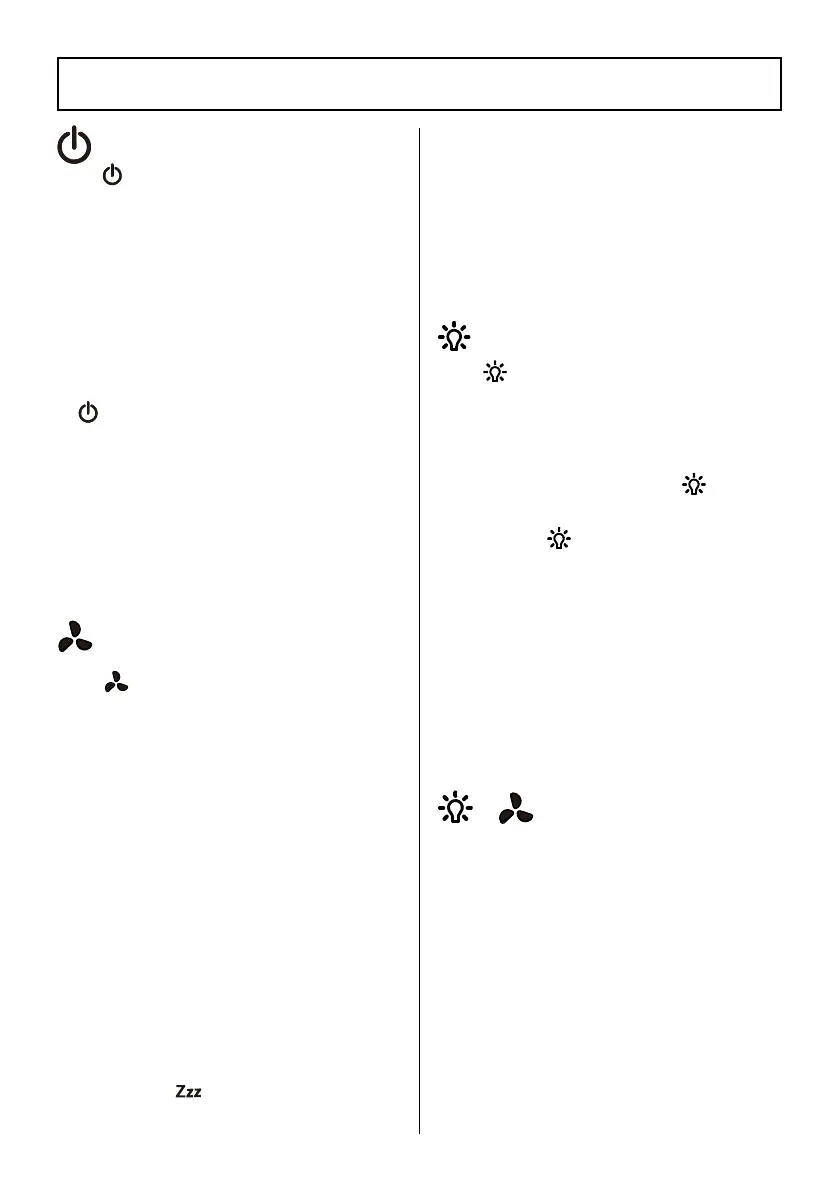
ON/OFF Button
Tap
to turn on/off the air
purier.
• In the standby state, ON/OFF
button glows red. Tapping
the button will turn on the air
purier. The ON/OFF button, fan
speed button and light button
light up. Timer button and lter
reset button are in dim light.
• In the working state, tap
ping
will turn off the air purier.
The air purier enters into the
standby state.
• When the air purier is turned
off but still plugged in, to turn
it on again, it will remember
its previous speed and color
settings.
Tap
to adjust fan speed
between I, II, III and then sleep
mode.
• Fan speed III is the loudest, but
cleans air the quickest.
• For best results, or to address
a specic air quality issue such
as smoke, run the air purier at
high speed (level III) for 15–20
minutes before using a lower
speed.
• To effectively clean air, keep
windows and doors closed while
the air purier is on.
• When switching to sleep mode,
all other button lights will
shut off. Only the sleep mode
indicato
r
will illuminate.
After 10 seconds, the sleep
mode indicator light will shut
off.
• Tapping any button will wake
up the sleep mode indicator.
Tapping any button again will
exit the sleep mode.
Light Button
Tap
to set your desired color.
• When the air purier is plugged
in and turned on, the light of
the air purier will illuminate
and can be changed between
seven colors. Tapping
will
set one color.
• Tapping
again will turn off
the light and all buttons.
• Tapping any button will wake
up the light button.
• When the air purier is turned
off but still plugged in, to turn
it on again, it will display a blue
light for 3 seconds, and then
show its previous color setting.
This function prevents settings
from being accidentally changed.
• In the working state, press and
hold the Light button and the
Fan Speed button for more than
3 seconds at the same time, the
child lock function will activate.
• When child lock is activated, all
buttons become unresponsive
except for Light and Fan Speed.
These two buttons will ash for
3 seconds to signal the child
lock is on.
Fan Speed/Sleep Mode
Button
Child Lock
+




 To Next Page