Setting Surface Controls
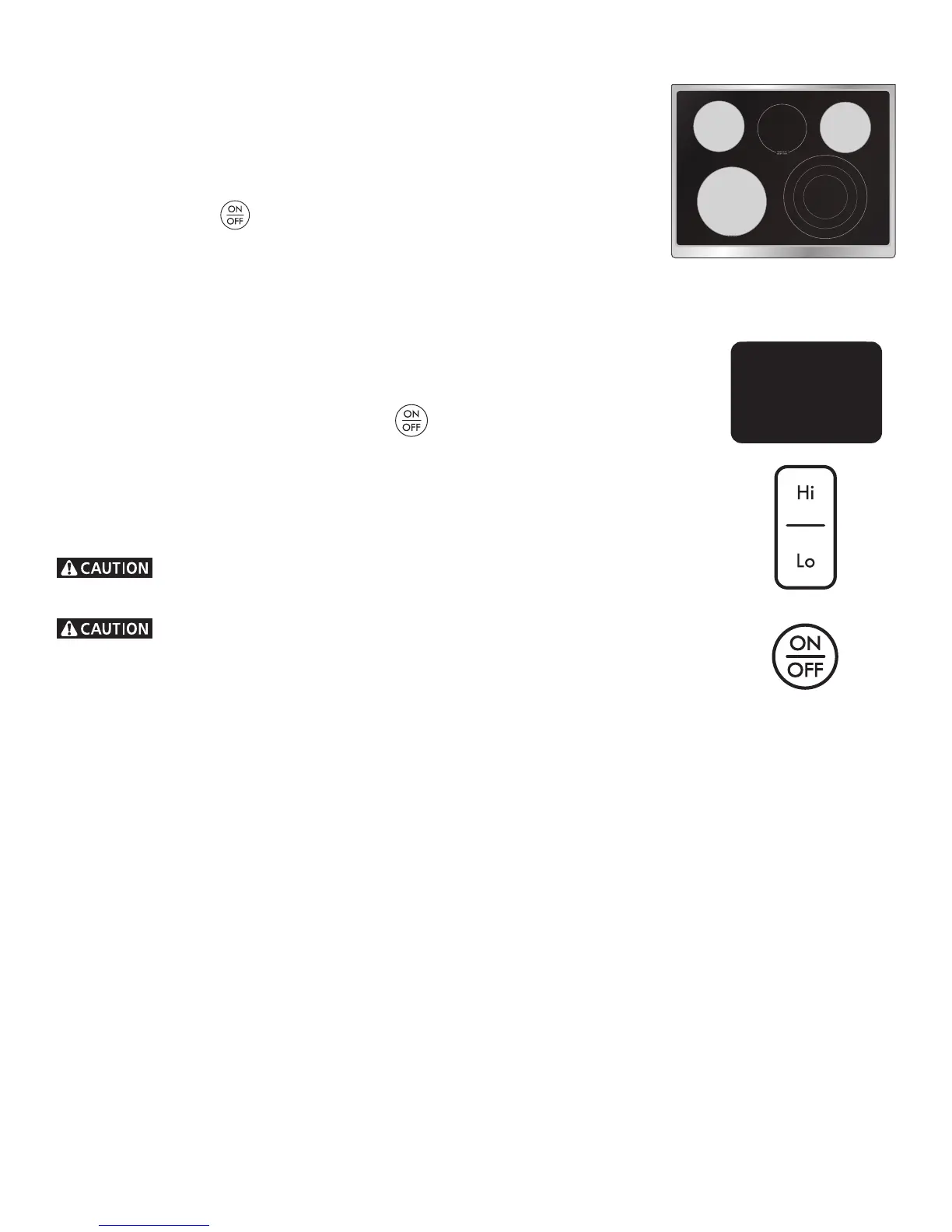
Figure 1
Single Elements
Operating Single Radiant Surface Elements
The cooktop has 3 SINGLE radiant surface elements (gure 1): the position,
the position and the position.
To Operate the Single Radiant Surface Elements:
1. Place correctly sized cookware on the radiant surface element.
2. Touch and hold the
pad for the desired element position until a beep is heard.
The display will show .
Note: If no further pads are touched within 10 seconds the request to power the element
ON will clear.
3. Touch Hi pad once to turn ON the power level to HI. Touch Lo pad once for Lo power level.
4. Each touch of the Hi or Lo pad will decrease or increase the power level from through
by .5 increments. Simmer power levels between and will decrease or increase by
.2 increments. Lo is the lowest power level available.
Note: The power level may be adjusted at any time while the element is ON.
5. When cooking has been completed touch the
pad once to turn the element OFF.
Each surface element provides a constant amount of heat at each setting. A glowing red surface
heating area extending beyond the bottom edge of the cookware indicates the cookware is
too small for the surface heating area.
Note: The Hot Surface message will be displayed on the control panel as soon as the element
is hot and will remain ON until the heating surface area has cooled suciently.
Radiant surface elements may appear to have cooled after they have been turned
o. The glass surface may still be hot and burns may occur if the glass surface is touched before
it has cooled suciently.
Do not place plastic items such as salt and pepper shakers, spoon holders or plastic
wrappings on top of the range when it is in use. These items could melt or ignite. Potholders,
towels or wooden spoons could catch re if placed too close to the surface elements.
Figure 2




 To Next Page