6
Before you start
For the best user experience each time you programme this
speedash with new settings, we strongly recommend that you clear
all previous settings by pressing both ‘clear’ buttons simultaneously.
This will restore the speedash to the factory settings.
A guide to the buttons
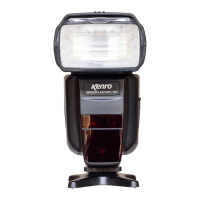
For simplicity’s sake, the terms in this manual refer to the buttons
by the names printed on the ashgun. Clockwise from top left-hand
corner, these are:
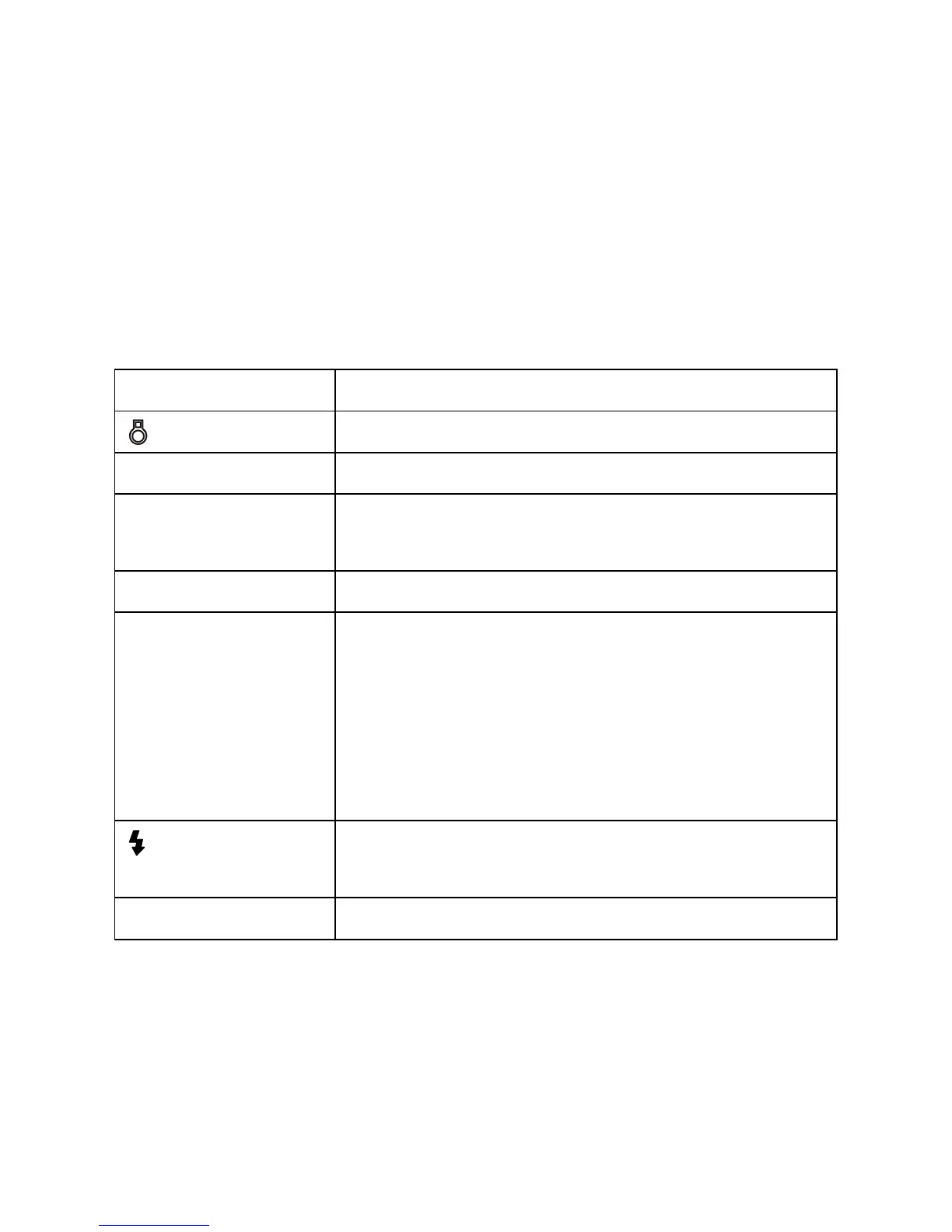
Button Function(s)
/ Fn Backlight / function button
CLEAR Left clear button and right clear button
ZOOM Focal length settings
Wireless settings (ratio, channel, groups)
ON/OFF Switches the unit on and off (press and hold)
Directional keypad Up
Down
Left
Right
Centre / conrm button – referred to in this
manual as the ‘set’ button
Flash indicator Indicates charge status
Test-res the ash
MODE Select ash mode


 To Next Page