28
SLAVE ash mode
SLAVE ash mode can be used in two ways:
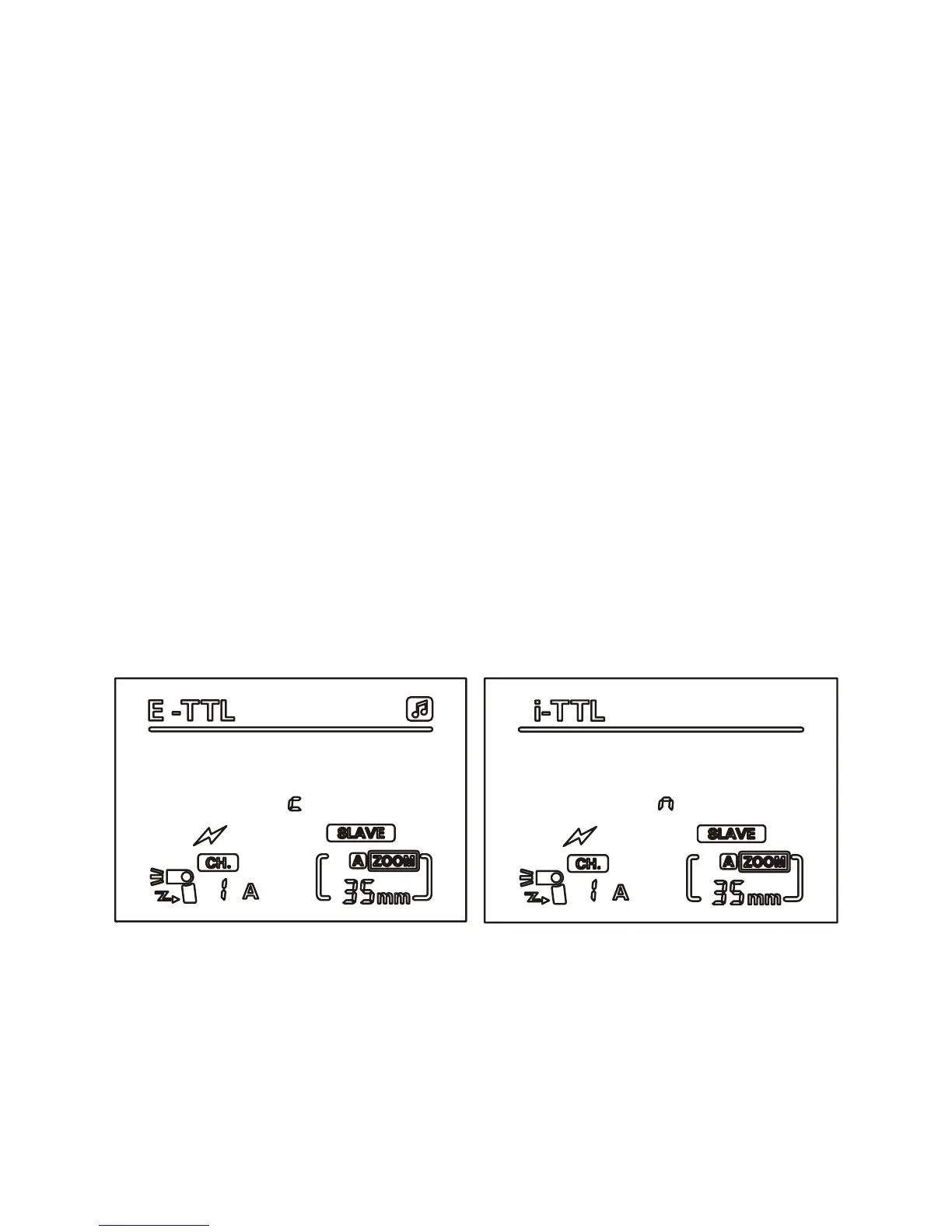
• Wireless instruction mode (SLAVE c / SLAVE n)
• Wireless optical ash mode (S1 / S2)
Disconnect the speedash from the camera.
Press the ‘left clear’ button to select a SLAVE mode (choose from:
SLAVE c, SLAVE n, S1 and S2).
Note: If the speedash is mounted on the camera hotshoe whilst
already in SLAVE mode, the mode must be manually exited by
pressing the ‘left clear’ button.
In SLAVE mode, the AF assist lamp can be turned off using custom
function FN-08 (for instructions on using custom functions, see page
33). If you need to use the AF assist lamp when exiting SLAVE mode,
you must re-enter the custom settings menu to turn the AF assist
lamp on.
In this mode, the ashgun will not enter a standby state after 60
seconds.
Wireless instruction mode (SLAVE c / SLAVE n)
SLAVE c mode will work wirelessly using the signal from the built-
in ash of a Canon 7D and 60D, with Canon 580EX II and 600EX
ashguns, as well as the ST-E2 wireless transmitter.
SLAVE n mode will work wirelessly using the signal from all Nikon
built-in ashes, and Nikon SB-900/800/700 ashguns, as well as the
Nikon SU-800 wireless transmitter.


 To Next Page