EasyManua.ls Logo

Kenwood CHEF KVC50 - User Manual

Kenwood CHEF KVC50
200 pages
Print Icon
To Next Page IconTo Next Page
Loading...
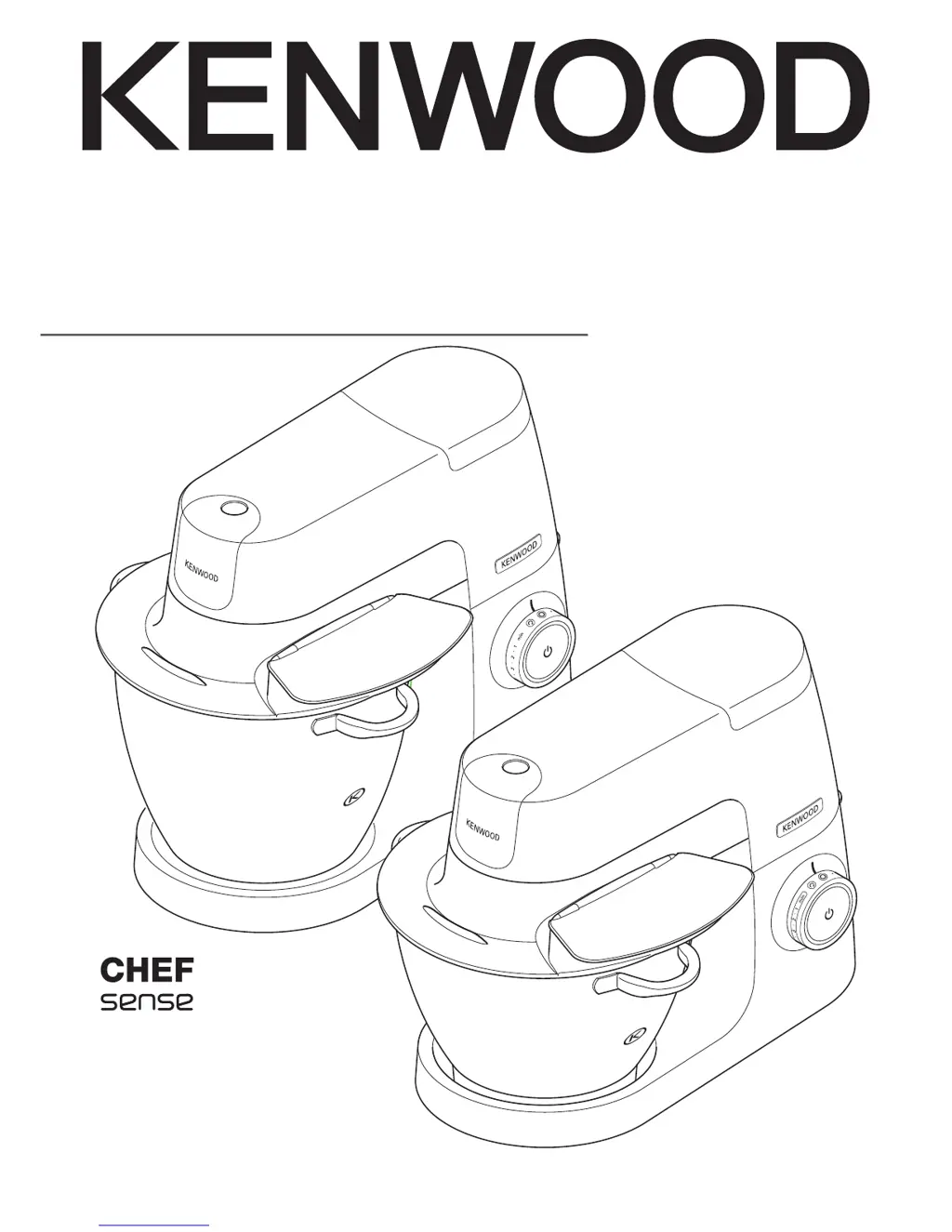
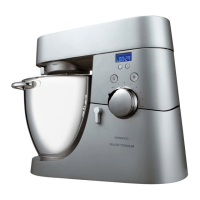
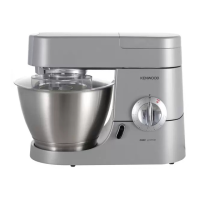
TYPE KVC50 (Chef)
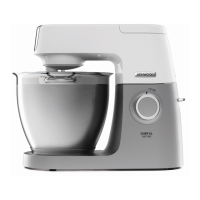
TYPE KVL60 (Chef XL)
instructions

Questions and Answers

  • N
    Nicholas MorenoAug 11, 2025
    What to do if my Kenwood Mixer stops and the standby light is flashing?
    • P
      pruittjulieAug 11, 2025
      If your Kenwood Mixer stops during operation and the standby light flashes rapidly, it indicates that the overload protection or overheat system has been activated, or the maximum capacity has been exceeded. To resolve this, unplug the mixer and check for any obstructions or overloading. Turn the speed control to “O” and then restart. If it still won’t operate, remove some ingredients to reduce the load and try again. If the problem persists, unplug the mixer and let it stand for 15 minutes before plugging it back in and reselecting the speed. If the machine still doesn’t restart, further assistance may be needed.
  • K
    Katie StaffordAug 21, 2025
    Why is the standby light off on my Kenwood CHEF KVC50 Mixer?
    • M
      Michelle PowellAug 21, 2025
      If the standby light is off while your Kenwood Mixer is plugged in, it means the machine has been left idle for more than 30 minutes and has entered standby mode. Simply press the Standby button once to reset it.
  • J
    Johnny JonesSep 1, 2025
    Why is the standby light flashing on my Kenwood Mixer?
    • J
      jmilesSep 1, 2025
      If the standby light is flashing when you first plug in your Kenwood Mixer, it means that the speed control is not in the ‘O’ position, or the mixer head is in the raised position or not locked down correctly. Ensure the speed control is turned to the ‘O’ position and that the Kitchen Machine head is locked down correctly.

Kenwood CHEF KVC50 Specifications

General IconGeneral
CategoryMixer
ModelCHEF KVC50
Power1000 W
Bowl Capacity4.6 L
Weight7.5 kg
Bowl MaterialStainless Steel
Electronic Speed ControlYes
Planetary Mixing ActionYes
Speed SettingsVariable speed settings

Related product manuals