Basic Operations
11English
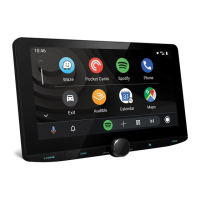
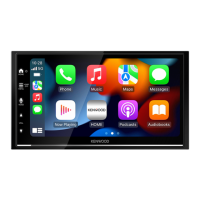
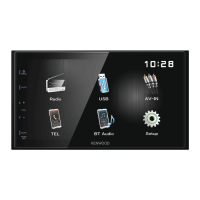
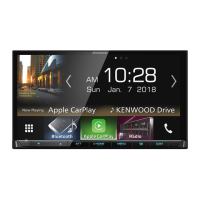
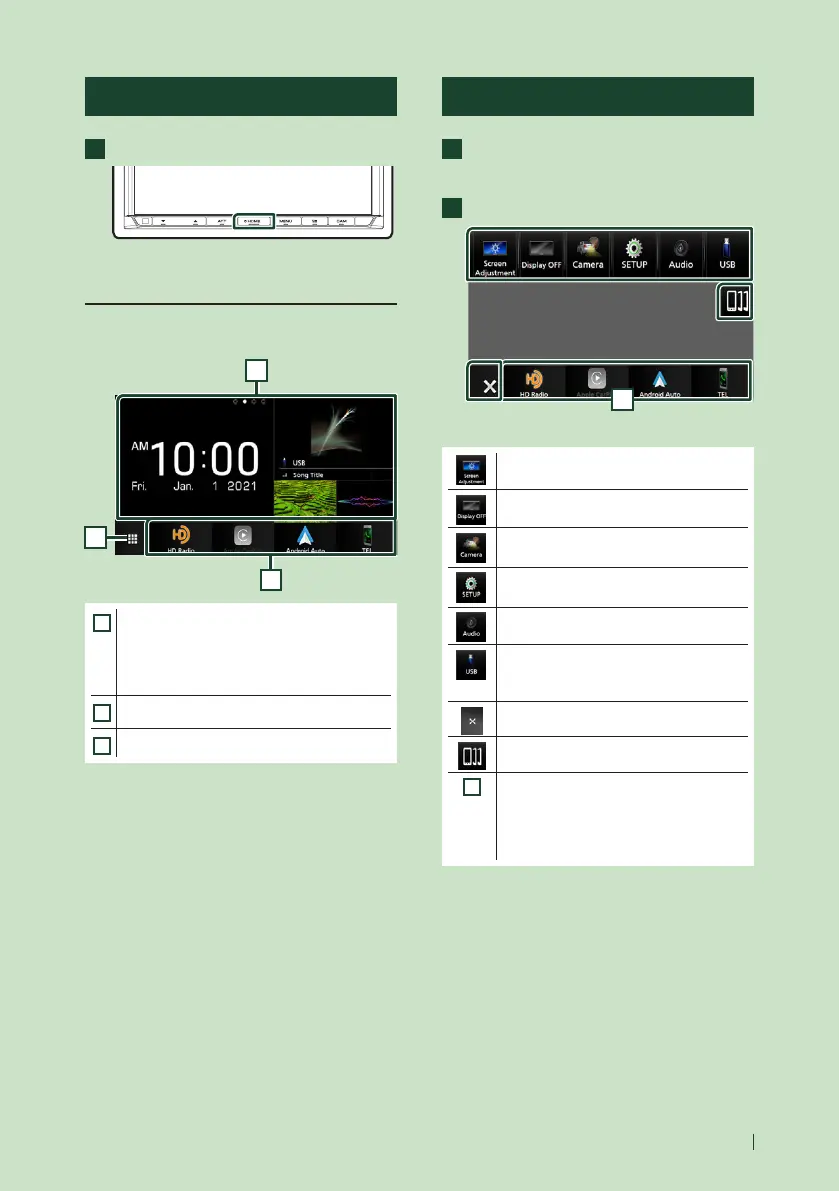
Display the HOME screen
1
Press the [HOME] button.
HOME screen appears.
HOME screen descriptions
Most functions can be performed from the
HOME screen.
1
3
2
1
• Widget (P.16)
– You can change the widget by flicking left
or right on the widget area.
– Touch the widget to display the detailed
screen.
2
• Displays the source selection screen. (P. 12)
3
• Short-cut playback source icons (P.13)
Popup menu
1
Press the [MENU] button.
Popup menu appears.
2
Touch to display the popup menu.
1
The contents of the menu are as follows.
• Displays the Screen Adjustment screen.
(P.69)
• Turns the display off. (P.12)
• Displays the view camera screen.
(P.64)
• Displays the SETUP Menu screen.
(P.69)
• Displays the Audio screen. (P.75)
• Displays the control screen of current
source. Icon feature differs depending on
the source. This icon is for USB source.
• Close the popup menu.
• Displays the Device List screen. (P.53)
1
• Short-cut source icons: The source
changes to the one you have set with a
short-cut. For the short-cut setting, refer
to Customize Short-cut source icons on
HOME screen (P.13).


 To Next Page
 Loading...