Widget
18
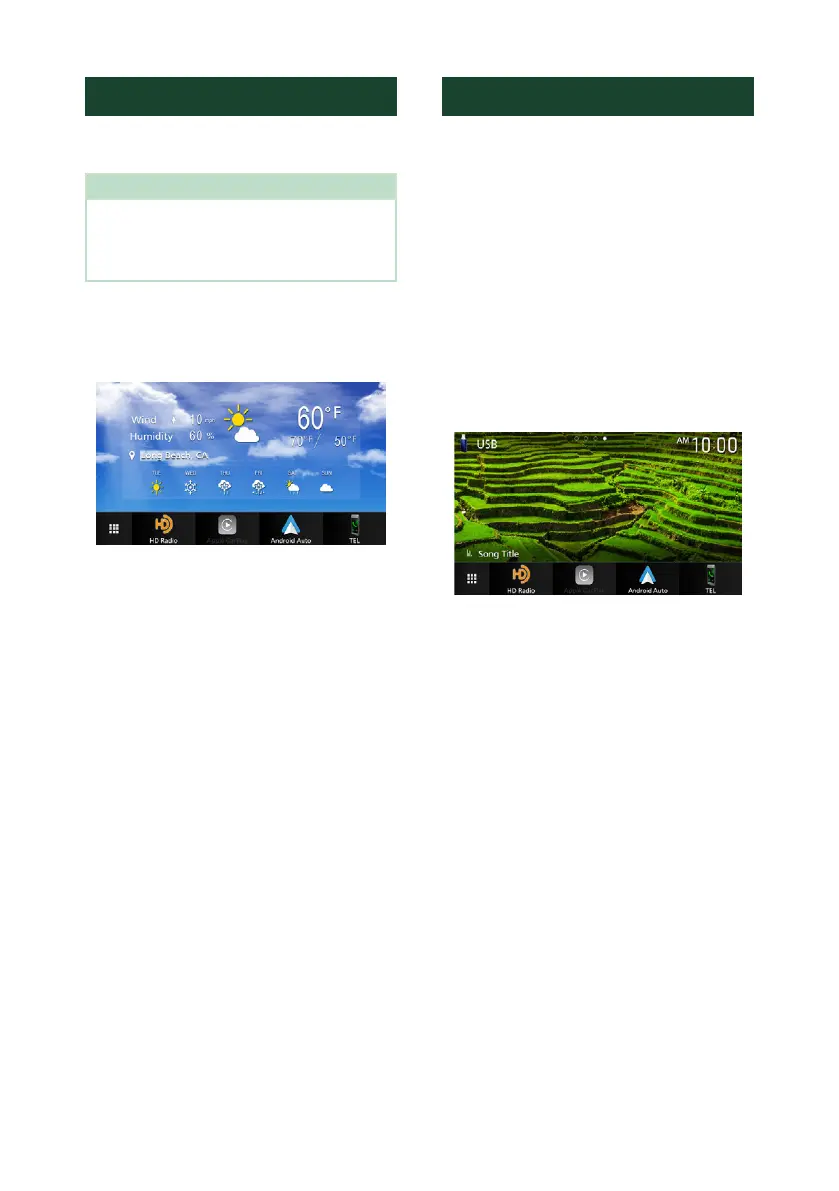
Weather Widget
You can display the weather forecast of the
present location on the Home screen.
Preparation
• See KENWOOD Traffic Powered By INRIX
(P.24).
• Select “ON” for Weather Widget. See Widget
SETUP (P.19).
1
Press the [HOME] button.
2
Flick the widget area to the left/right to
display the weather widget.
Photo Frame Widget
You can display a slideshow of the image files
stored in your iPhone or Android smartphone
on the Home screen.
Ñ Preparation
• See Importing Image Files (P.19).
• Select “ON” for Photo Frame Widget. See
Widget SETUP (P.19).
Ñ Photo Frame
1
Press the [HOME] button.
2
Flick the widget area to the left/right to
display the photo frame widget.
• To scroll the screen to display the hidden part,
select “ON” for [Photo Frame Scroll]. See
Widget SETUP (P.19).


 To Next Page
 Loading...