3 PREPARATIONS FOR OPERATING APRS
20 CONTENTS TH-D72A/E
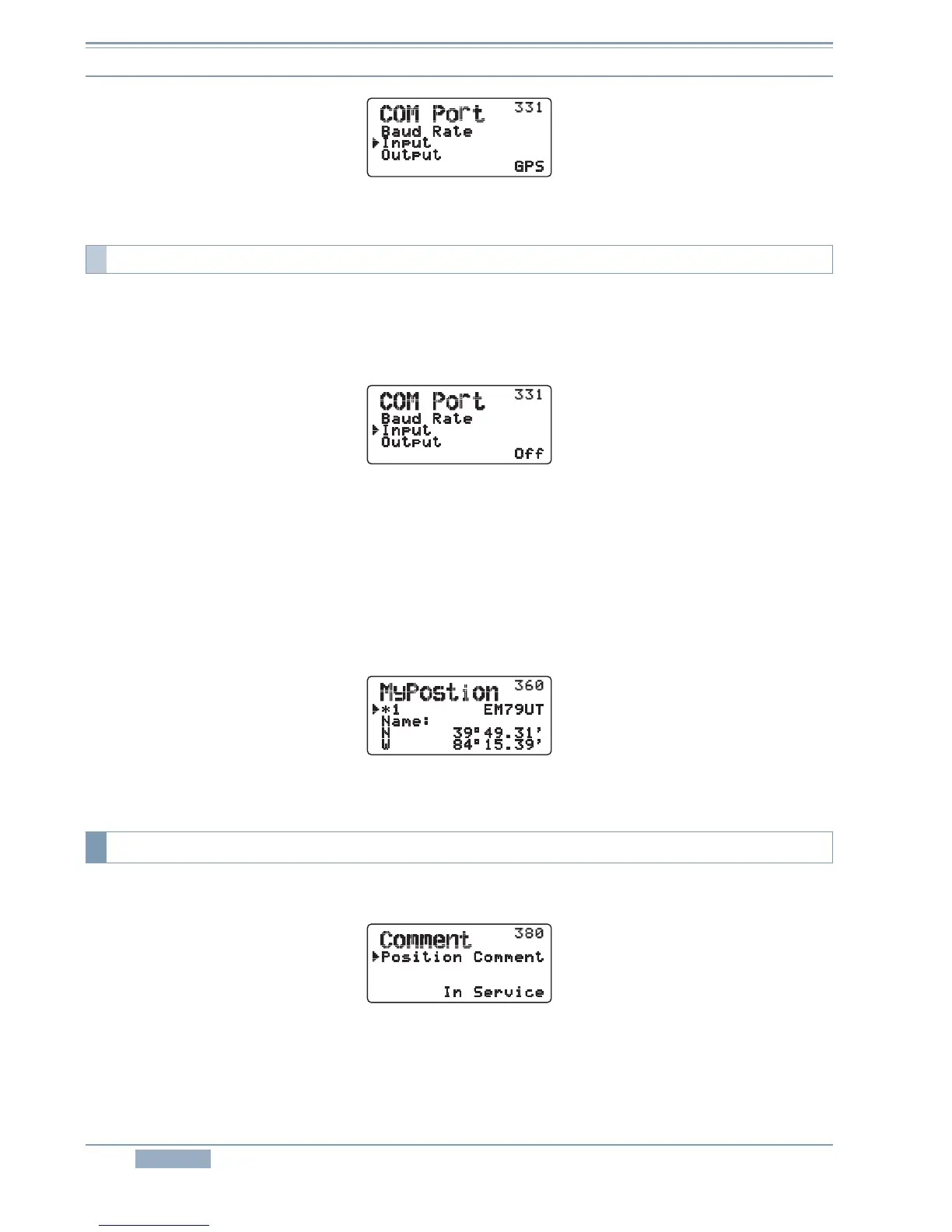
Figure 3-10 Menu 311 (COM Port – Input)
To use the position configured in the menu, disable the internal GPS unit.
To configure for a GPS terminal, select Menu 331 (APRS - COM Port).
• Input: Off
Figure 3-11 Menu 311 (COM Port – Input)
To configure the position of your own station, select Menu 360 (APRS – My Position).
• Name: any name (Enter a name familiar with you. For instance, Home name, etc.)
• Latitude: Enter a latitude value.
• Longitude: Enter a longitude value.
Example:
Configure a latitude of 39° 49.31' N and a longitude of 84° 15.39' W. Refer to Figure 3-12.
Figure 3-12 Menu 360 (My Position)
To enter a position comment, select Menu 380 (APRS - Comment - Position Comment).
Figure 3-13 Menu 380 (Comment – Position Comment)
3.2.6.3 Manually Entering Your Position
3.2.7 Position Comment



 To Next Page