3-10 Setup Procedure For The Batcher
3-10 Setup Procedure For The Batcher
From the previous page, we are in the
setting portion of the Outcard setup Menu.
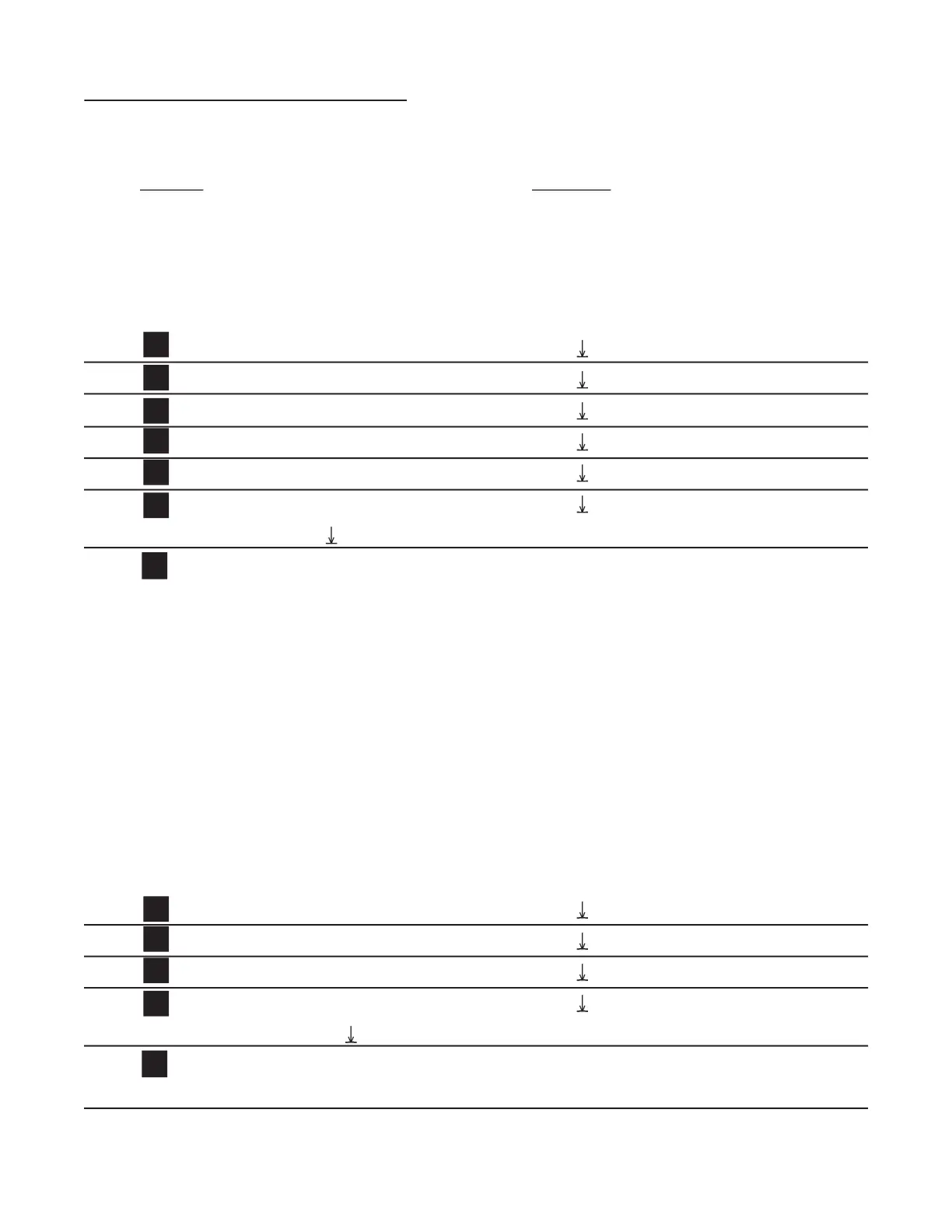
By pressing the D button repeatedly, the available Baud rates will be displayed. The
menu will cycle through the rates again whenever the bottom of the list is reached. Sim-
ply stop on the Baud rate desired and hit the ENT
The Baudrate is the speed at which the unit communicates.
Press ENT at desired Baud rate. PARITY fl ashes then last Parity selected is displayed.
By pressing the D button, the available Parity selections will be displayed. The menu will cycle
through the rates again whenever the bottom of the list is reached. Simply stop on the Parity
desired and hit the ENT button.
Parity is a way for the terminal to determine if the signal it received has reached it intact.
It does this by counting the number of bits received and checking it against the parity bit. The
parity bit is turned on if it corresponds to the number of bits in the character. For example: If the
bits add up to an odd number and the parity selected is even then the parity bit will not be turned
on. (If the parity was odd then it would be turned on.) Mark or Space turn on (or off respective-
ly) the parity bit with each character sent, all of the time.
Note: The Batcher will always ignore the parity bit for all characters it receives. The parity se-
lection is provided for the master terminal only.
Last count, unit now in Run Mode.
Press ENT at desired Parity, Parity stored.
The Serial Communications Port is now set up.


 To Next Page